


Where a Professional Iridologist in South Africa Can Source Professional Iridology Charts and Related Services
Quick answer
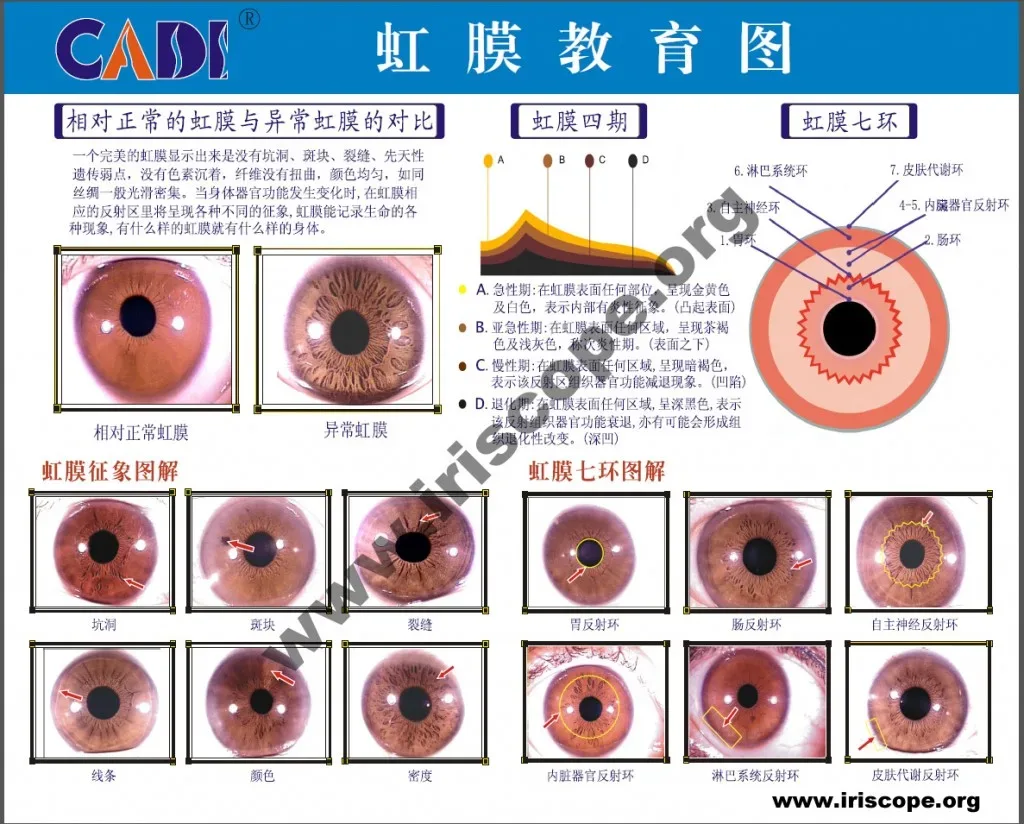
For an immediately usable comparable provider chart you have three practical routes: order digital chart files and chart-compatible accessories directly from the iriscope manufacturer (we supply device-matched calibration charts and software-compatible components), buy professional print and lamination services locally in South Africa for clinic-ready paper charts, or obtain analysis overlays and training support from local comparable provider training institutes. Choose the route that matches how you will use the chart – fully digital overlaying in analysis software, printed charts for consultations, or custom charts localised for your practice language – and verify compatibility with your camera model, software version and the supplier’s calibration mark before you buy.
Contents
Quick evidence: supplied product facts that affect chart choice
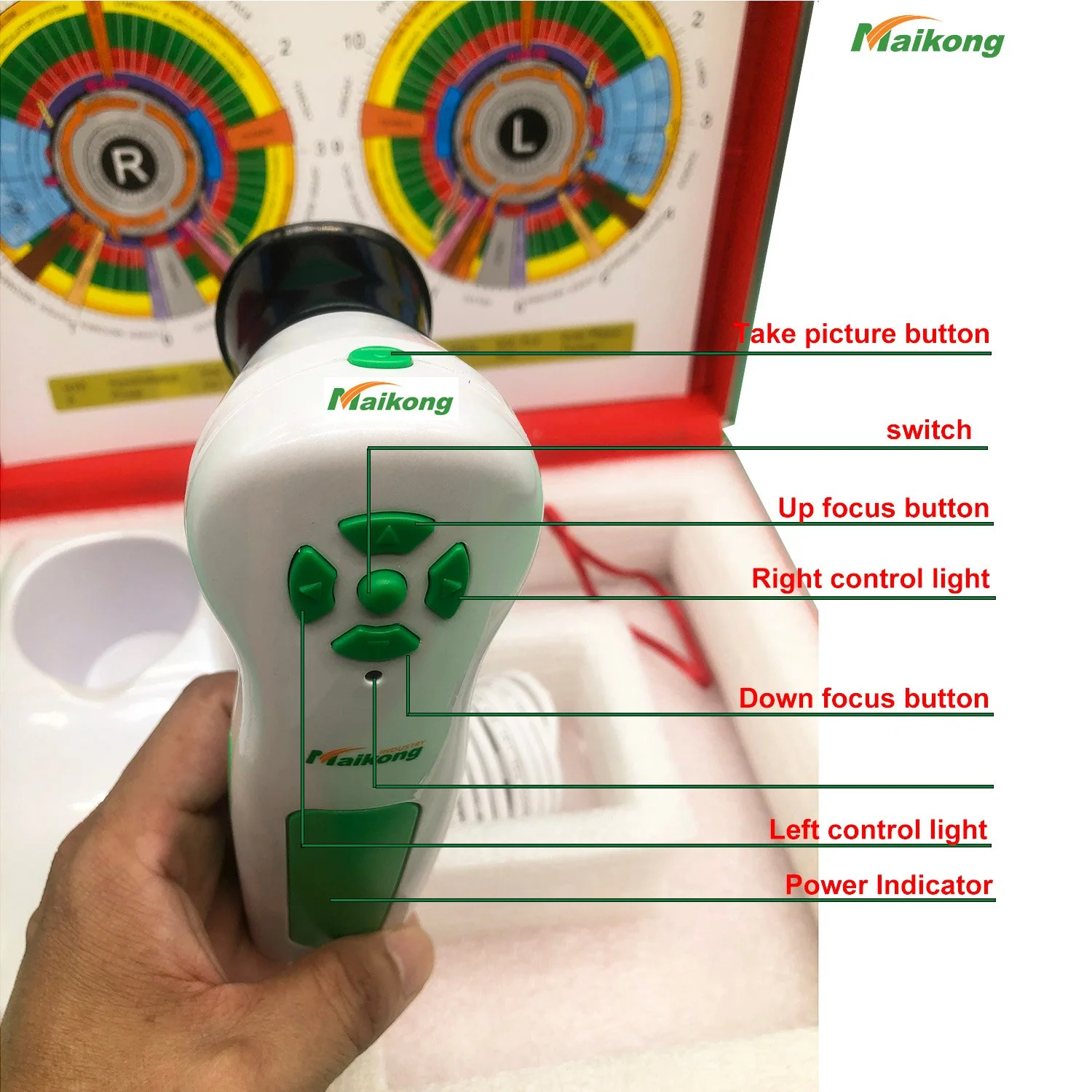
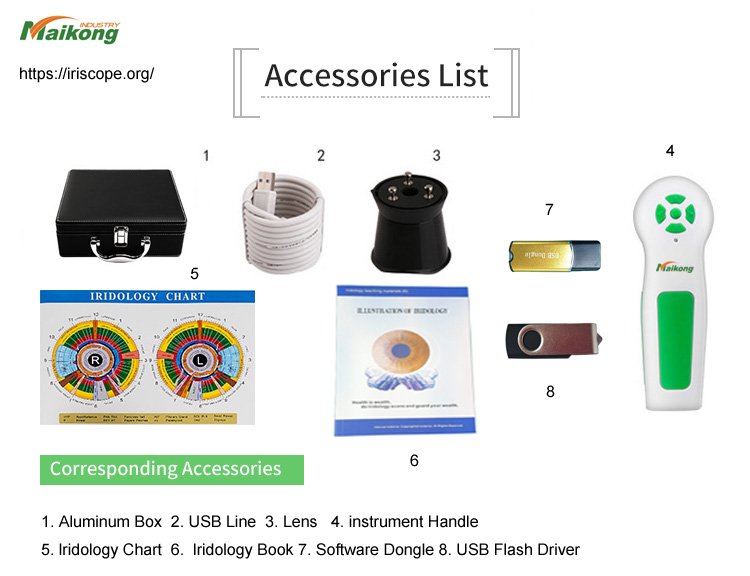
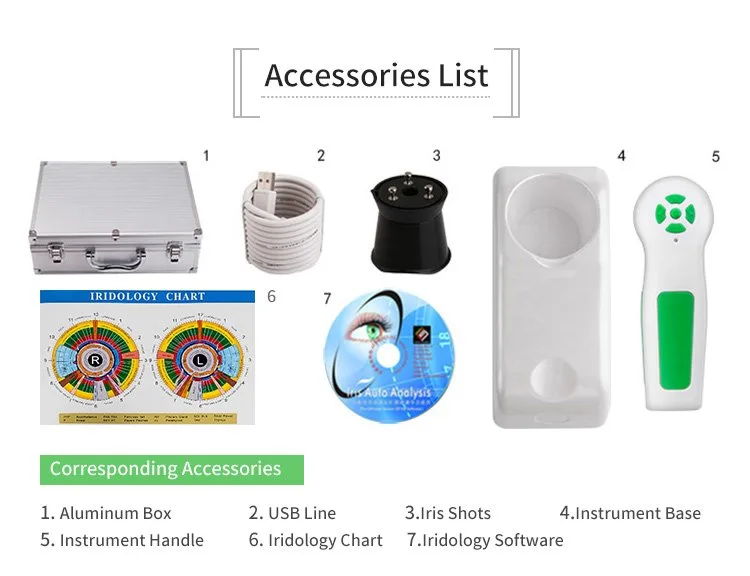
When compatibility is critical, use manufacturer-supplied details to reduce surprises. The MAIKONG MK9822U iriscope package explicitly includes a calibration chart and is delivered with a matching software package; those two items are the single biggest convenience for matching charts to capture hardware and analysis software. Below are the supplied technical facts you should treat as traceable inputs when you request samples or a quote.
Manufacturer source: ordering charts and chart-compatible accessories from MAIKONG
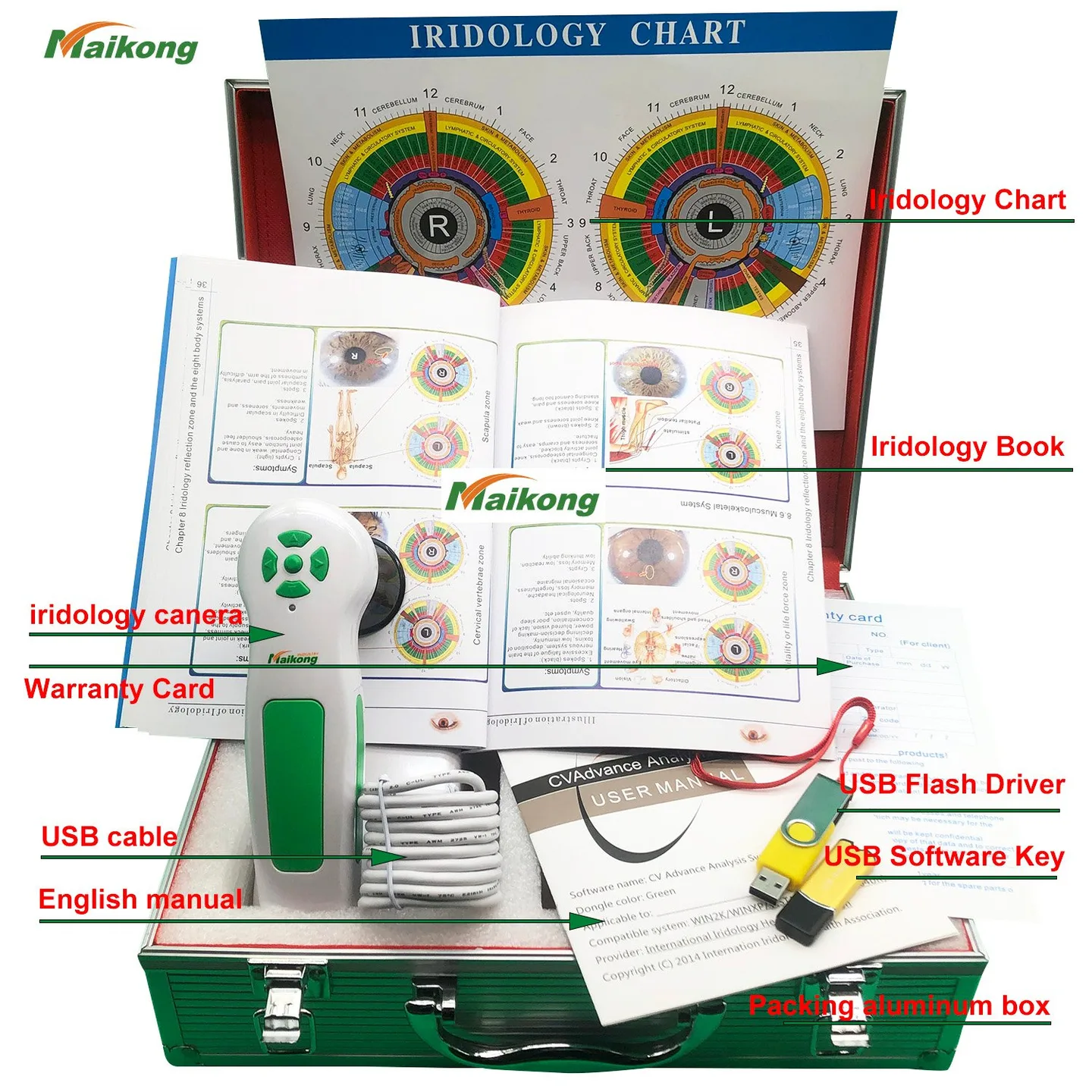
Ordering directly from the iriscope manufacturer is the shortest path to a chart that aligns with your capture hardware and analysis software. We supply the MK9822U iriscope package (including a calibration chart), the MAIKONG comparable provider SOFTWARE 2026 release and the supporting user manual and installation guidance. Because the calibration chart ships with the device, a digital or printed chart sourced from us will usually require fewer alignment adjustments in software.
Software & chart libraries: what to confirm before you accept a chart file
Digital chart files and overlays are common; they can be PNG/TIFF/PDF or layered files used by specialist comparable provider software. We recommend you confirm three things when you request digital charts:
- Which file formats the supplier will provide and whether they include a vector or high-resolution raster suitable for scaling without visible pixelation.
- Whether the chart includes registration marks or calibration markers that align to your camera’s calibration chart (the MK9822U package includes one calibration chart—use that to test overlays).
- Whether the chart provider can supply an exact printable scale and a sample print PDF sized to common paper formats you use in the clinic.
Local sourcing options in South Africa and what each provides
For a South African wellness practice the practical suppliers are:
- Direct manufacturer (export) — device‑matched charts, software licences, calibration charts and spare parts. Best when you need exact device compatibility and a small MOQ (we accept single‑unit orders).
- Local distributor/importer — can hold stock, offer local VAT handling and limited after‑sales logistics. They may also offer basic training or local warranty facilitation.
- Professional print service — supplies laminated, clinic‑grade printed charts in colour and specific paper sizes. Use them for wall charts or handouts when you supply a print‑ready PDF with calibration marks.
- comparable provider training institutes — provide overlays, templates and training packages; useful when you need charts localised to practice standards or language-specific annotations.
Choose a local print service when you need durable, laminated charts quickly. Choose manufacturer supply when you require pixel-accurate overlays and a calibration workflow that matches your camera/software exactly.
Chart formats and key features to confirm before purchase
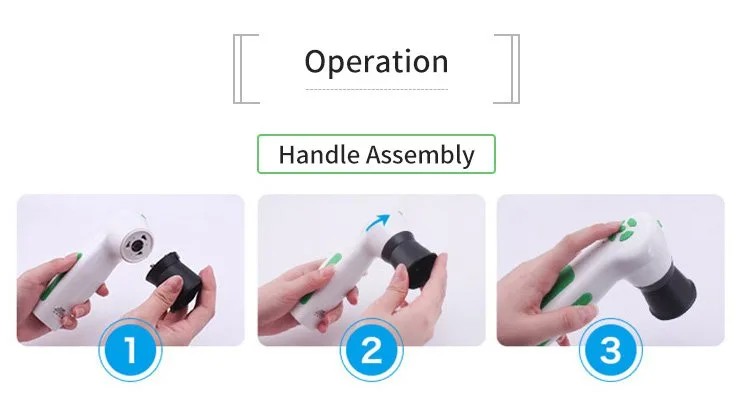
Before you buy a chart file or print, confirm these measurable features:
- Printable scale and dimensions — the chart must print at the scale the software expects, or overlays will shift.
- Calibration marks and registration targets — these must match your camera’s calibration chart so the software can auto-align overlays.
- Resolution — charts intended for zoomed digital overlay should be high resolution (vector files or high‑DPI raster) to avoid pixelation.
- Overlay layers — ask whether the chart is provided as single raster, multiple transparent PNGs, or as a layered file that you can toggle in your analysis software.
Compatibility checklist for your clinic
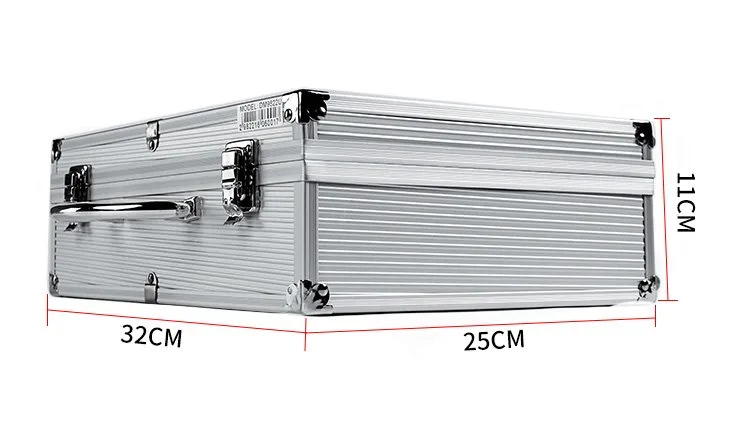
Run this short checklist before ordering charts or commissioning prints.
- Confirm the analysis software name and version you will use (for MAIKONG comparable provider SOFTWARE 2026, specify version 2026 3.401 if you want manufacturer-matched files).
- Request a sample chart file or scaled PDF from the chart supplier and test it against your calibration chart in the software before paying for a full print run.
- For printed charts, request a proof print of the registration marks and a measurement confirmation page so you can verify the print scale in your clinic.
- Check the physical mounting or display dimensions—wall charts and handheld charts require different margins and lamination finishes.
How professional charts are used in practice
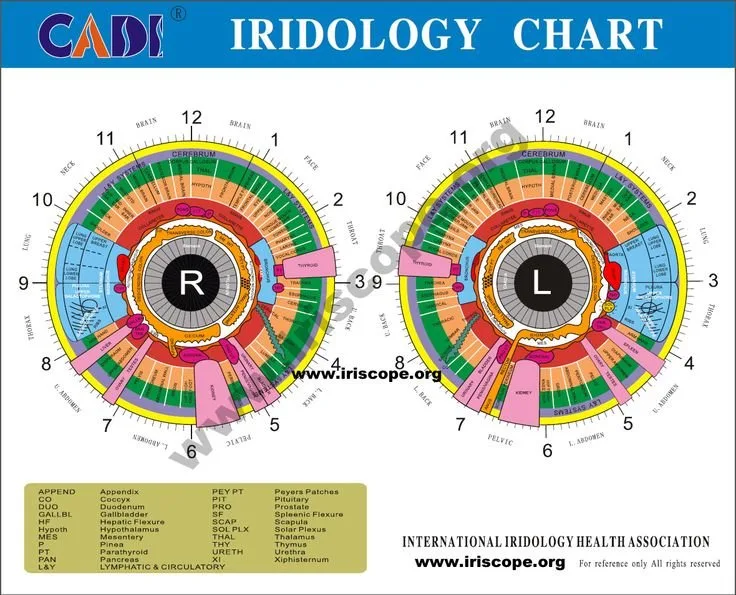
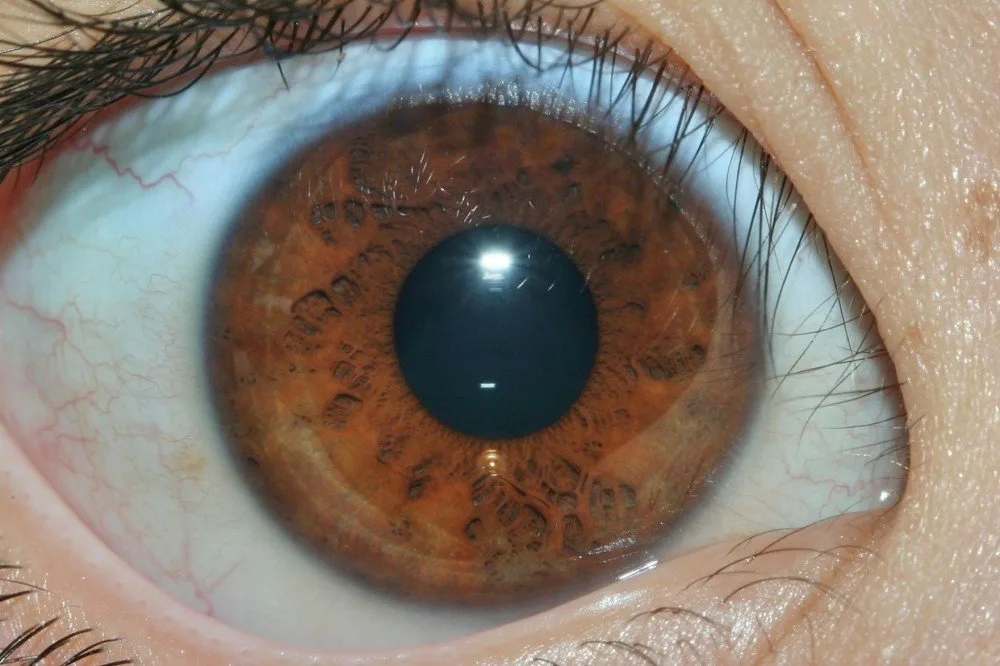
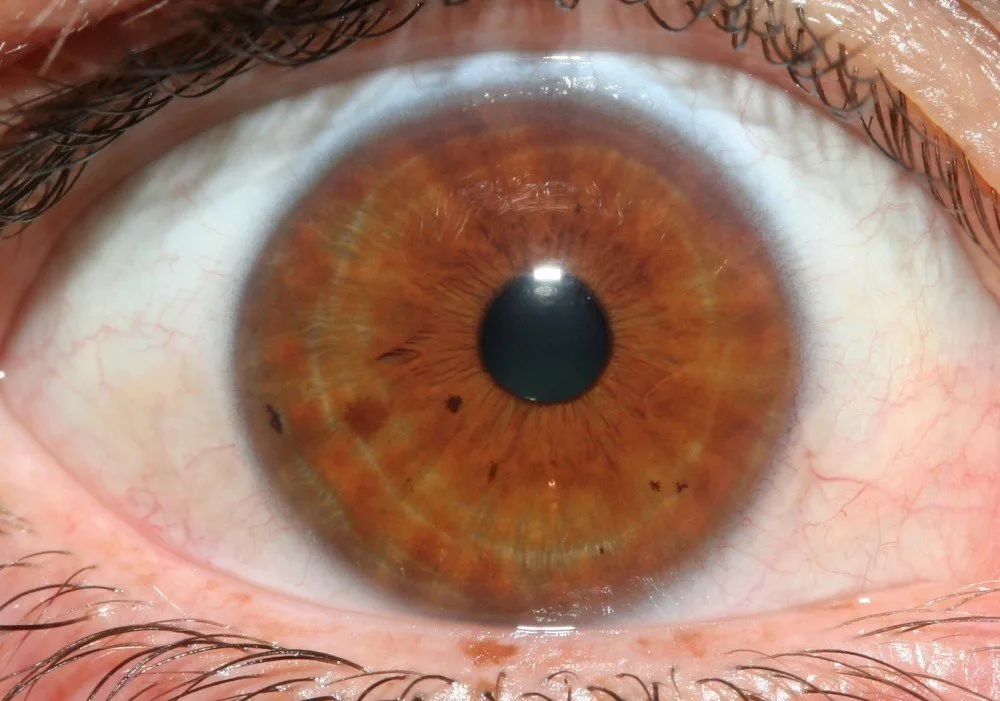
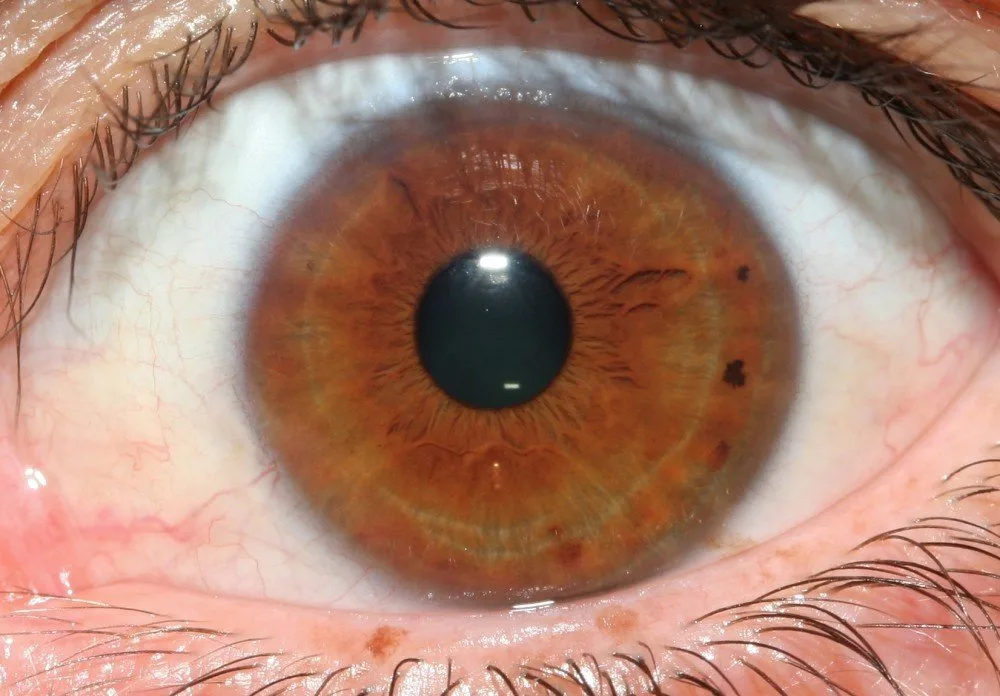
Typical workflows split into two modes: digital overlaying inside analysis software, and printed charts used during consultations. For digital overlay you capture a high-quality iris image, run the software calibration using your device’s calibration chart, then load an overlay and check alignment. For printed charts you must ensure the printed scale matches the software’s expectation if you intend to compare capture images to printed illustrations.
Service purchases you might need
Consider commissioning one or more of the following services depending on your clinic needs:
- Custom chart design or localisation (language, labelling, additional anatomy overlays).
- High‑quality printing and lamination for wall charts or client handouts.
- Digital overlay packaging tuned for your software and device model, including preconfigured layers.
- Chart updating services if you adopt a different analysis framework or diagnostic overlay later.
When you request a custom service, provide your capture device model, the analysis software and version, the chart dimensions you require, and the quantity and intended use (wall/handout/digital).
Quick verification checks you can run before final purchase
These are simple, low-cost checks to confirm a chart will work with your setup:
- Request a small, sample PDF or PNG and print it at the requested size; verify printed registration marks with a ruler.
- Load the digital sample into your analysis software and overlay it on a test capture using your calibration chart; verify that major anatomical markers align without large manual shifts.
- Confirm file formats and whether transparent PNG layers or vector PDF are included for flexibility in your software.
- For prints, request a material and lamination sample to confirm glare, colour fidelity and durability in a clinic lighting environment.
Practical step-by-step to obtain a usable chart today
- Decide how you will use the chart: digital overlay only, printed wall/handout, or both.
- List your hardware and software: camera model (e.g. MAIKONG MK9822U), OS, and analysis software/version.
- Request a digital sample and a calibration alignment guide from the supplier—test the sample in your software using your calibration chart.
- If prints are required, request a proof PDF scaled to actual dimensions and a proof print on the chosen material before approving a full order.
- If you need customisation (language, labelling, additional overlays), include the exact labelling text and the required file formats when you ask for a quote.
What this does not cover and questions you must confirm with suppliers
- Exact file formats delivered, and whether layered/transparent overlays are included for your analysis software.
- Whether the supplier will match the chart precisely to your calibration chart (request a sample alignment).
- Shipping costs, taxes and any local import formalities for South Africa.
- Warranty coverage terms and how local repairs or returns would be handled.
Missing evidence we could not supply here includes any third‑party certification claims and country‑specific electrical/installation regulations. Treat those points as questions to ask rather than assumptions.
Checklist: what to include in a chart or RFQ request
- Intended use: digital overlay, printed wall chart or client handouts.
- Analysis software name and version (for example MAIKONG comparable provider SOFTWARE 2026 v2026 3.401 if applicable).
- Desired file formats and print dimensions; number of prints and finish (lamination, backed board, etc.).
- Delivery destination (South Africa) and any local requirements for language or labelling.
Useful next step
If you want chart files or a matched sample for testing, email us your application details: name of your practice, capture device model and configuration, the software and version you use, the quantity (if ordering prints), and the delivery destination in South Africa. Send your request to:
FAQ (practical follow-ups)
Can we test a chart before bulk ordering?
Yes — request a digital sample or scaled PDF proof and perform the overlay test with your calibration chart in your software. For printed charts, ask for a single proof print before approving the full run.
Will a chart from a different manufacturer align with MAIKONG software?
What formats are safest to request?
Ask for a vector PDF for printable charts and high-resolution raster files (PNG or TIFF) with transparent backgrounds for overlays. Confirm the supplier’s ability to supply registration marks that match your camera calibration.
Final practical note
For a South African wellness clinic the fastest route to a working chart is to request a sample aligned to the iriscope and software you already use, perform the overlay alignment test with your calibration chart, then commission the final digital files or print run. If you plan to import devices or printed materials, include delivery and local tax handling in your enquiry so quotes are comparable.
This content is provided for learning, information sharing and professional communication only. It is not medical advice and is not a basis for treatment or diagnosis. Confirm suitability, operation and purchasing requirements against the product manual, local regulations and qualified professional guidance.