Description
Summary
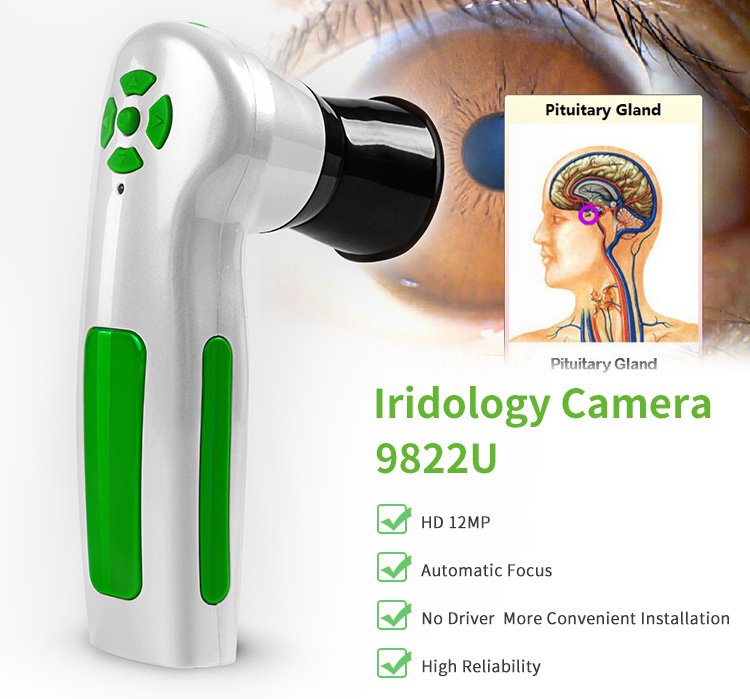
MAIKONG iriscope comparable provider camera 12MP 9822 For Win 7/8/10/11 And Apple Mac OS is offered to professional buyers who need a documented configuration. Compare the verified details before requesting a quotation.
comparable provider camera · MK9822U · MAIKONG iriscope comparable provider camera 12MP 9822 For Win 7/8/10/11 And Apple Mac OS
Company-supplied product record
Product identification and selection basis
MAIKONG iriscope comparable provider camera 12MP 9822 For Win 7/8/10/11 And Apple Mac OS · MK9822U · comparable provider camera
These details come from company-provided product records. Confirm the applicable model and version against the corresponding manual.
Core components and system composition
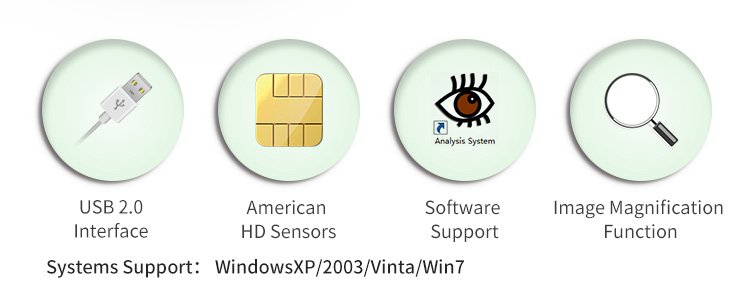
- Supported systems: Windows11, Windows10, Windows8, Windows XP
Company-provided specifications and buyer significance
| Specification | Provided value | Buyer significance |
|---|---|---|
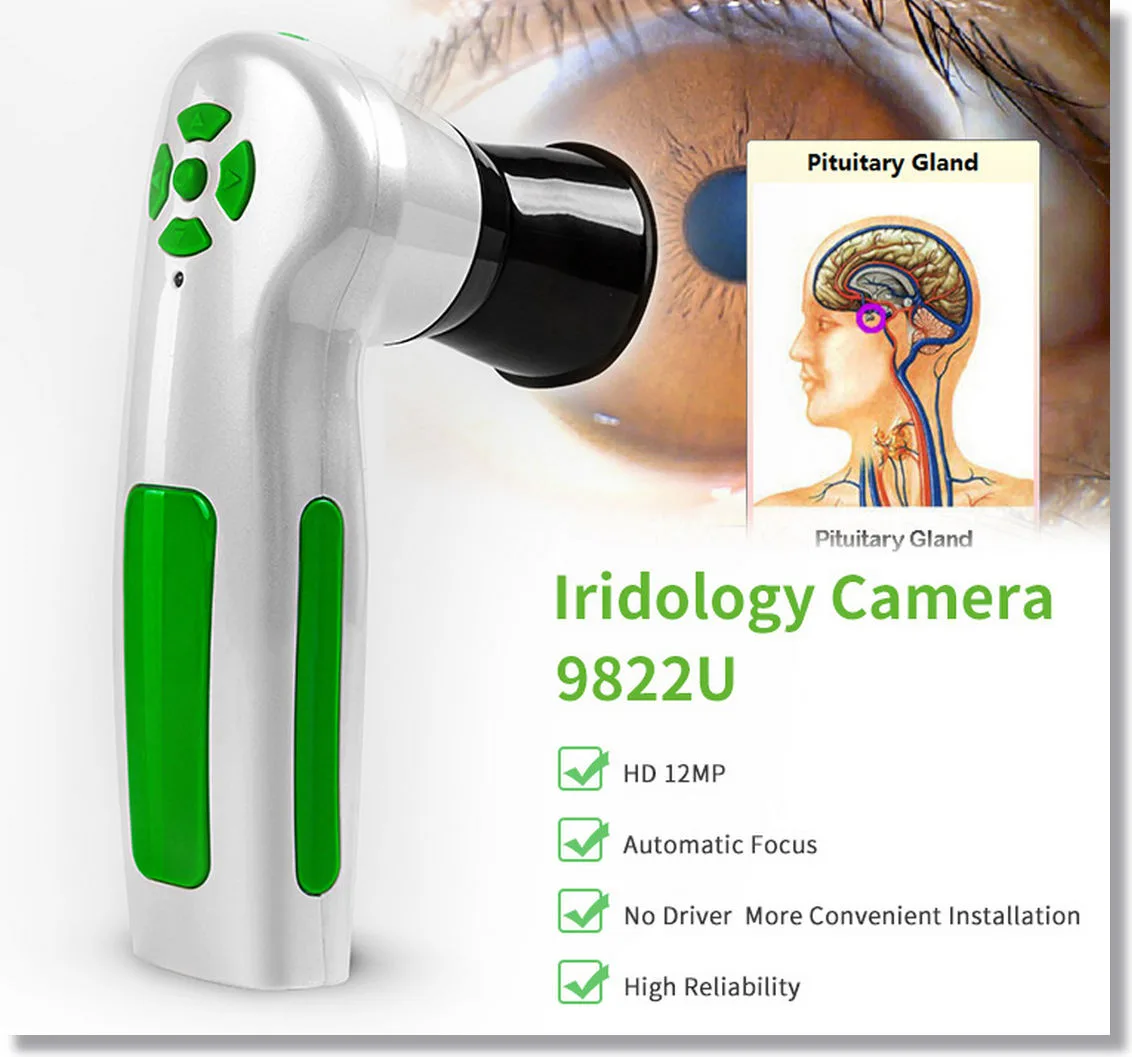
| Camera Resolution | 12 Megapixels | |
| Lighte | LED with adjustable brightness | |
| Interface | USB 3.0 | |
| Support Window OS | win 7 / 8 / 10 / 11 | |
| Support Apple Mac OS | M1-M4 | |
| Power Supply | USB Power | |
| Focus | Manual and Auto-focus option | |
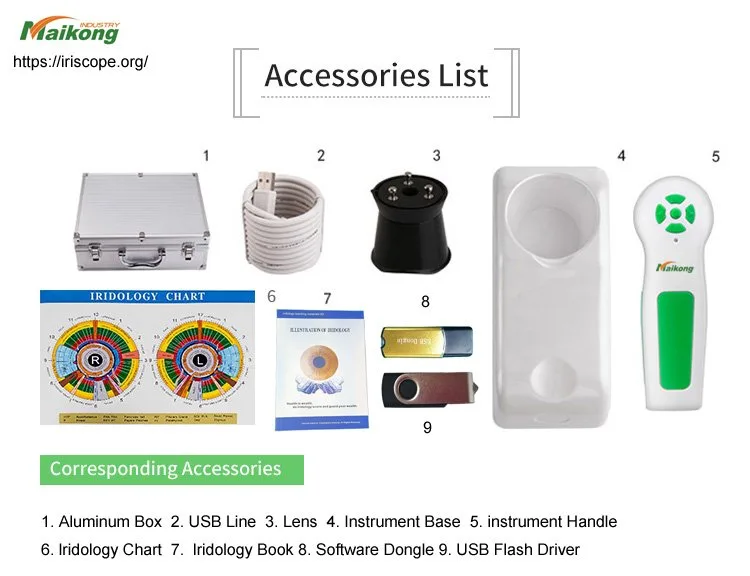
| Iriscope Device | 1 pc | |
| USB Cable | 1 pc | |
| Calibration Chart | 1 pc | |
| User Manual | 1 pc | |
| Protective Case | 1 pc | |
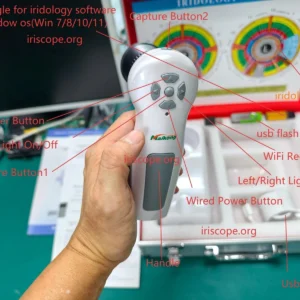
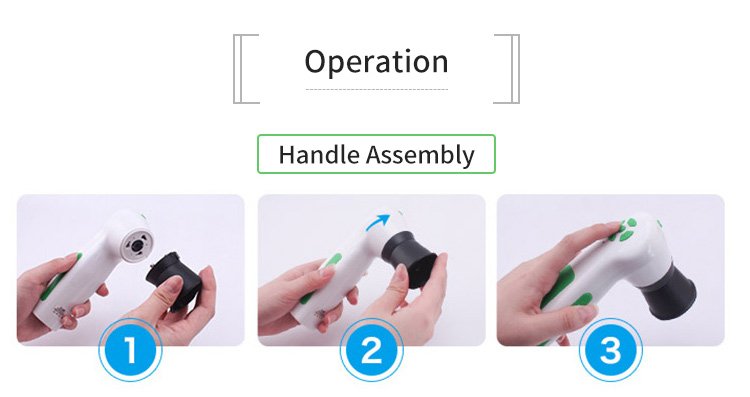
| Iriscope Install Steps | Install and sette up iriscope is straightforward. Follow steps: Unpack Your Device Remove iriscope and its accessories from box. Check to ensure all components, such as USB cable, user manual, and calibration chart, included. Install Software Insert software CD provided in package or download software from official MAIKONG website. Follow on-screen instructions to complete installation. Choose your preferred language dure setup. Connect Iriscope Plug iriscope into your computer use USB cable. Wait system to recognize device. Calibrate Device Open software and perform calibration use included chart. Adjust lighte and focus settes as needed optimal image quality. Begin Capture Images Launch software and start capture high-resolution comparable provider images. | |
| Model | MK9822U | |
| Minimum order quantity | 1 | This affects order quantity, lead time, logistics or after-sales coverage; confirm it in the quotation. |
| Lead time | 2–3 days | This affects order quantity, lead time, logistics or after-sales coverage; confirm it in the quotation. |
| Warranty | 1 year | This affects order quantity, lead time, logistics or after-sales coverage; confirm it in the quotation. |
| Software | MAIKONG comparable provider SOFTWARE 2026 | Confirm compatibility, language, update method and delivery format before ordering. |
| Supported systems | Windows 11, Windows 10, Windows 8, Windows XP | Confirm that this function is included and enabled in the quoted model and software. |
Software, interface and data capabilities
- MAIKONG comparable provider SOFTWARE 2026
- 2026 3.401
- Windows11, Windows10, Windows8, Windows XP
Installation, voltage and environment
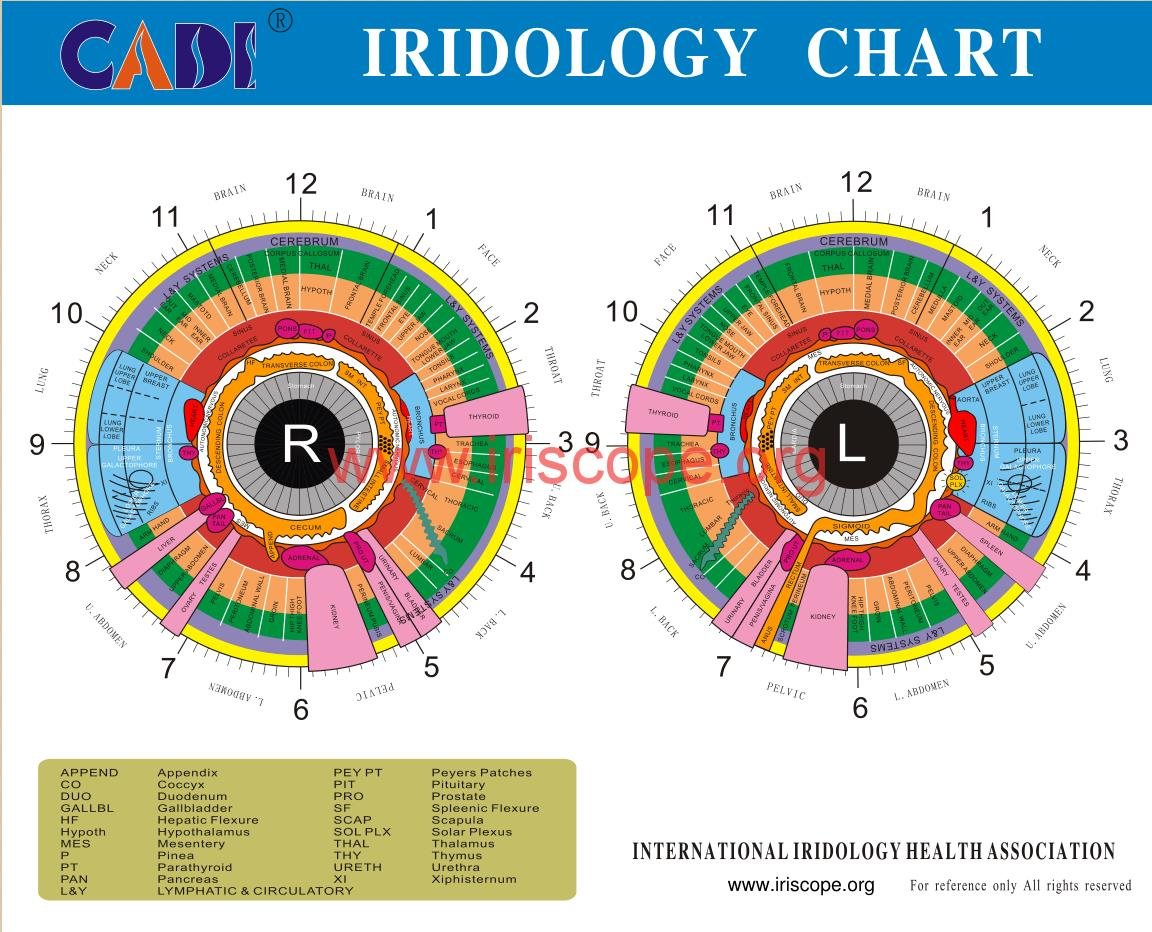
- Power Supply: USB Power
Packaging, shipping, lead time and MOQ
- 1
- 2-3 DAYS
- 1 Year
Maintenance, consumables and after-sales support
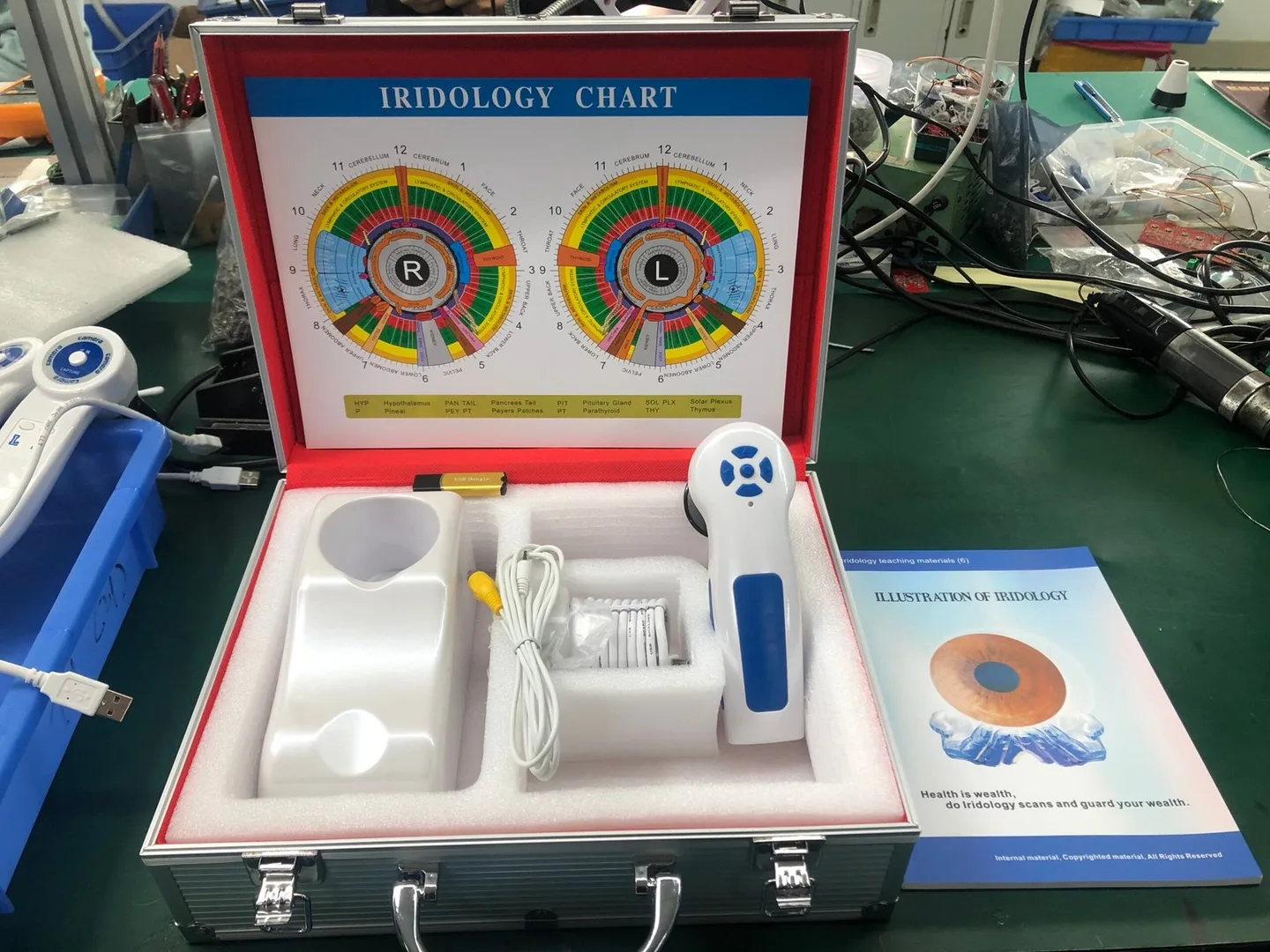
- Calibration Chart: 1 pc
1 Year
Pre-quotation checklist
- Confirm primary application scenarios
- Confirm workflow and operation
- Confirm maintenance, consumables and after-sales support
- Confirm model selection and series differences
- Confirm buyer questions and answers
- Confirm manuals, certificates and test documents
Compliance and quotation contact
Important Notice: This content is provided for educational and reference purposes only; it introduces professional health equipment and does not constitute medical advice. comparable provider cameras are professional-grade devices that require specialized training for operation. comparable provider is a wellness practice, not a medical procedure. Please consult a qualified healthcare professional regarding any health concerns. The use of this equipment must comply with all applicable local health regulations.
lucy@iriscopes.org · +8613510907401
Next RFQ step: confirm intended use, target market, model configuration and quantity; no lead time or price is promised.
Click a contact to send an RFQ
Evidence and configuration limits
These details come from the approved internal product record and must be reconfirmed in the final quotation.
Send your required model, quantity, destination and application to receive a configuration-confirmed quotation.
Manufacturer: MAIKONG. Contact the factory for a configuration-confirmed quotation.
This content is provided for learning, information sharing and professional communication only. It is not medical advice and is not a basis for treatment or diagnosis. Confirm suitability, operation and purchasing requirements against the product manual, local regulations and qualified professional guidance.