


iriscopio procurement: the exact comparison checklist OEM / private‑label buyers in South Africa need
Quick answer
For an OEM / private‑label purchase of an iriscopio you must compare the same nine dimensions across suppliers: optical/camera performance, illumination and capture ergonomics, software compatibility and update policy, mechanical and branding options, quality/durability and serviceability, clinic‑system integration and data exports, training and documentation, warranty/spare‑parts support, and regulatory/electrical‑import data for South Africa. For each dimension ask for concrete evidence (raw and processed sample images, live software demo, exact optical specs, electrical ratings and EMC/declared certificates, mechanical drawings, firmware change log, MOQ and spare‑part lists). Differences in applicability come down to whether you are integrating (OEM), re‑branding and reselling (private label), or supplying clinics — we outline the trade‑offs and the specific evidence you should require to make a defensible decision.
Contents
Why a tightly focused comparison matters for OEM / private‑label buyers in South Africa
We speak to OEM buyers every week. Your decisions affect engineering, packaging, regulatory paperwork and after‑sales costs. Two vendors can both call a device an iriscopio, but differ at the camera, lighting, software licence and mechanical interfaces that determine whether a unit is suitable for re‑branding, integration into a larger diagnostic kiosk, or resale to private clinics in South Africa. Comparing the same dimensions, and demanding the same evidence from every supplier, stops subjective impressions and makes quotes directly comparable.
Comparison dimension: optical system and camera performance (what to ask and verify)
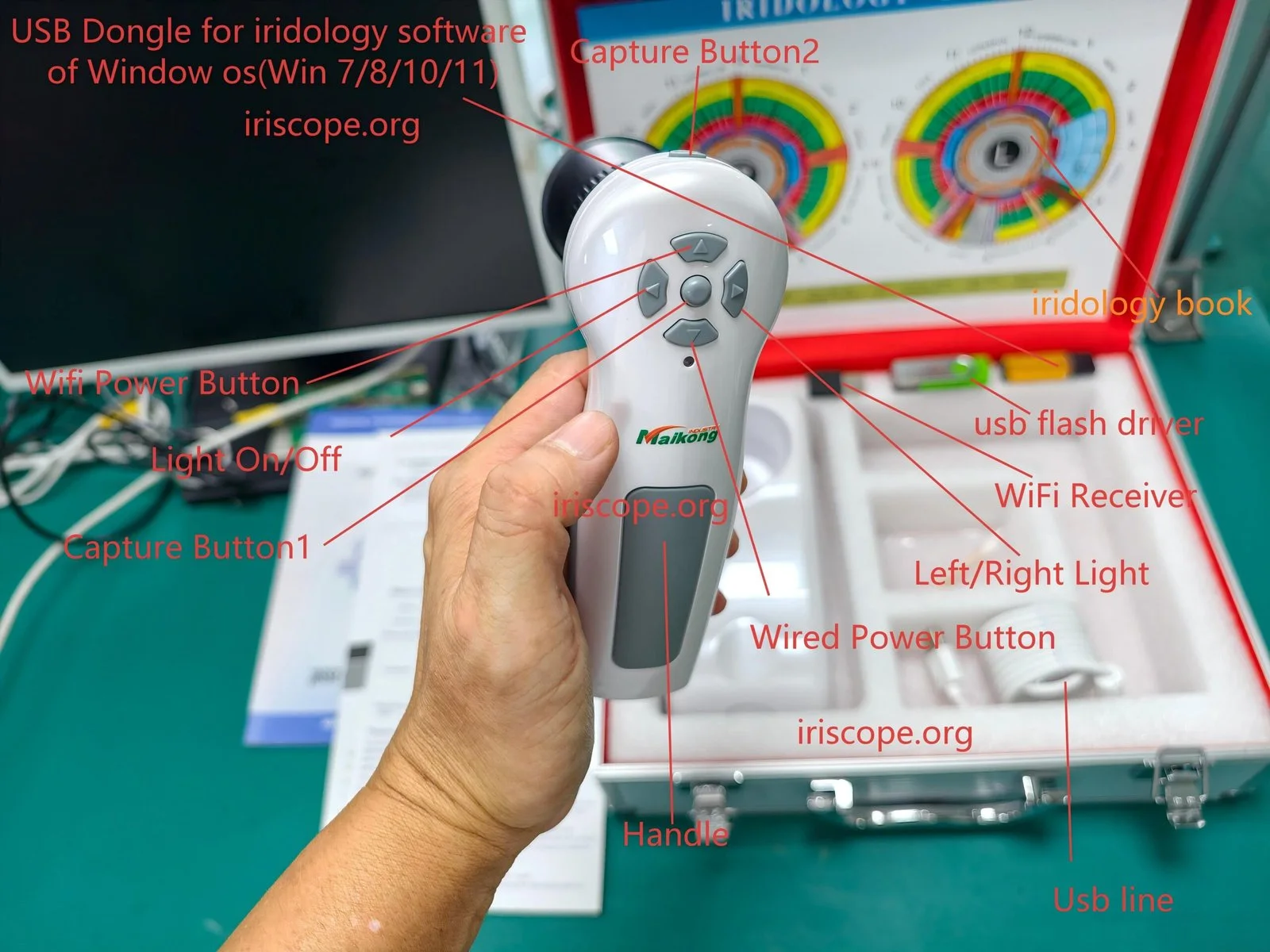
Optical performance is where quality shows first. For OEMs we recommend asking suppliers to provide:
- Exact sensor model, pixel size and native resolution; optical focal length and working distance; measured modulation transfer function (MTF) or sample images at standard distances.
- Lens type (fixed, macro, telecentric), filter stack and whether IR/UV blocks are present.
- Autofocus behaviour and exposure range; whether exposure and gain are controllable via API.
Evidence to request: full‑size raw capture files (uncompressed where possible), the same eye imaged under identical settings by all vendors, and the supplier’s camera datasheet. If a supplier refuses raw files, treat that as a red flag for OEM integration: you will need raw images to tune image processing and your private‑label software.
Comparison dimension: illumination, patient ergonomics and capture workflow
Illumination design directly affects image consistency and patient comfort. Key items to compare:
- Illumination geometry (ring LEDs, coaxial, diffuse dome), LED colour temperature(s), advertised lux at working distance and whether illumination is continuous or strobed.
- Patient interface options: chinrest, forehead rest, single‑hand‑held capture; adjustability for children or taller patients.
- Capture workflow: single click capture, batch capture, auto‑align assist, and time per capture (practical throughput).
Evidence to request: video of a full capture sequence, photos that show the illumination uniformity on an artificial eye target, and a description of patient positioning tolerances. For clinic or training school applications throughput and ergonomics matter more; for OEMs embedding the camera, mechanical interface dimensions and repeatability are the priority.
Comparison dimension: software compatibility, platform support and updates
Software is where your product differentiation and after‑sales cost live. Compare:
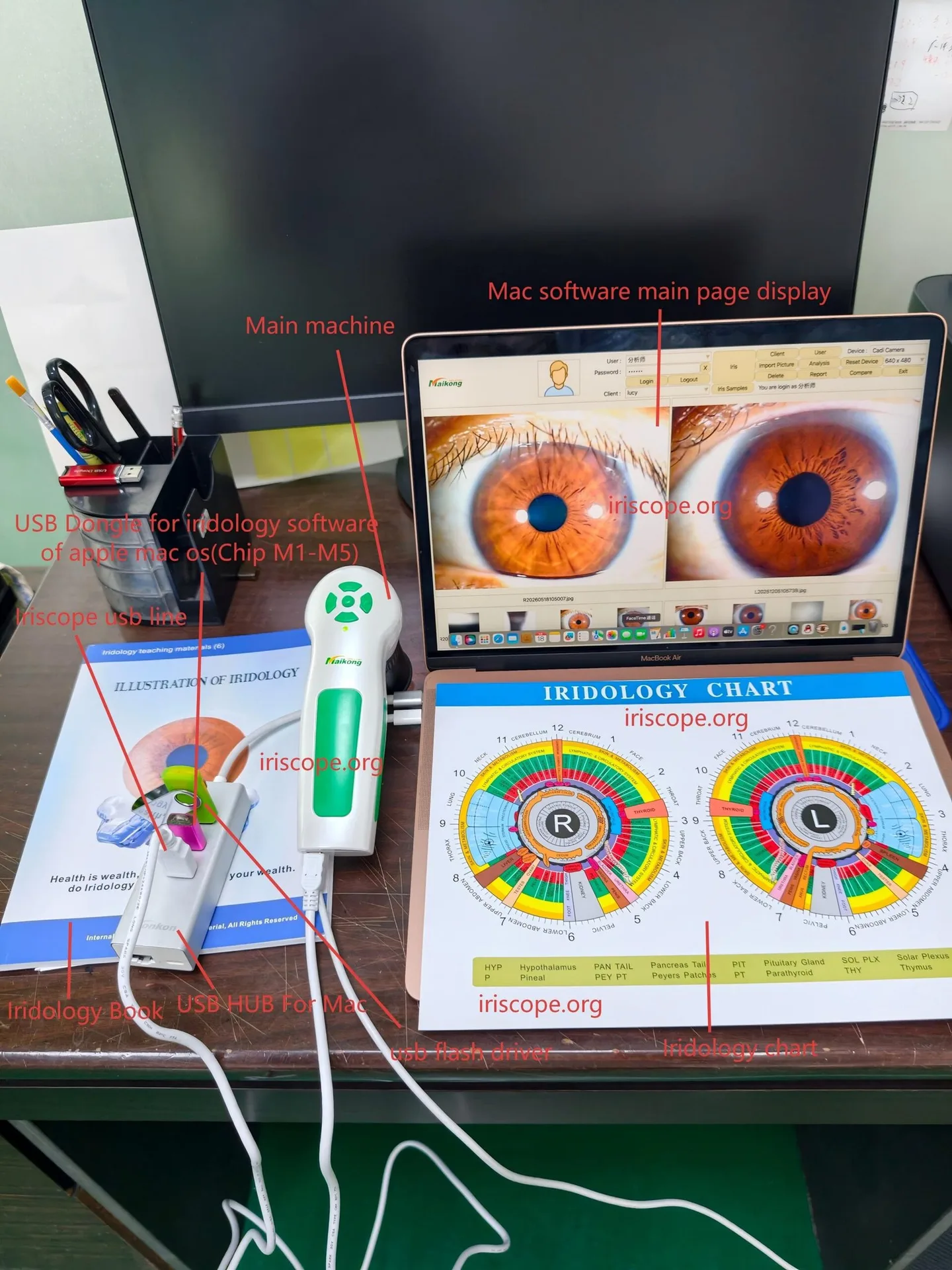
- Supported operating systems and architectures (Windows 7/8/10/11, macOS, Linux); whether the supplier offers native macOS support or only via virtualisation.
- Availability of an SDK or API for integration, licensing terms for private‑label resale, and whether source code or closed binaries are provided.
- Update policy: frequency of updates, delivery method and whether updates are signed or versioned. Also ask about language localisation support for South Africa (English and any additional languages you require).
Evidence: live software demo (screen share) using your sample images, an API/SDK specification, and the supplier’s software licence template. If your product will carry your brand, ensure the licence allows rebranding and redistribution — otherwise you’ll inherit commercial limits that can block private‑label use.
Comparison dimension: custom branding, mechanical fit and enclosure options for OEMs
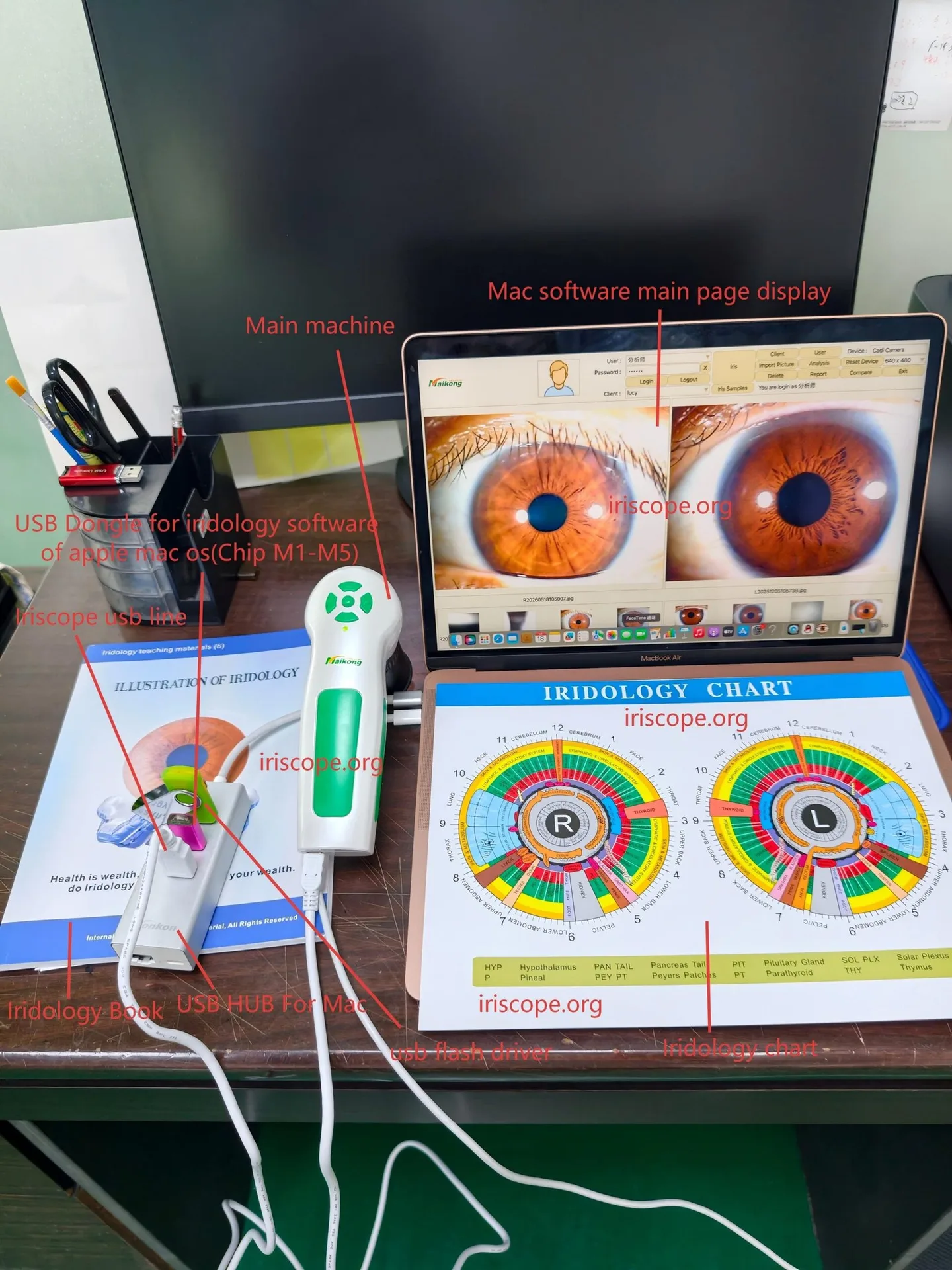
For private‑label deals the mechanical and cosmetic options drive unit identity and installation cost:
- Mechanical drawings (CAD), enclosure materials, paint and pad‑printing or laser‑etch options; minimum order quantities (MOQs) for custom faceplates and colours.
- Mounting points, connector types and cable exits — will the unit integrate into your cabinet or kiosk without costly rework?
- Ability to source BOM‑level changes (different lens, cable length, connectors) and the impact on lead time and MOQ.
Evidence: CAD files in STEP or DWG format, a list of customisation options with MOQ and lead time, and photos of previous private‑label finishes. We have found that suppliers who provide CAD up front save weeks in mechanical integration.
Comparison dimension: quality, durability and serviceability (warranty, spare parts)
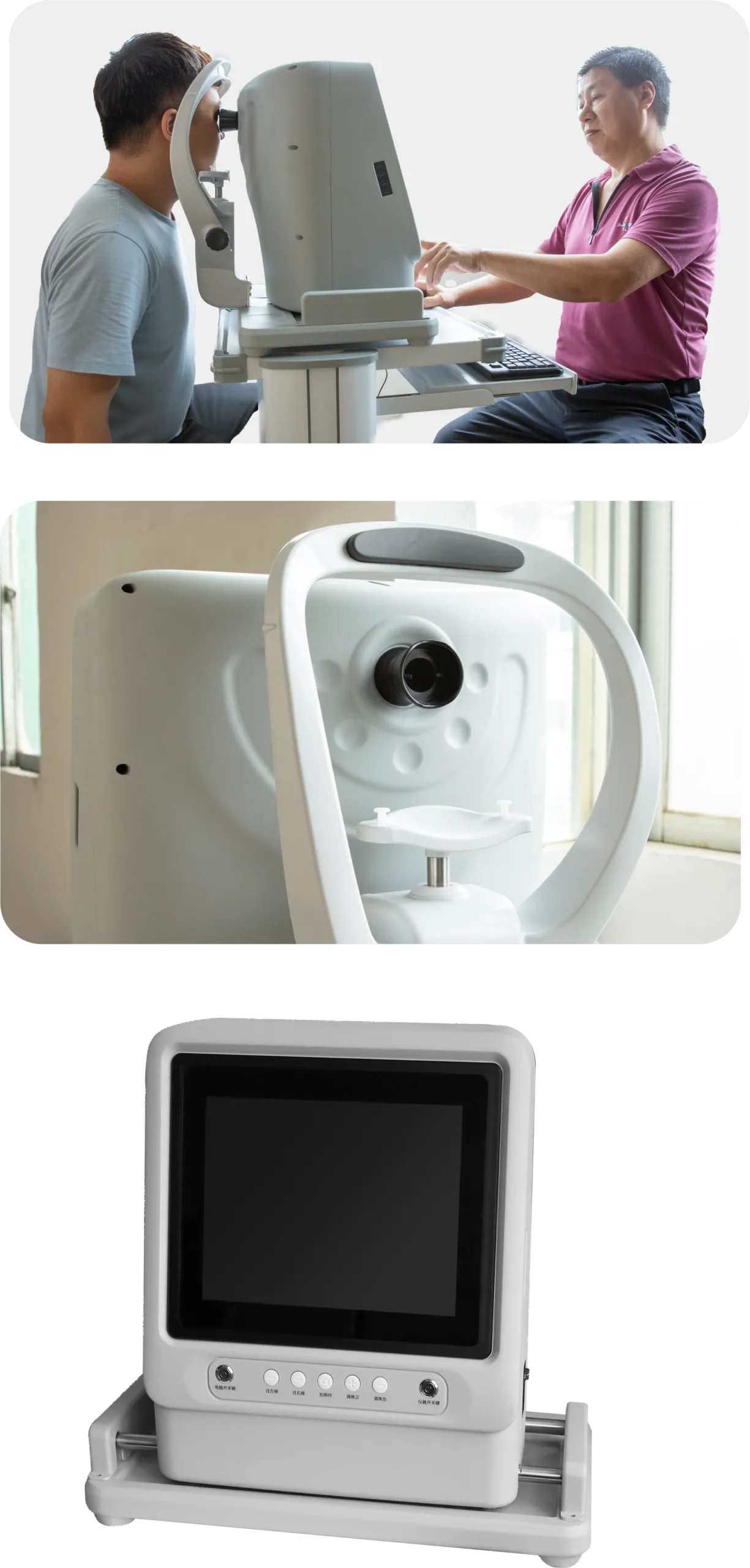
Long‑term cost is driven by serviceability. For each supplier, compare:
- Warranty terms and exclusions, availability of replaceable spare modules (camera module, illumination PCB, cable harness) and typical spare‑part lead times.
- Design for service: replaceable sub‑assemblies, standard screws and labelled connectors versus glued or potted assemblies.
- MTBF claims where available and evidence of quality control: batch test reports, incoming inspection routines.
Evidence to request: spare‑parts price list and lead times, a copy of the warranty statement, and any QC checklists the factory uses. If you plan to support end customers locally, confirm the supplier’s willingness to ship spare parts to South Africa or to supply an authorised local distributor.
Comparison dimension: integration with clinic systems and data export formats
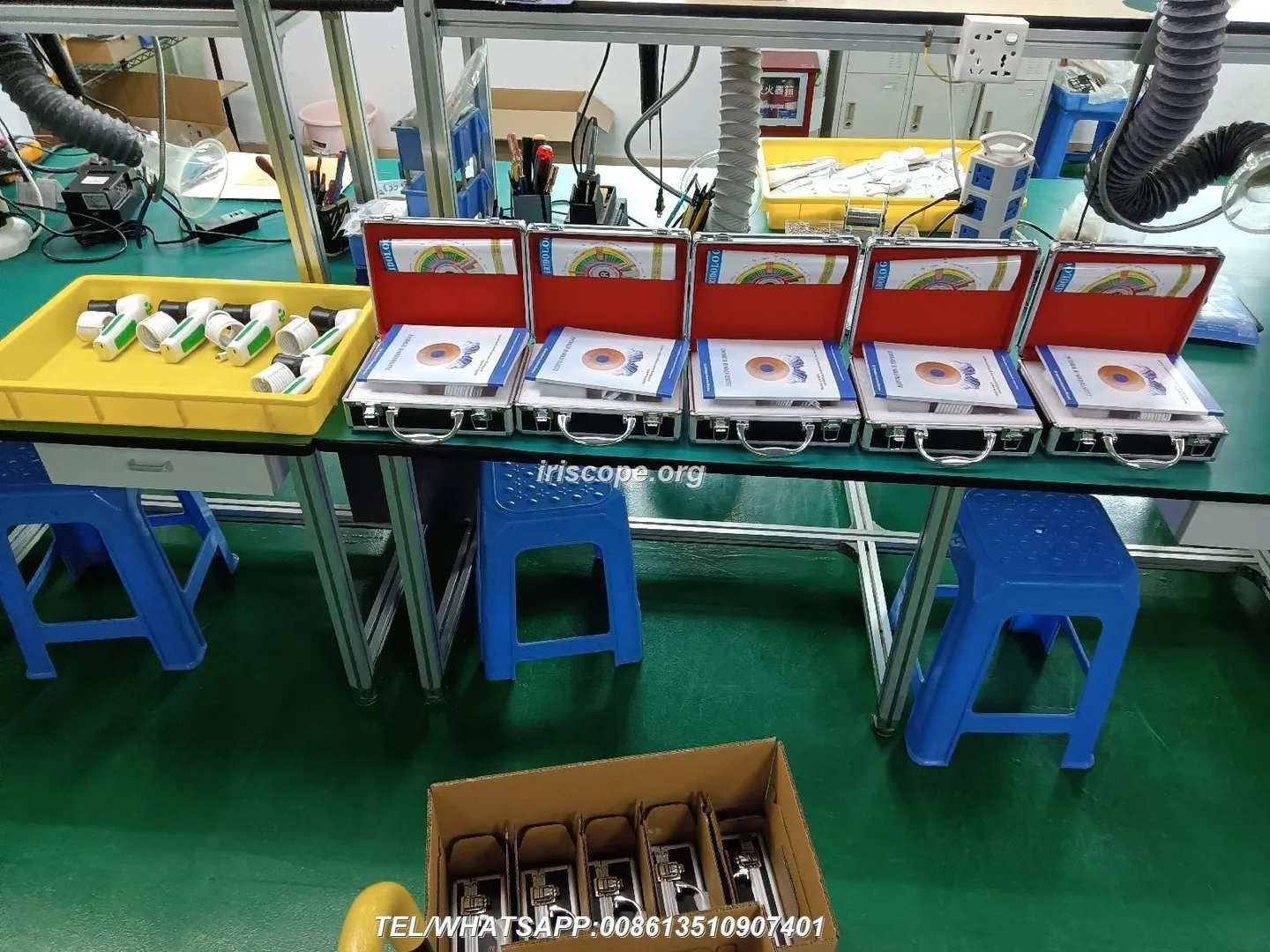
Clinics use varied patient management systems. Compare the vendor’s export and integration options:
- Supported file formats (JPEG, TIFF, RAW), DICOM support (if any), CSV/JSON export of metadata, and APIs for pulling captures directly into EPRs.
- Audit trail and patient ID handling: can the software link captures to patient records via ID or HL7 interface?
- Local data storage policies and whether the supplier offers on‑premise or cloud hosting, and applicable export/import controls.
Evidence: sample export files, API documentation and a short integration test plan. For South African clinics, offline/local storage and easy CSV export are commonly requested features; DICOM is less common but may be required by some hospital customers.
Comparison dimension: training, user documentation and after‑sales support availability
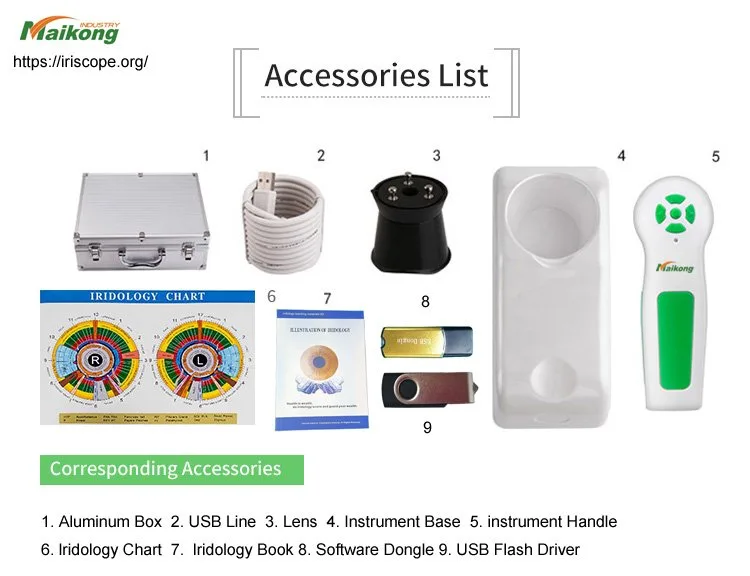
Good documentation reduces support calls and returns. Compare:
- Operator manuals (language options), quick‑start guides, classroom training materials and video tutorials.
- Availability of technical support by phone/WhatsApp and whether support is 24/7 or business hours only; options for local training partners in South Africa.
- Spare‑parts guides and repair manuals for field technicians — crucial for OEMs planning local service networks.
Evidence: PDF operator manual, a support contact matrix and examples of training slide decks or videos. MAIKONG offers WhatsApp technical support; confirm response channels and whether local language support is available.
Comparison dimension: regulatory, electrical and import considerations for South Africa
Regulatory and import risks are real. Don’t accept vague assurances — request exact documentation:
- Electrical ratings (input voltage, frequency), declared EMC and safety test reports, and any declared certificates the vendor is prepared to provide for import customs or local electrical inspectors.
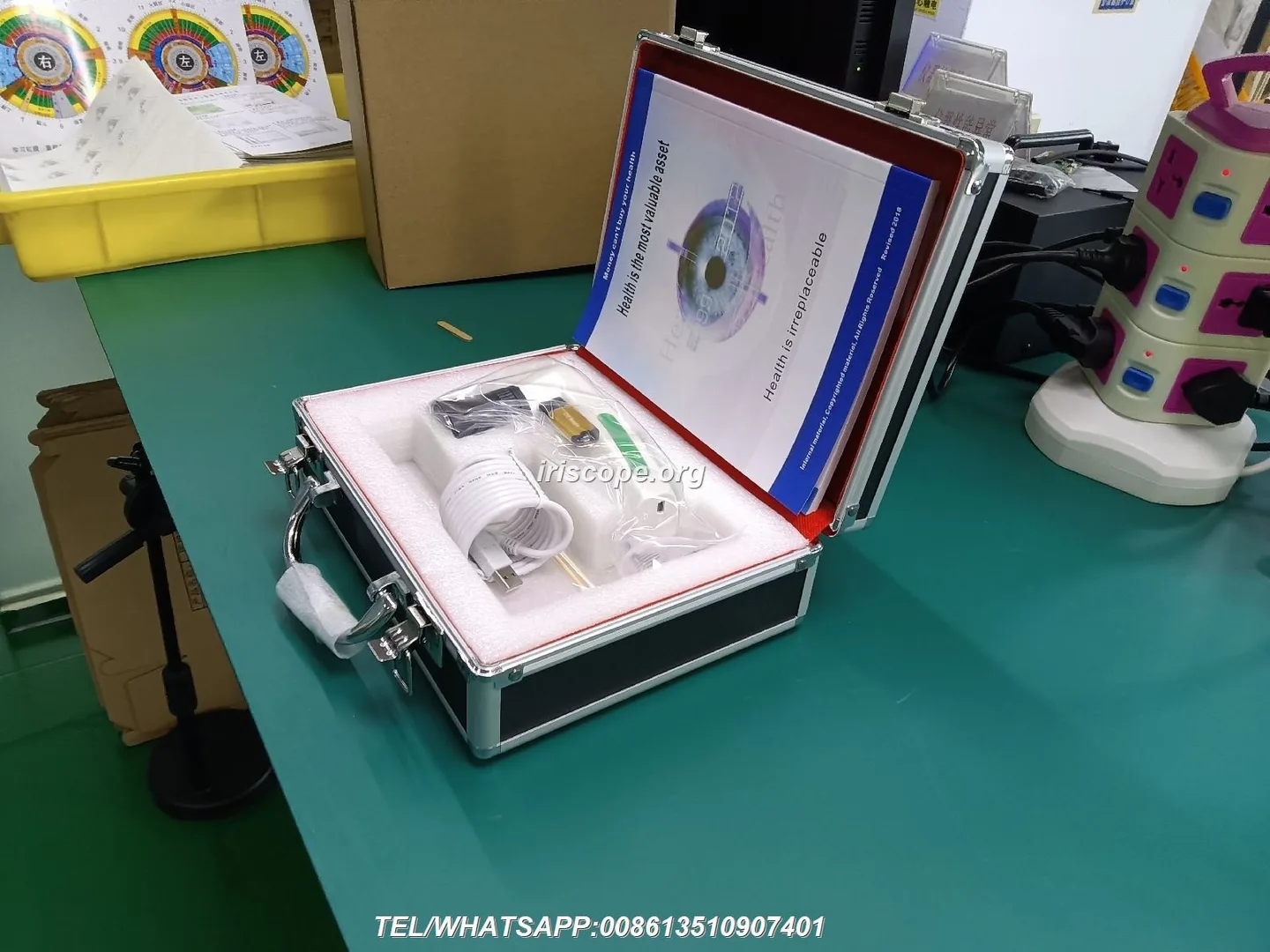
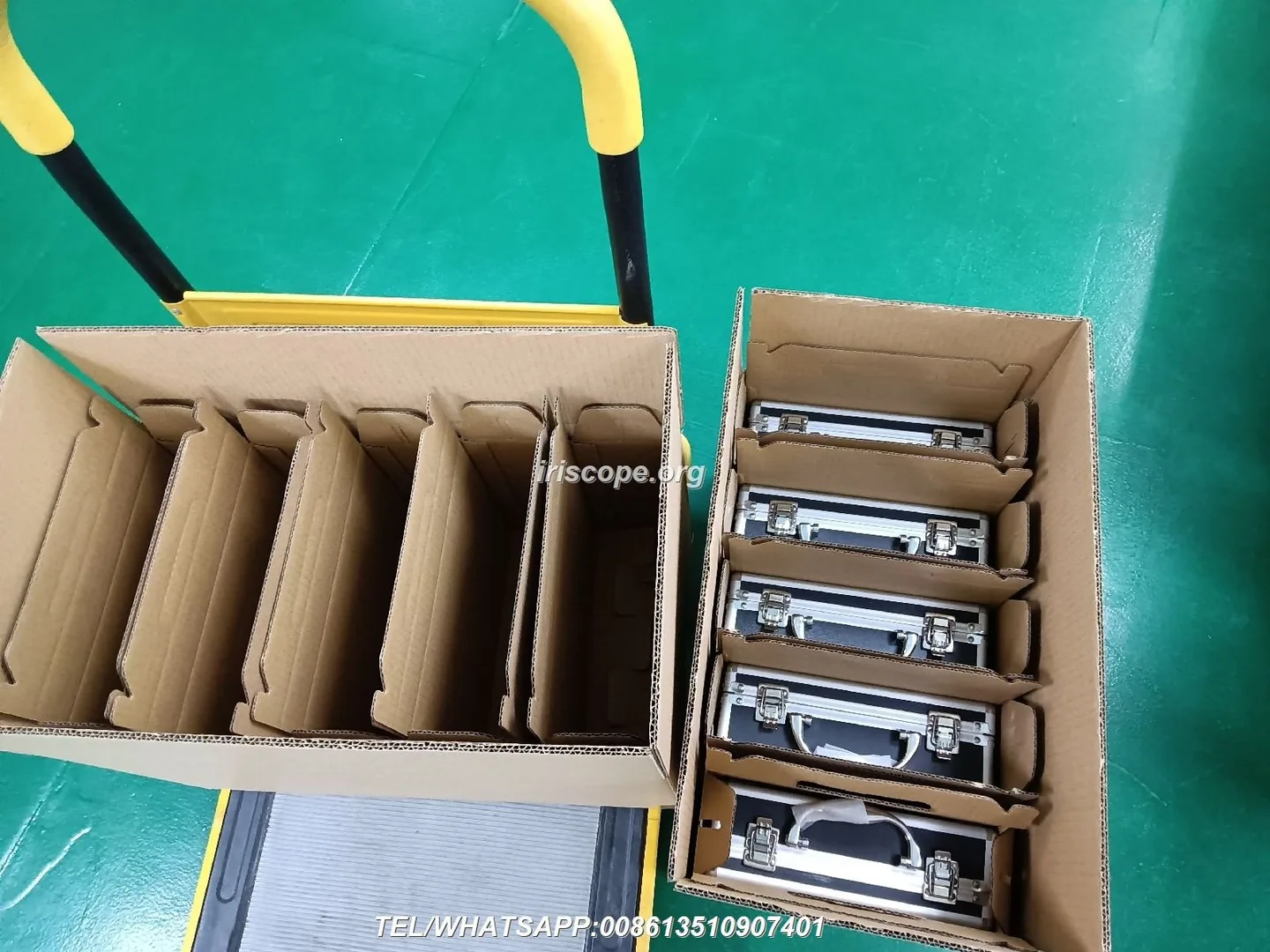
- Packaging weight and HS codes for tariff estimation; export packaging specs and palletisation options.
- Clarify whether the device is sold as a wellness device or medical device and the supplier’s willingness to support any registration paperwork you may need in South Africa.
Evidence to request: product nameplate data, electrical specification sheet, any test reports the supplier has. Note: our current evidence packet does not contain South Africa‑specific electrical installation coverage — you must obtain these documents from suppliers before import clearance.
What evidence to request from suppliers (sample photos, software demo, technical spec sheet)
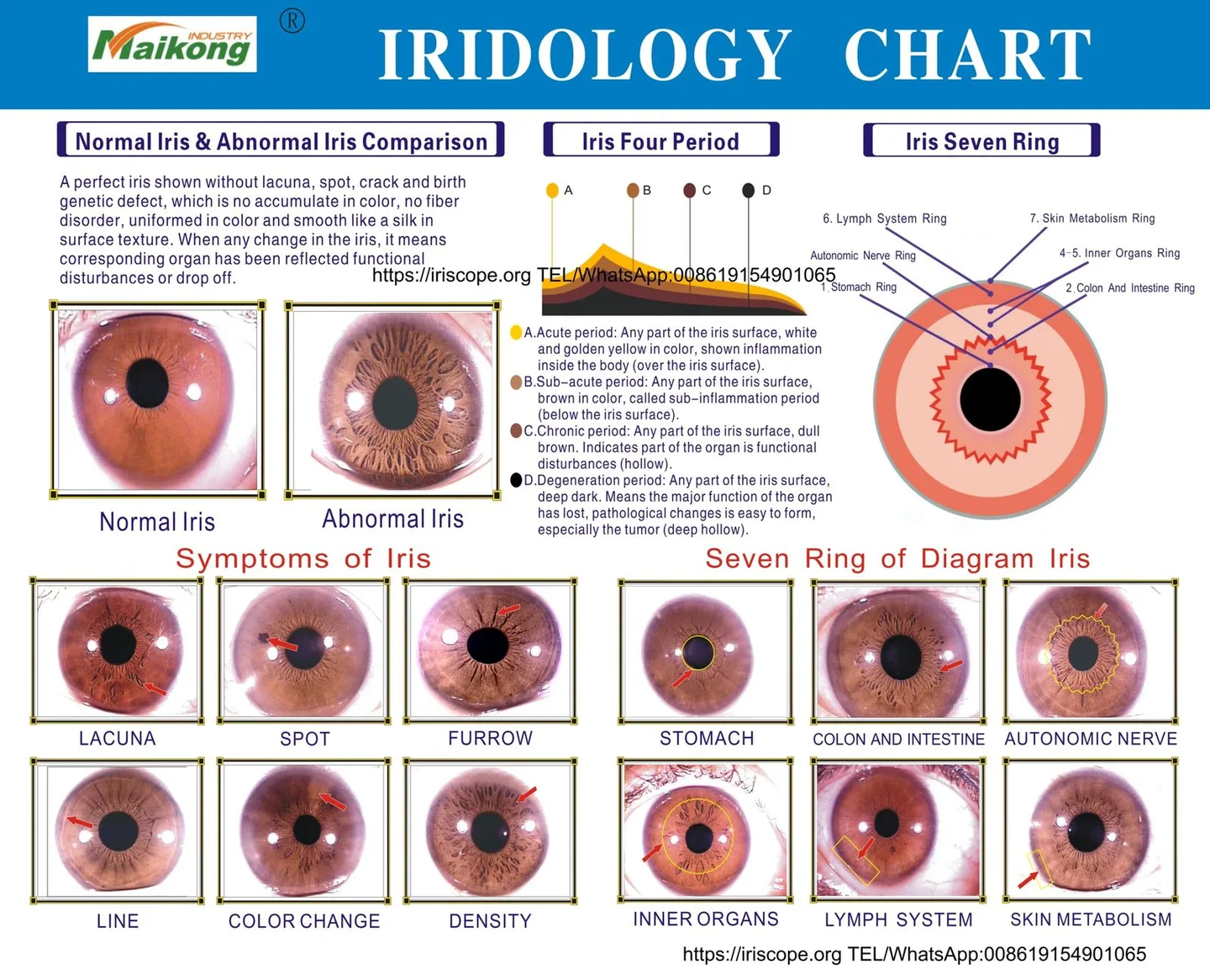
Ask every supplier for the same package of evidence. We use this list when formalising RFQs:
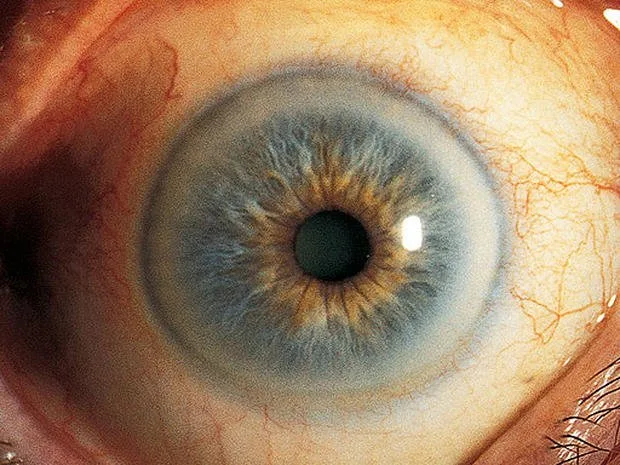
- Raw and processed sample images of the same target (high‑resolution originals), plus a short capture video.
- Software demo with remote screen share and access to an evaluation build for at least one week.
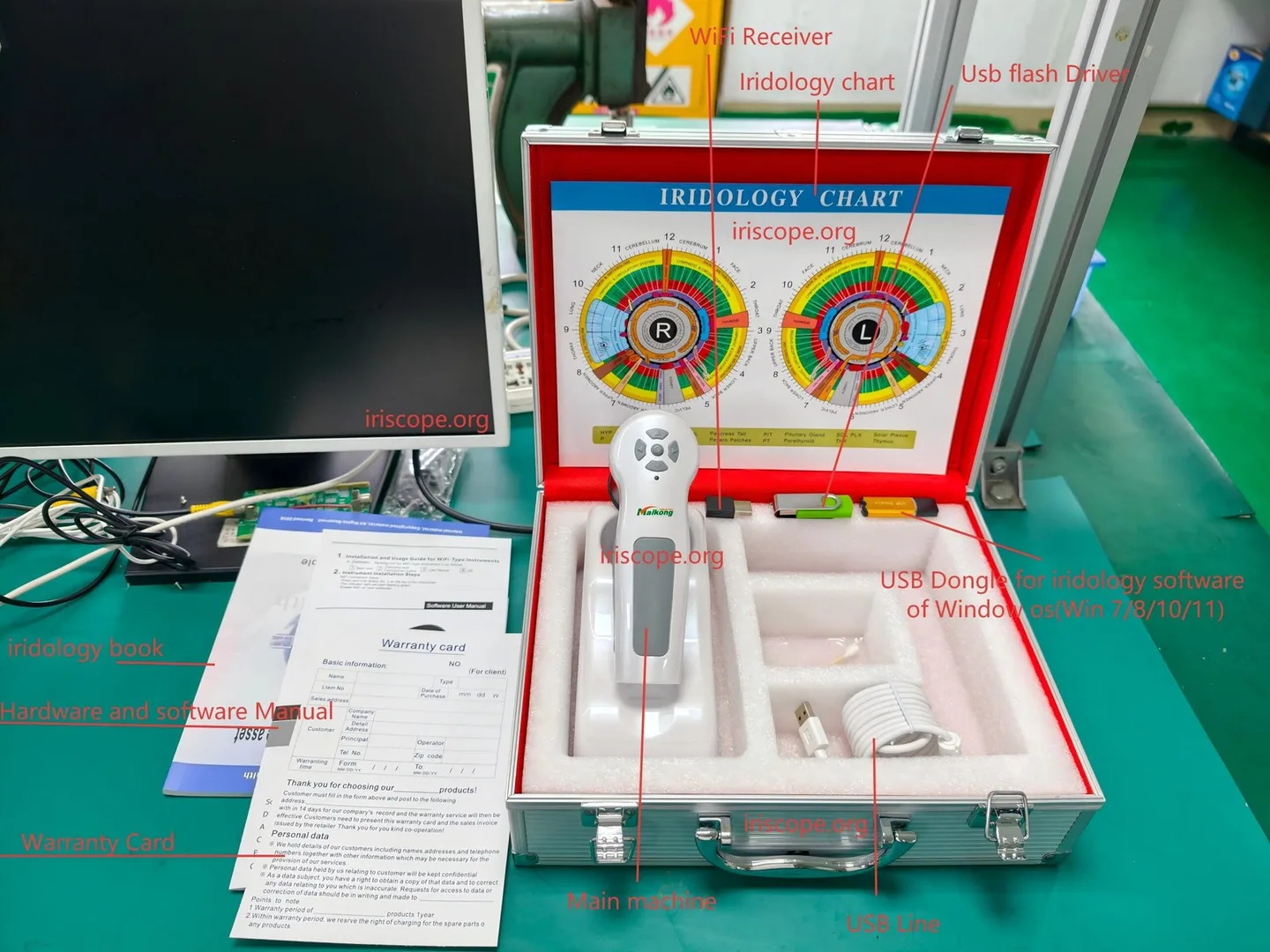
- Technical spec sheet: sensor model, lens data, illumination specs, electrical ratings, dimensions and CAD files.
- Warranty statement, spare‑parts list with pricing and lead times, MOQs for customised parts.
- API/SDK documentation and software licence agreement (clear statement on rebranding and redistribution rights).
- Packaging and shipping specifications, HS code if available, and any declared test reports the supplier holds.
We also recommend linking vendor product pages that describe variants — for example, see product variant information such as “Iriscopio per finestra 7/8/10/11” for mechanical variant reference on the supplier site.
How to compare applicability differences by buyer type (clinic, training school, distributor, OEM)
Differences in applicability are mostly about priorities:
- Clinic buyer: prioritises patient ergonomics, throughput, ease of use and straightforward warranty/service in South Africa.
- Training school: needs robust, repeatable capture, bundled training materials and multi‑station support.
- Distributor: focuses on packaging, margin, resale licence, local stock of spares and marketing assets.
- OEM / private‑label buyer: needs SDK/API, CAD files, BOM pricing, customisation options, MOQ terms and explicit rebranding rights.
For OEMs the decisive evidence is CAD files, SDK access and spare‑parts pricing. For private‑label resale the licence terms (rebranding rights) and MOQ for cosmetic changes will determine whether a supplier is acceptable.
Practical checklist — use this when issuing the same RFQ to multiple suppliers
| Comparison dimension | What to ask | Evidence to request |
|---|---|---|
| Optics / camera | Sensor model, focal length, autofocus, API control | Full‑size RAW images, camera datasheet |
| Illumination / ergonomics | LED geometry, lux, capture workflow | Capture video, illumination uniformity images |
| Software / integration | OS support, SDK, licence for rebranding | API docs, live demo, licence text |
| Mechanical / branding | CAD, finish options, MOQs for custom panels | STEP/DWG files, custom sample pics |
| Warranty / spares | Warranty terms, spare modules, lead times | Warranty doc, spare parts list |
| Regulatory / import | Electrical ratings, declared test reports | Spec sheet, any EMC/safety reports |
Risks and evidence gaps you must be aware of
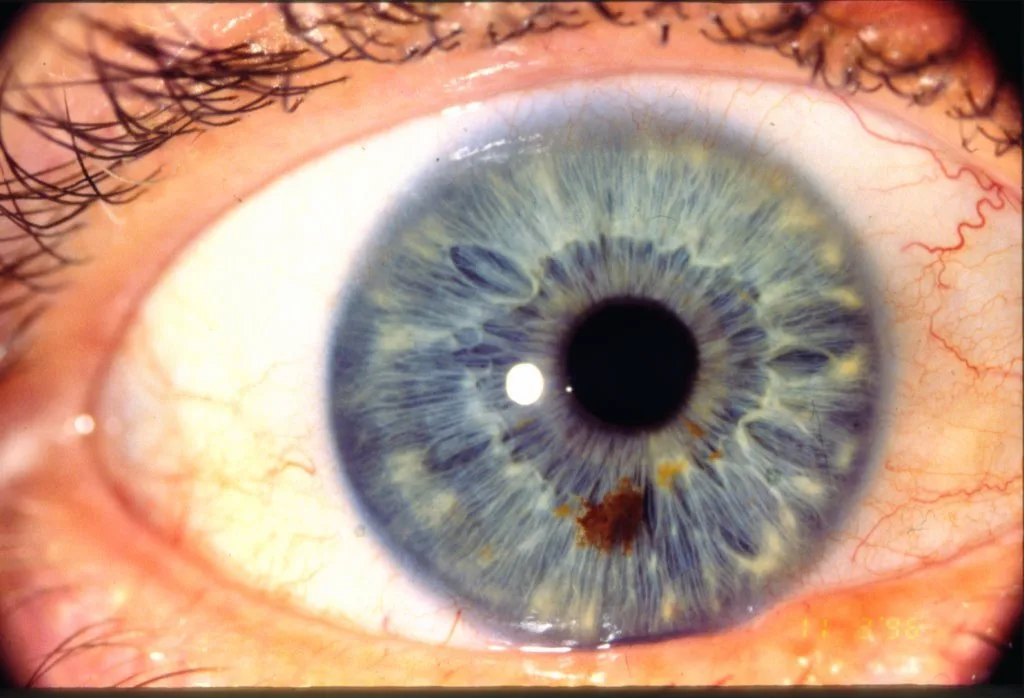
• If a supplier cannot provide raw captures or an SDK, you cannot reliably perform image‑processing tuning or integrate the device into your software — this is a terminal limitation for OEMs.
• Absence of electrical test reports or unclear voltage/plug options will complicate import and local installation; our supplied evidence does not include South African electrical installation guidance, so you must obtain those documents from the vendor.
• Licence ambiguity around rebranding is a frequent later‑stage blocker; get a signed licence or a written OEM agreement before you commit funds.
• Suppliers may claim multi‑OS support but provide only binary builds; insist on platform‑specific demos or evaluation builds running on your target OS before you accept.
Recommended next step
To request a tailored configuration or quotation: email lucy@iriscopes.org or call/WhatsApp +8613510907401. Visit our site for product descriptions: iriscopes.org.
Important Notice: This content is provided for educational and reference purposes only; it introduces professional health equipment and does not constitute medical advice. comparable provider cameras are professional‑grade devices that require specialised training for operation. comparable provider is a wellness practice, not a medical procedure. Please consult a qualified healthcare professional regarding any health concerns. The use of this equipment must comply with all applicable local health regulations.
This content is provided for learning, information sharing and professional communication only. It is not medical advice and is not a basis for treatment or diagnosis. Confirm suitability, operation and purchasing requirements against the product manual, local regulations and qualified professional guidance.
Use the checklist above to prepare a single RFQ template and send it unchanged to each candidate. Require the evidence package in one zip file and set firm evaluation criteria (pass/fail for raw image availability, SDK access, CAD files and licence for rebranding). When you are ready to request supplier configurations or quotations, contact us with your expected volumes, required branding/customisation and preferred software platform — include those three items in the first email so we can respond with a comparable quote.