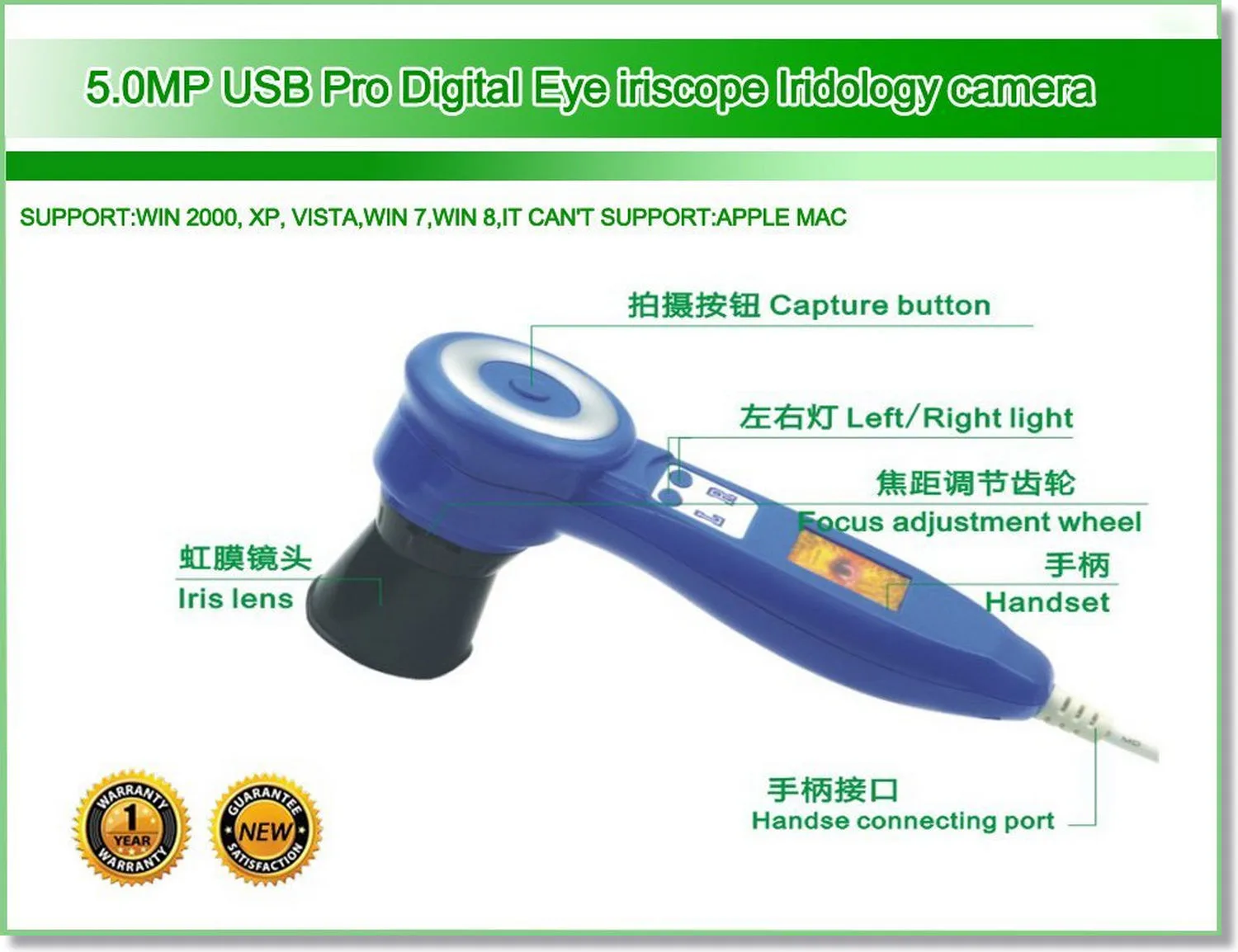
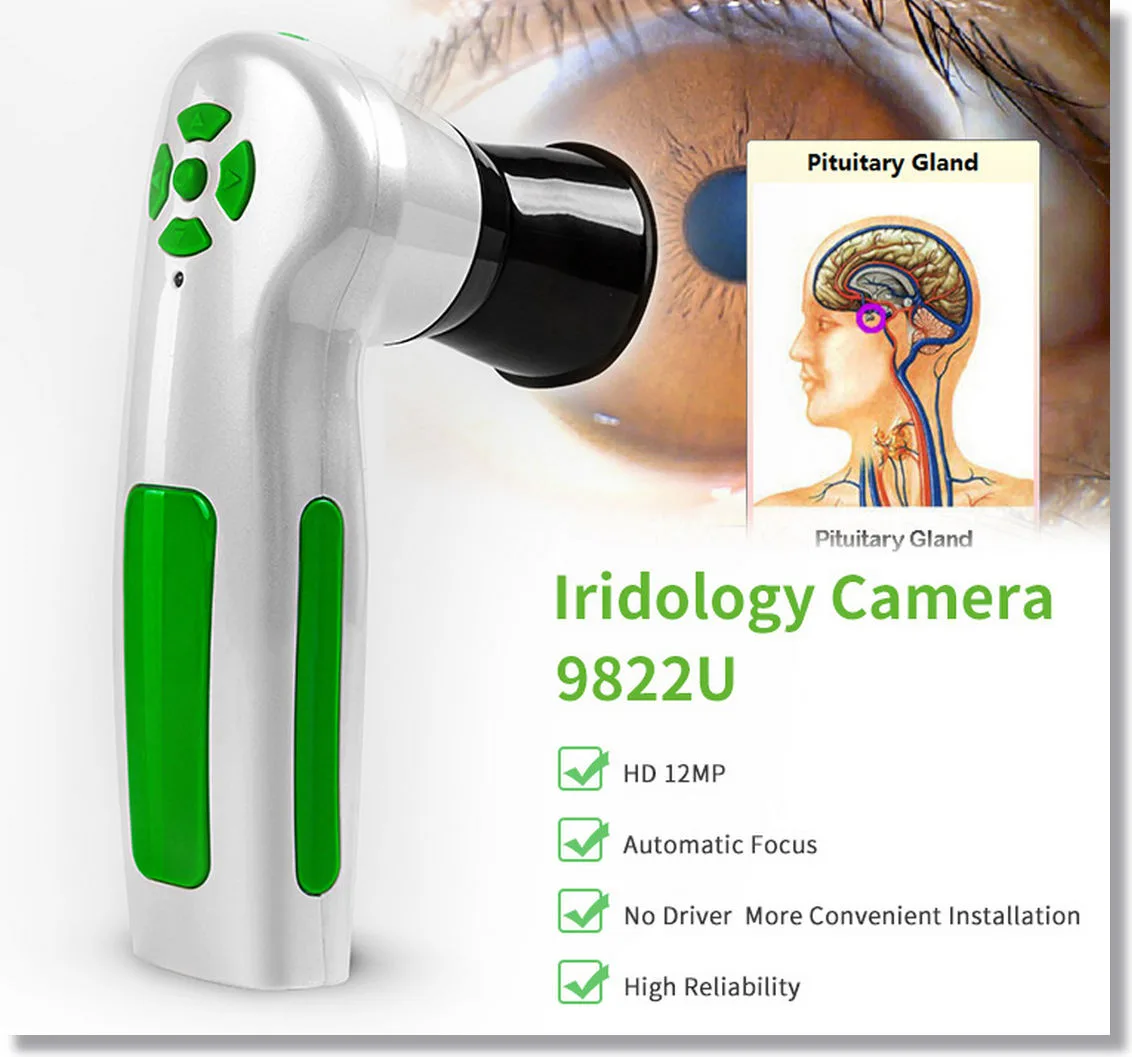
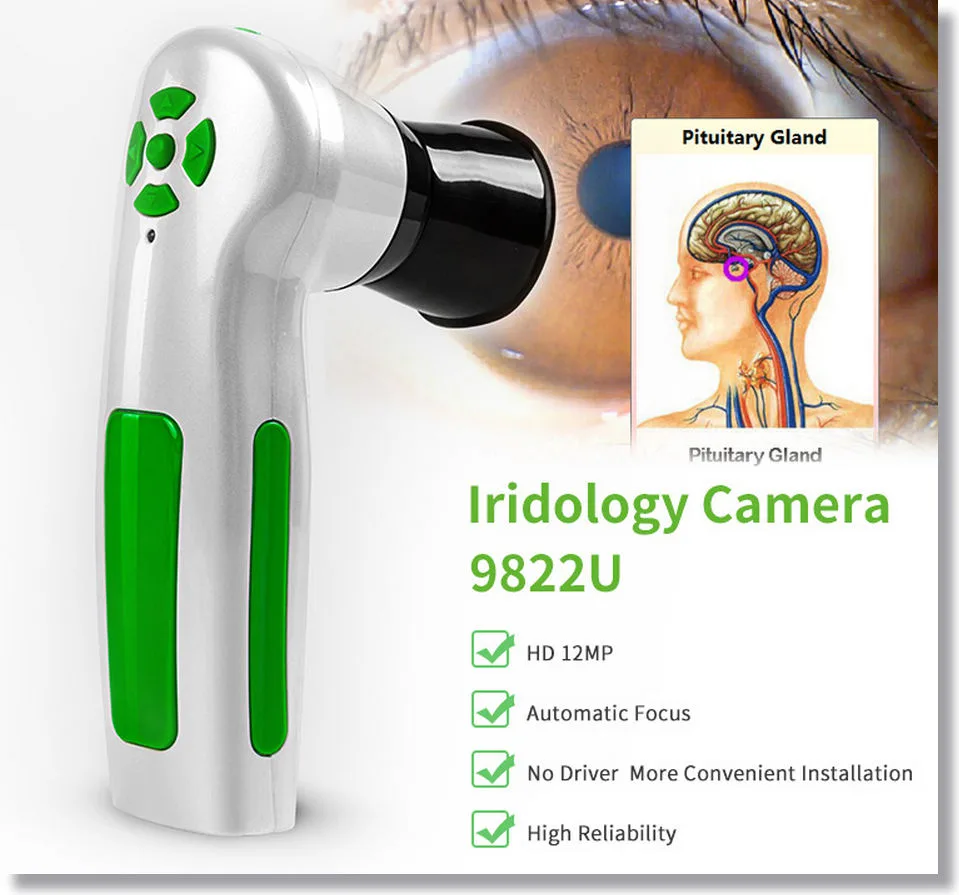
MAIKONG Iriscope Software: Your Go-To Solution for Accurate Iridology Analysis


What is MAIKONG Iriscope Software?
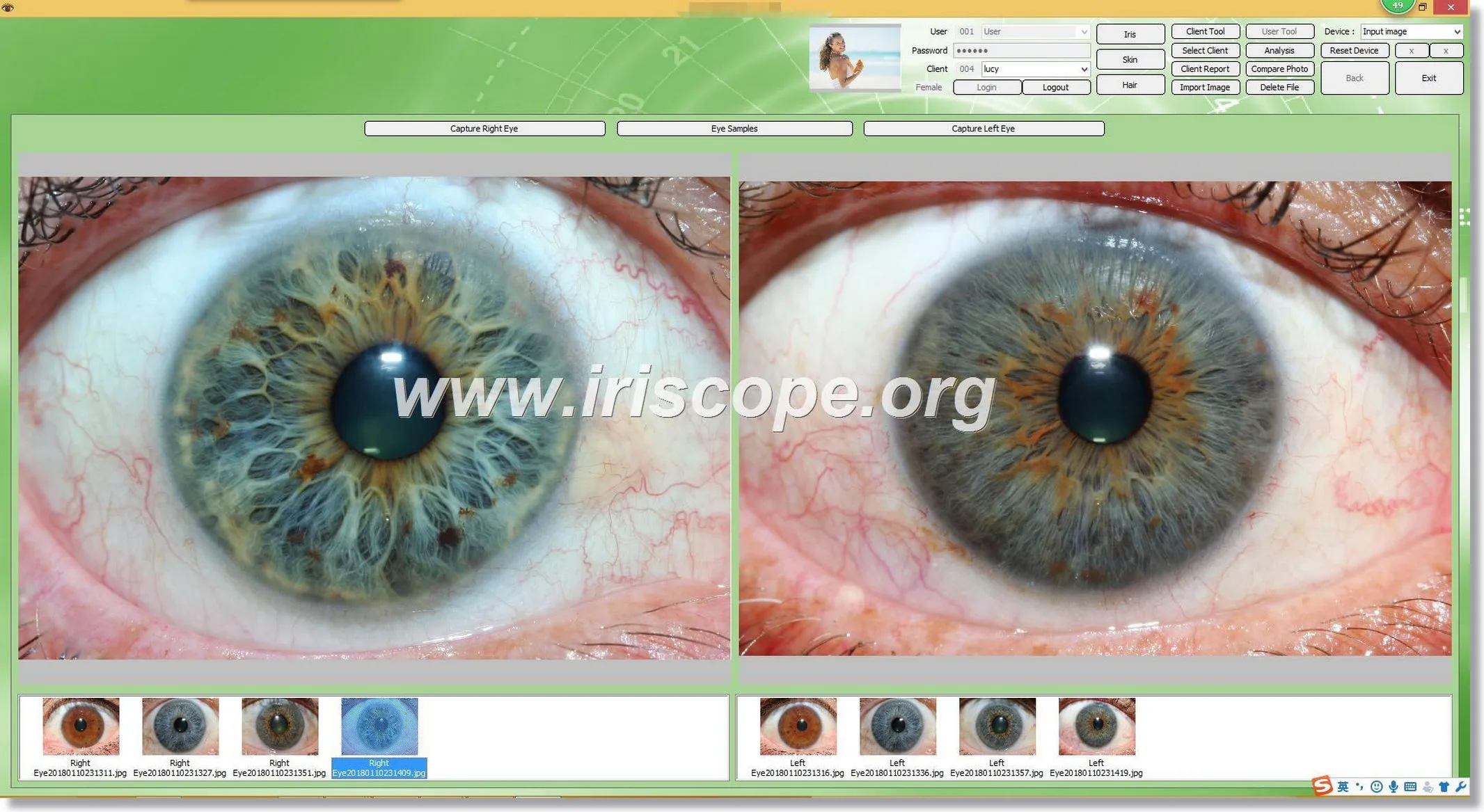
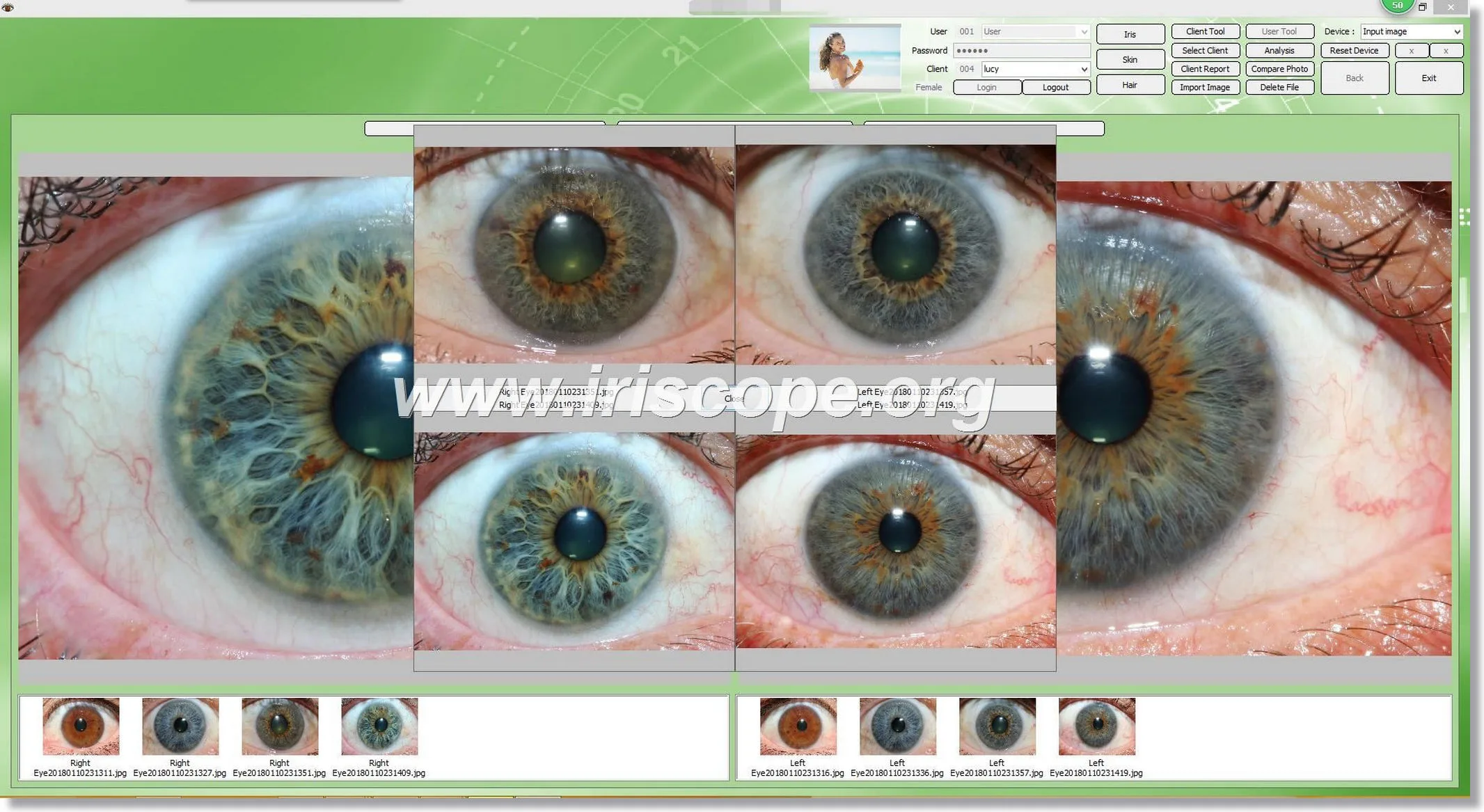
Our MAIKONG Iriscope Software is a professional-grade tool designed to simplify iridology analysis and enhance health insights. Paired with our advanced iriscope devices, it provides a user-friendly platform for practitioners and enthusiasts to analyze detailed images of iridology, map health indicators, and generate accurate health reports.
We combine cutting-edge technology with intuitive design, making iridology accessible to both professionals and beginners.
Key Features of Our MAIKONG Iriscope Software
1. Multi-Language Support
We have designed our software to accommodate users globally by including 12 languages:
| Language | Availability |
|---|---|
| Simplified Chinese | ✅ |
| Traditional Chinese | ✅ |
| English | ✅ |
| German | ✅ |
| Spanish | ✅ |
| Persian | ✅ |
| French | ✅ |
| Malay | ✅ |
| Japanese | ✅ |
| Korean | ✅ |
| Portuguese | ✅ |
2. Advanced Reporting
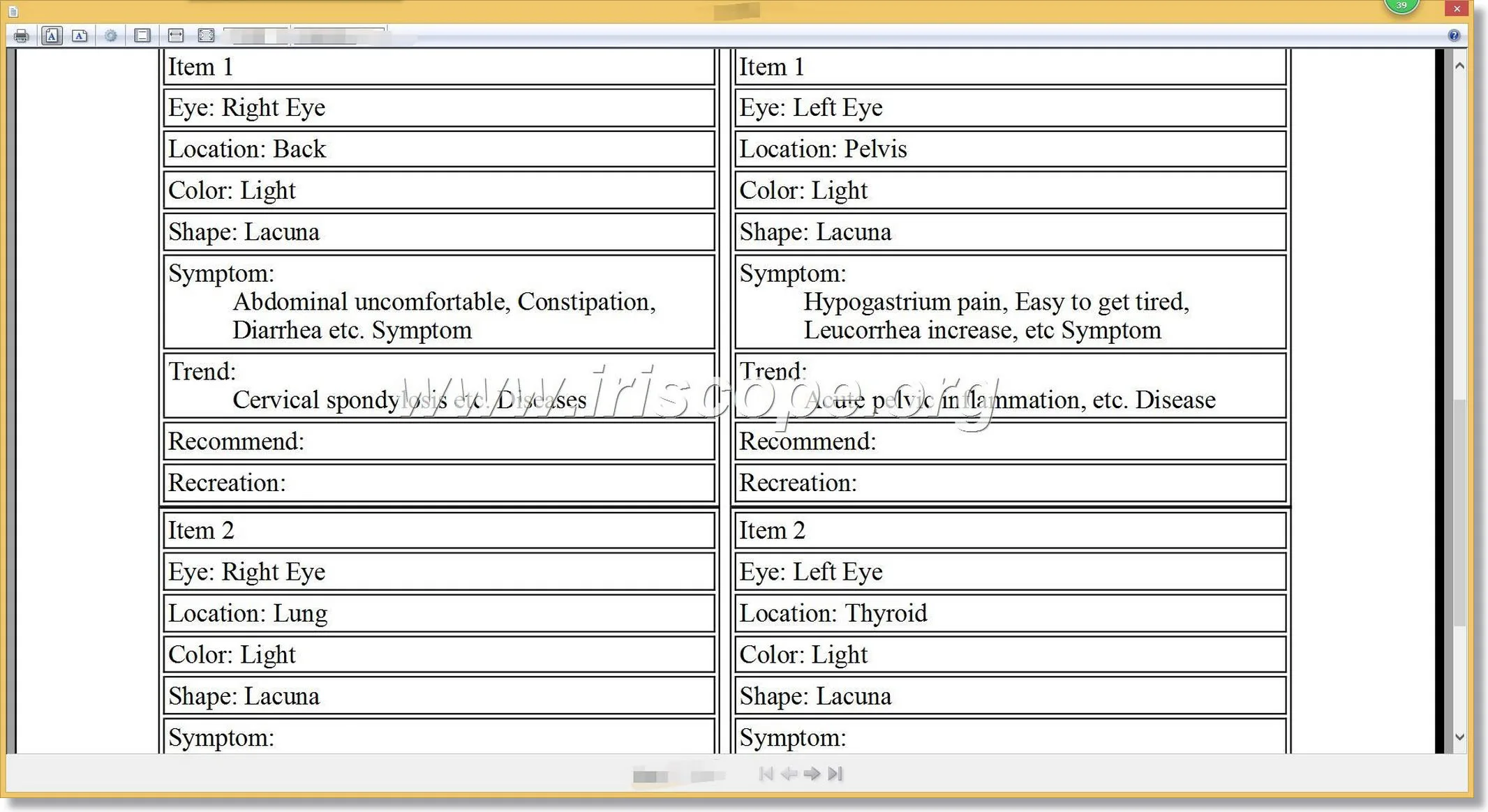
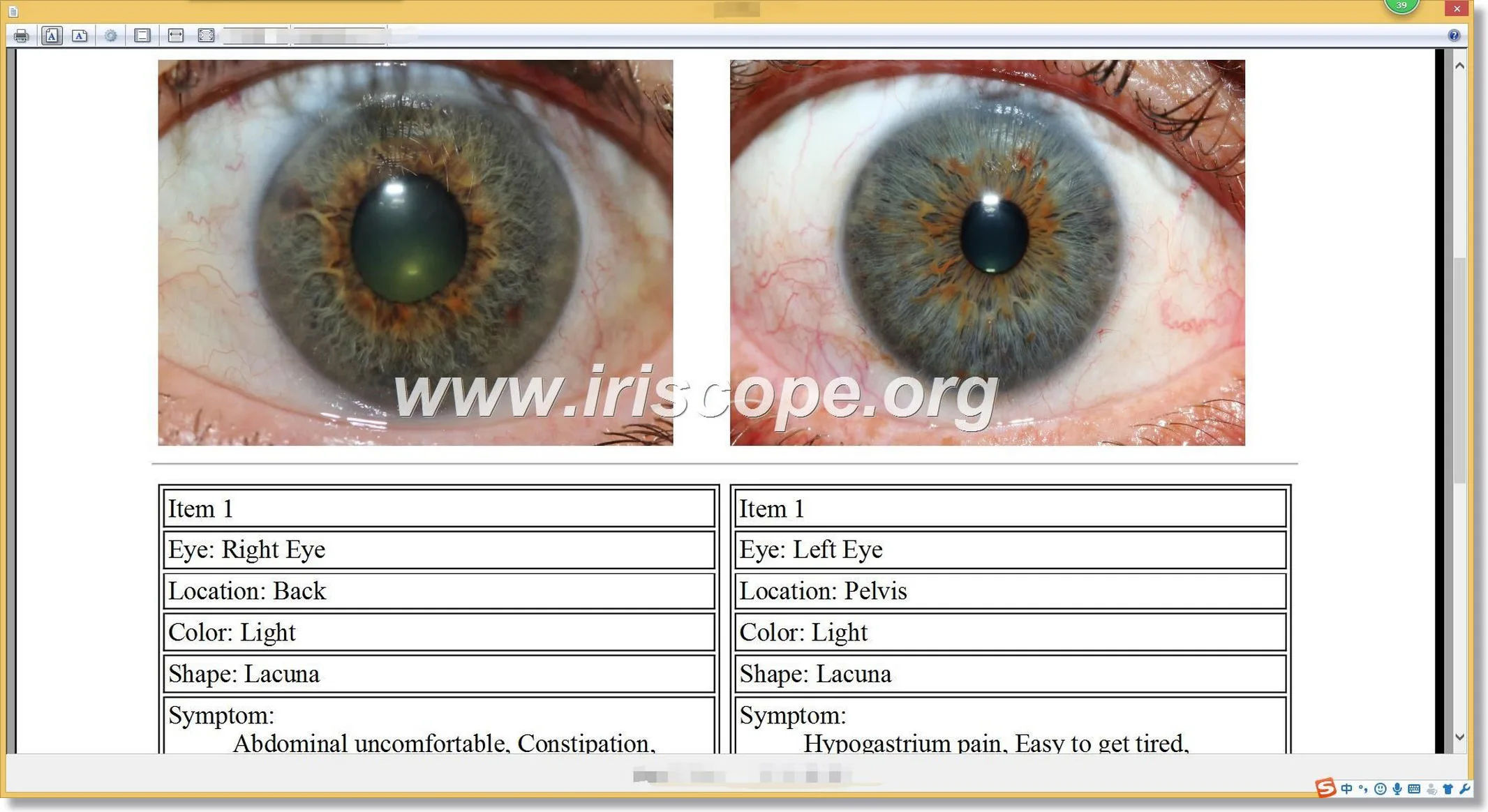
Our software generates comprehensive reports that cover over 190 organ systems, providing detailed insights into an individual’s health.
| Feature | Details |
|---|---|
| Number of Reports | Covers 190+ organs |
| Report Type | Health assessment, organ mapping |
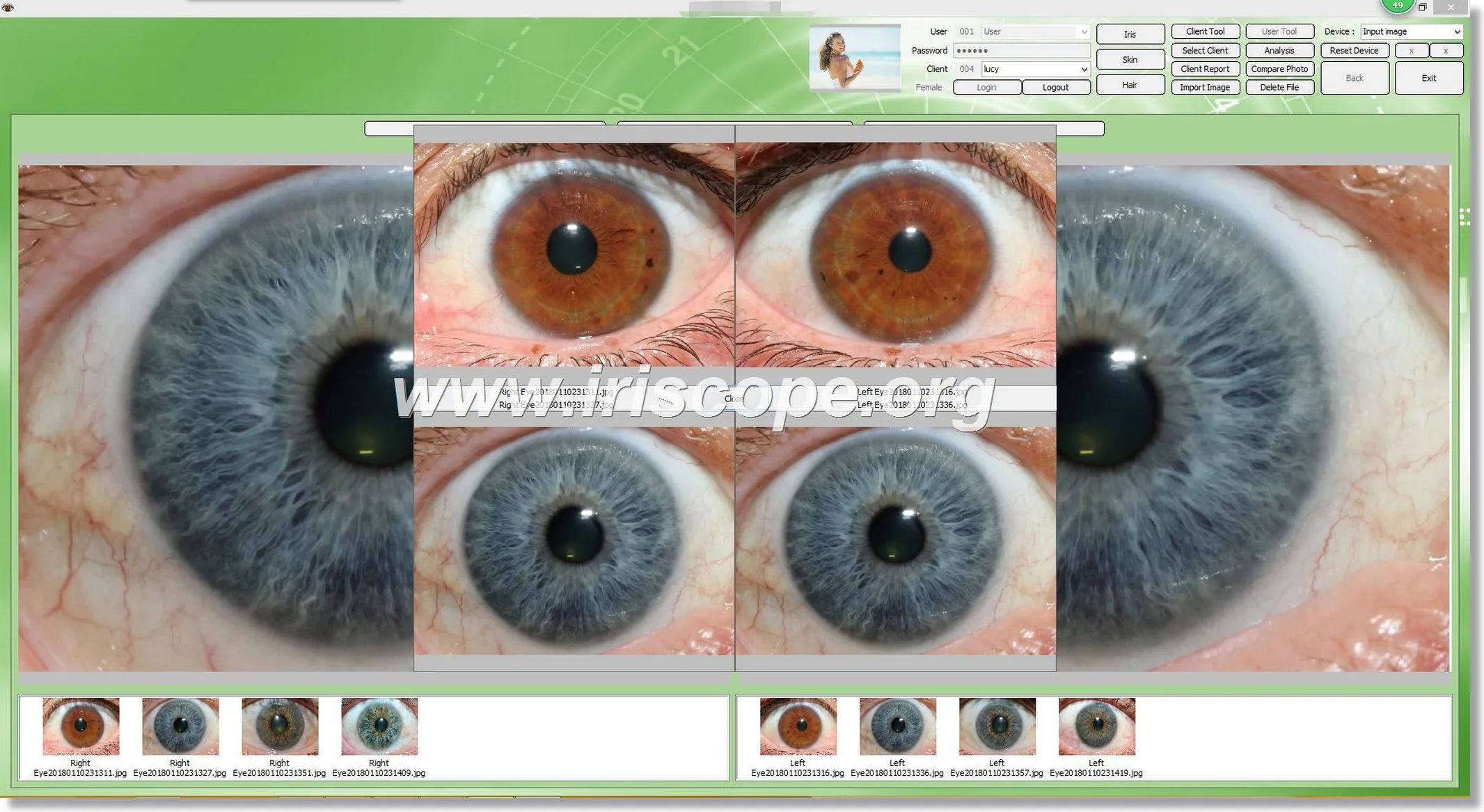
| Analysis Tools | Iris chart overlay, comparison mode |
3. Compatibility with Multiple Systems
Our software runs seamlessly on a wide range of operating systems, ensuring ease of use for every customer:
| Operating System | Supported |
|---|---|
| Windows XP | ✅ |
| Windows 7 | ✅ |
| Windows Vista | ✅ |
| Windows 8 | ✅ |
| Windows 10 | ✅ |
| Windows 11 | ✅ |
| macOS | ✅ |
4. User-Friendly Interface
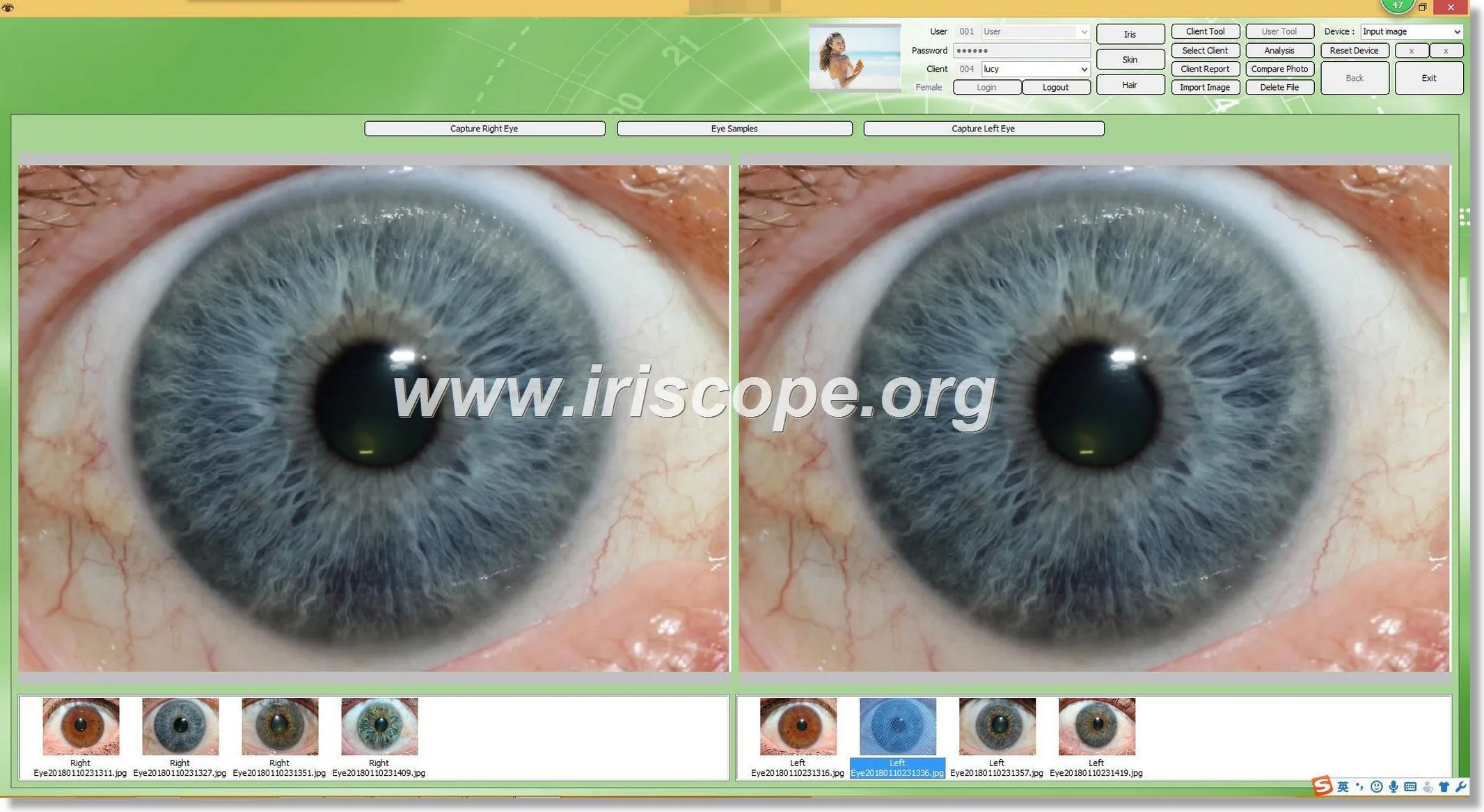
Our software features a clean, intuitive design that guides users through every step of analysis. interface is ideal for beginners and efficient for experienced practitioners.
5. Real-Time Chart Overlay
software allows you to overlay iridology charts on captured images for precise analysis and organ mapping.
Why Choose MAIKONG Iriscope Software?
1. Trusted by Professionals Worldwide
We have over 21 years of experience in manufacturing and developing health equipment, making our products go-to choice for iridologists across globe.
2. Seamless Integration with MAIKONG Iriscope Devices
Our software pairs effortlessly with our iriscopes, creating a streamlined workflow from image capture to report generation.
3. Customization Options
We offer OEM/ODM services for businesses. Whether you need custom-branded software, tailored packaging, or unique designs, we ensure our products align with your branding needs.
Technical Specifications of Our MAIKONG Iriscope Software
| Feature | Details |
|---|---|
| Compatible Devices | All MAIKONG Iriscope Models |
| Image Resolution | 24 MP High Definition |
| File Support | JPEG, PNG, BMP |
| Report Generation Time | Under 60 seconds |
| Update Frequency | Regular updates for improved features |
How to Use Our MAIKONG Iriscope Software
Step 1: Install Software
Insert installation CD provided with your device or download software from our official website. Follow on-screen instructions for setup.
Step 2: Connect Device
Plug your MAIKONG Iriscope into your computer via USB. software will automatically detect device.
Step 3: Capture Images
Position iriscope about 4-6 inches from eye. Use built-in LED lighting and macro lens for sharp images.
Step 4: Analyze Images
Upload captured images into software. Use overlay feature to map iridology with a detailed iridology chart.
Step 5: Generate Reports
Click on “Generate Report” to create a comprehensive health assessment covering all 190 organ systems.
Accessories Provided with MAIKONG Iriscope Devices
| Accessory | Purpose |
|---|---|
| Protective Case | Keeps iriscope secure and portable |
| Calibration Tools | Ensures precise imaging |
| Software Installation CD | Provides access to our software |
| USB Cable | Connects iriscope to your computer |
| User Manual | Step-by-step guide for setup and use |
Benefits of Choosing Our Products
- Accuracy: Analyze images with precision using our advanced software and hardware.
- Accessibility: Multi-language support and broad OS compatibility make it easy for anyone to use.
- Customization: OEM/ODM options ensure our products match your brand perfectly.
- Efficiency: Generate detailed health reports in under a minute.
FAQs About MAIKONG Iriscope Software
1. Can I Use MAIKONG Iriscope Software Without a MAIKONG Device?
Our software works best with MAIKONG devices, but it supports standard image files for general use.
2. How Often is Software Updated?
We provide regular updates to enhance features and improve performance.
3. Is Training Required to Use Software?
software is beginner-friendly. Our detailed user manual provides all guidance you need.
4. Can I Customize Interface for My Brand?
Yes! We offer full OEM/ODM customization, including branded interfaces and packaging.
5. How Quickly Can I Receive Software?
software comes pre-installed with our devices, or it can be downloaded online after purchase.
6. Does Software Work on macOS?
Yes, it is fully compatible with macOS and Windows operating systems.
7. What Happens If I Encounter Technical Issues?
Our dedicated support team is available 24/7 to assist with any software or hardware concerns.
With MAIKONG Iriscope Software, you gain access to a powerful, reliable tool for iridology analysis. Whether you’re a healthcare professional or a distributor looking to expand your product offerings, we’re here to support your success every step of way,Contact us now.