


Should a South African training institute choose the NeoGen X‑DI Digital Iridology / Sclerology Camera?
Quick answer
Contents
What the NeoGen X‑DI name defines and what this page will and will not claim
Essential capabilities a training institute needs for comparable provider and sclerology teaching
For classroom teaching the camera must be reliable, repeatable and easy for students to operate. Prioritise these capabilities:
- Image resolution and sensor quality — clear detail of iris fibres and scleral vessels is the baseline for useful instruction.
- Controlled, reproducible illumination — adjustable LED lighting or diffuse ring illumination so instructors can demonstrate how lighting changes the image.
- Focus modes — both manual control for teaching technique and a dependable autofocus option for fast throughput in student practice.
- Stable physical mount or stand — classroom demos should not rely on hand‑held consistency alone.
- Capture workflow and software — software must support capture, basic measurement/annotation and export; multi‑seat or per‑station licensing helps classroom deployments.
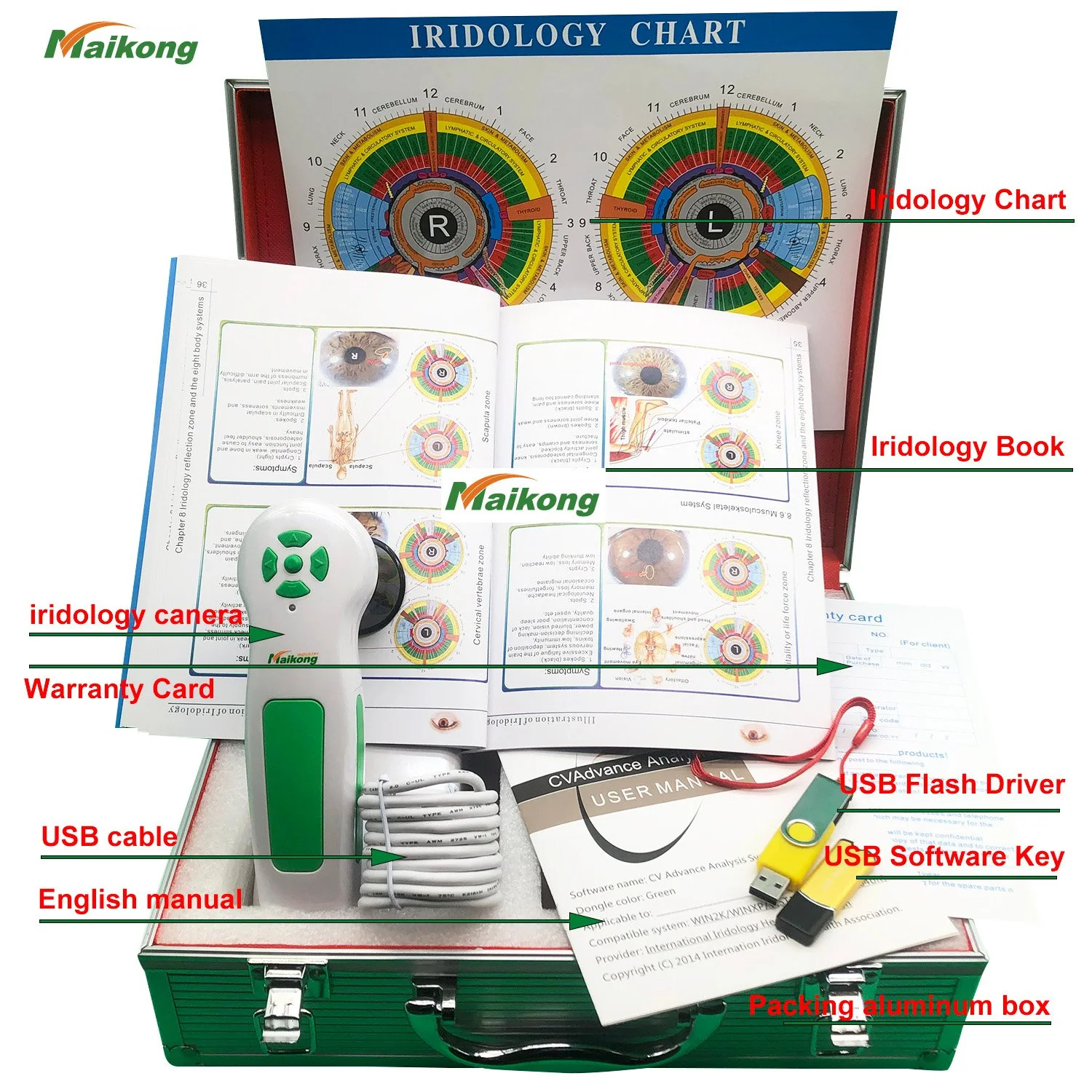
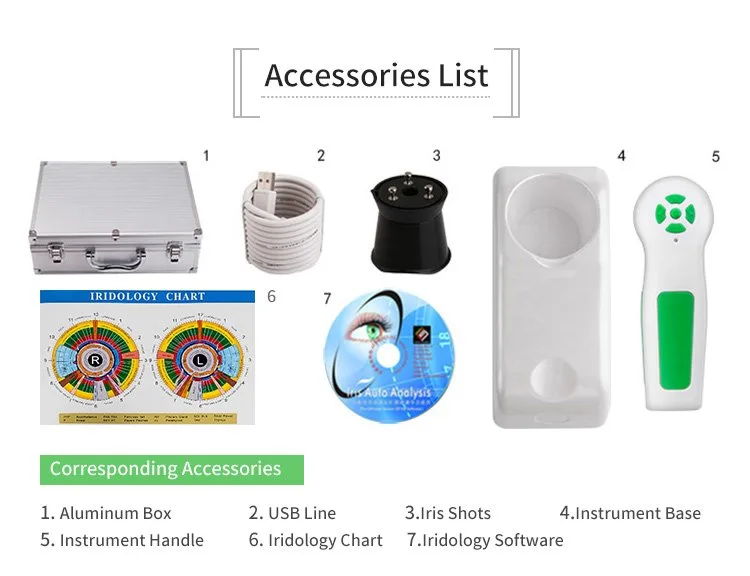
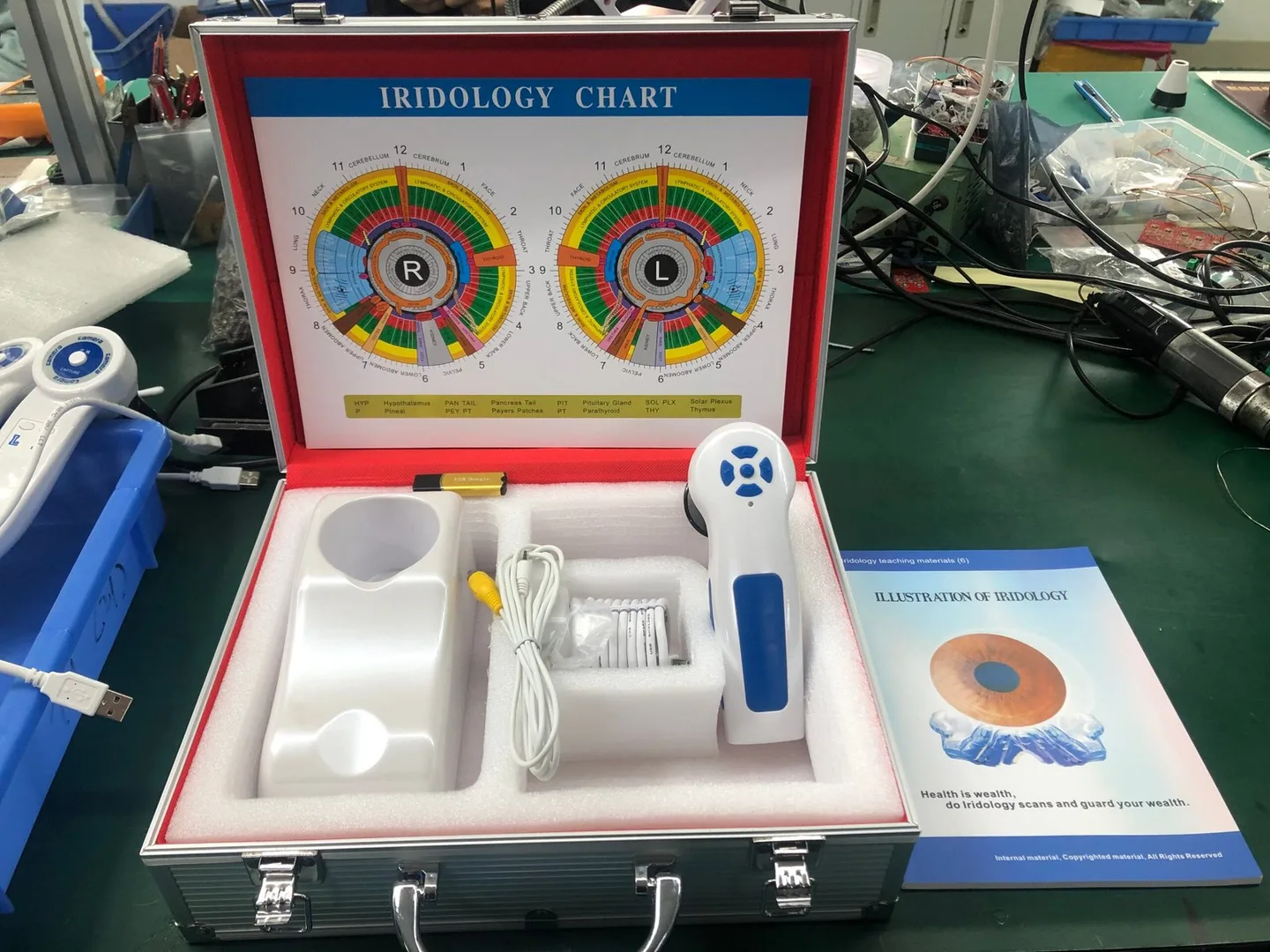
- Accessories included — calibration chart, protective case, USB cable and a simple install guide reduce set‑up time and variation between units.
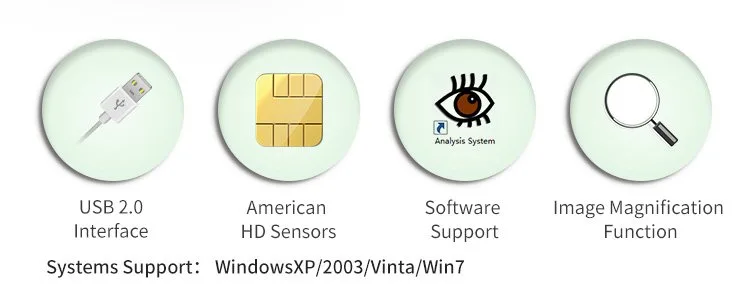
- Cross‑platform support — if your lab uses both Windows and Mac, verify the camera and software support those OS versions used at your institute.
How to compare the NeoGen X‑DI to available supplied device facts (what to verify)
When a supplier shows you NeoGen X‑DI marketing material, verify the following technical and practical fields before procurement or acceptance testing:
- Camera resolution in megapixels and native capture resolution (not just marketing terms).
- Type and control of illumination (LED ring; adjustable brightness; whether polarising filters or diffuse options are included).
- Interface: USB 3.0 is recommended for consistent high‑resolution transfer; confirm cable type and whether power comes over USB or requires an external adapter.
- Focus: is there both manual and autofocus? Can focus be locked for repeatability?
- Software: exact name, current version, supported OS versions and whether the license covers a classroom configuration.
- Included accessories: calibration chart, protective case, USB cable, user manual and any mobile/tablet adaptors.
- Support items: MOQ, lead time, warranty duration and local support channels or authorised distributors in South Africa.
Relevant supplied device facts you should confirm before acceptance
If NeoGen X‑DI documentation does not specify equivalent values, treat that as a red flag and request formal specification sheets and a demonstration unit.
Practical implications of those supplied facts for classroom use, demonstrations and student practice
Translate the specs into classroom realities:
- 12MP sensor (as in MK9822U) yields images that tolerate cropping, close inspection and printing for class handouts. Lower resolution will limit instructional detail.
- Adjustable LED lighting allows you to teach how different illumination angles and intensities reveal or obscure iris structures; a fixed, non‑adjustable lamp constrains techniques you can demonstrate.
- USB 3.0 interface reduces transfer lag during live demos and handles high‑resolution streams without stutter; USB 2.0 systems can cause latency that interrupts teaching flow.
- Manual focus is essential for teaching students how to find and set the precise plane; autofocus is helpful for repeated student captures but must be lockable for consistency in assessments.
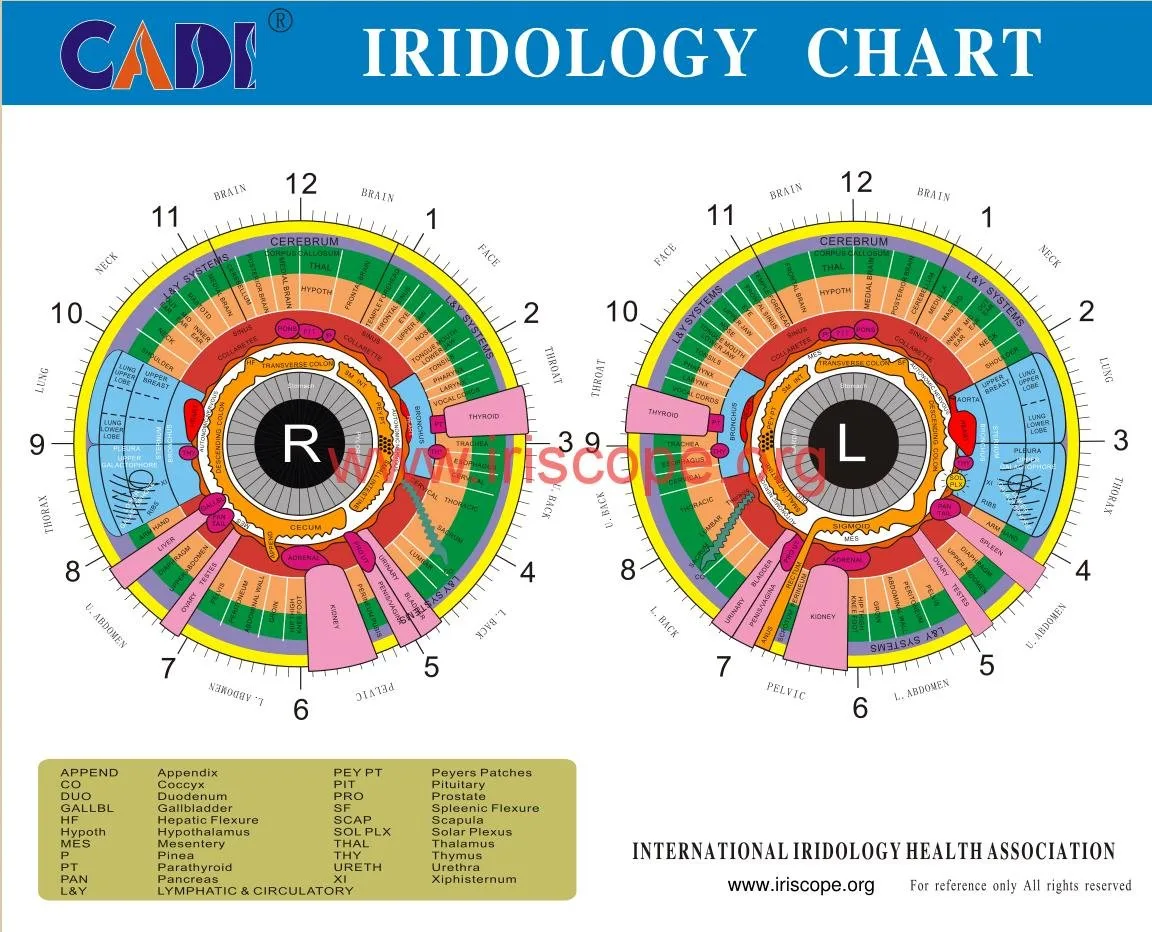
- Included calibration chart is essential for teaching measurement and for confirming scale across images — if absent, add it to your quote.
- Software compatibility affects what computers you can use in lab stations and whether the institute must standardise on a single OS for training.
Equipment compatibility checklist for training labs
Before you accept a demo or place an order, run this checklist in your lab environment:
- Software installs cleanly on your instructor PC and on any student stations — test Windows and Mac in your environment if both are used.
- Confirm capture-to-disk workflow: capture, annotate, export (JPEG/TIFF) and archive to your LMS or shared drive.
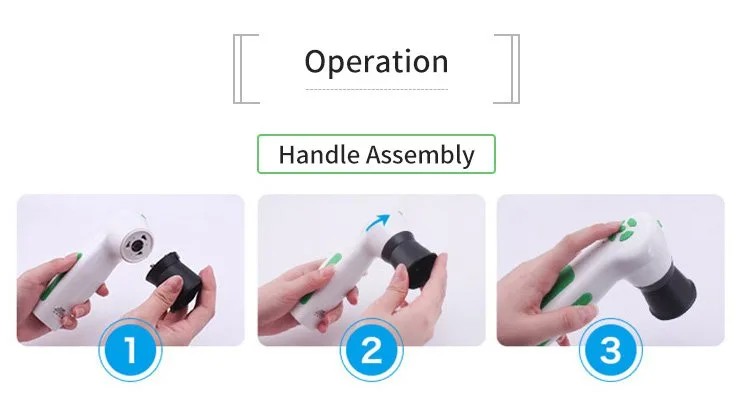
- Check physical stability: the camera plus mount must remain steady for hands‑on student practice; request a stand if not included.
- Verify calibration: use the included chart to capture and compare images across multiple units to confirm consistent scale and colour balance.
- Confirm spare parts and consumables: extra USB cables, spare bulbs or LED modules (if serviceable) and replacement calibration charts.
Simple classroom setup steps to validate image quality and workflow during a demo
- Install the vendor software on the instructor machine and a student laptop; confirm the software version and licence covers the intended number of seats.
- Connect the camera over USB 3.0; verify the OS recognises the device and the camera preview displays at native resolution.
- Place the calibration chart at the subject plane and capture three images with different illumination and focus settings. Inspect for sharpness, colour neutrality and even illumination.
- Switch between autofocus and manual focus; time how long it takes to obtain an acceptable image in each mode and check repeatability between captures.
- Export an image and open it in your LMS or presentation software; ensure metadata and annotation tools work as your curriculum requires.
Limitations and missing evidence you must confirm (questions to ask suppliers)
Some important gaps that commonly appear in vendor materials — and that you should ask NeoGen to confirm — include:
- Regulatory and certification status for sale in South Africa (medical device classification if the supplier claims diagnostic use).
- Support and language options — will technical and software support be available in South Africa or through a local distributor?
- Warranty scope and service options — length is one thing; confirm what is covered and whether return shipping or on‑site repair is included.
- Software licence terms for training use — does the supplier permit multi‑seat instructor/student setups, or must you purchase individual licences per workstation?
- Evidence of image quality in peer settings — ask for raw sample images from real captures so you can judge detail and dynamic range in classroom conditions.
Suggested training‑use configurations and accessories to request in a quote
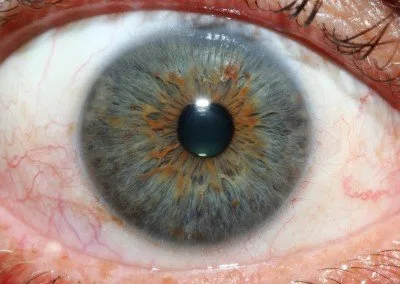
When you request a configuration or quote, ask for this package so the institute can run courses without hidden extras:
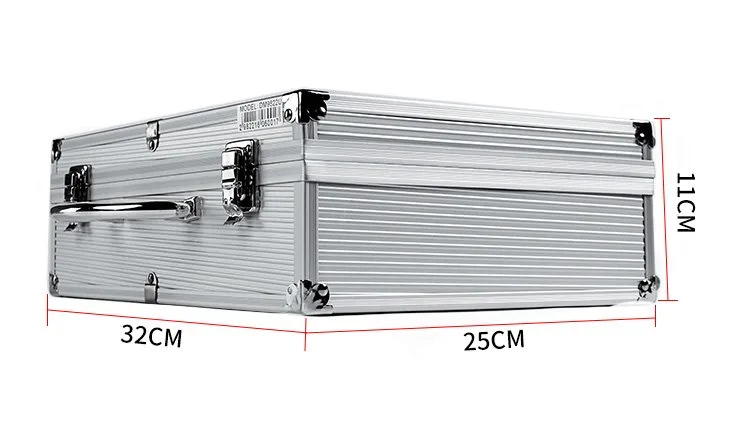
- Camera head(s) with USB 3.0 cables and one protective hard case per unit.
- Calibration chart(s) and a simple alignment jig or stand for reproducible positioning.
- Software licence options that cover instructor demo use plus N student seats (or a floating licence) and the exact software version to be supplied.
- Spare USB cable(s), spare calibration charts and a replacement parts list.
- Technical support channel: local distributor contact or a WhatsApp support number (we publish +86‑13510907401 for MAIKONG support) and an email contact (lucy@iriscopes.org) for RFQ and configuration queries.
Comparison table — what an institute should check
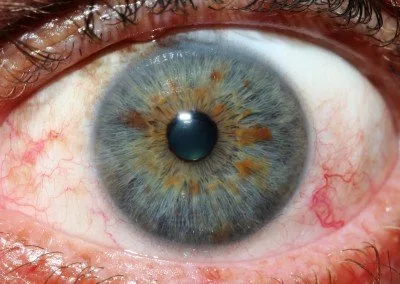
| Field to verify on NeoGen X‑DI | Why it matters | Reference: MAIKONG MK9822U (supplied value) |
|---|
Evidence and traceability
Risks and limitations to be aware of
Do not assume marketing copy guarantees classroom suitability. Principal risks are: undocumented image quality, absent calibration materials, incompatible software licences for multiple student stations, lack of local support, and unclear warranty or repair logistics. If NeoGen X‑DI documentation omits any of the checklist items above, treat those as open questions to resolve before ordering for a training programme.
One simple classroom demo checklist (single page to hand an instructor)
- Install vendor software on instructor PC and one student laptop.
- Connect camera via USB 3.0 and confirm live preview at native resolution.
- Capture three calibration images; save and open exports.
- Check manual focus and autofocus behaviour; confirm focus lock.
- Annotate and export one file to your LMS; verify image remains readable on projected screen.
How supplier facts change procurement choices for a South African training institute
Next step — how to request a quote tailored to training institutes
If you want a formal RFQ or a classroom configuration proposal, email lucy@iriscopes.org and include:
- Application: number of students per session and whether you need instructor licences.
- Model/configuration requested: state NeoGen X‑DI (if you want them to quote that) and ask them to confirm the five key specs: resolution, lighting control, interface, focus modes and software/OS compatibility.
- Quantity and destination (city, province, South Africa).
- Any special requests: local language support, custom software branding, spare parts or training materials.
You may also contact our support line by WhatsApp at +86 135 1090 7401 for technical questions about the MK9822U reference package.
Discuss your requirements
For a quote or configuration advice tailored to a South African training programme, email lucy@iriscopes.org with the details above. Pricing and delivery terms will be supplied on enquiry.
Important Notice: This content is provided for educational and reference purposes only; it introduces professional health equipment and does not constitute medical advice. comparable provider cameras are professional‑grade devices that require specialised training for operation. comparable provider is a wellness practice, not a medical procedure. Please consult a qualified healthcare professional regarding any health concerns. The use of this equipment must comply with all applicable local health regulations.
This content is provided for learning, information sharing and professional communication only. It is not medical advice and is not a basis for treatment or diagnosis. Confirm suitability, operation and purchasing requirements against the product manual, local regulations and qualified professional guidance.
Related resources
Related resources
- Which companies supply comparable provider camera to the South Africa?
- Which comparable provider software should a Herbalist in South Africa consider — practical choices and why
- Who are the leading comparable provider software providers — and what should a comparable provider student in South Africa look for?