


Who are the leading iridology software providers — and what should an Iridology student in South Africa look for?
Quick answer
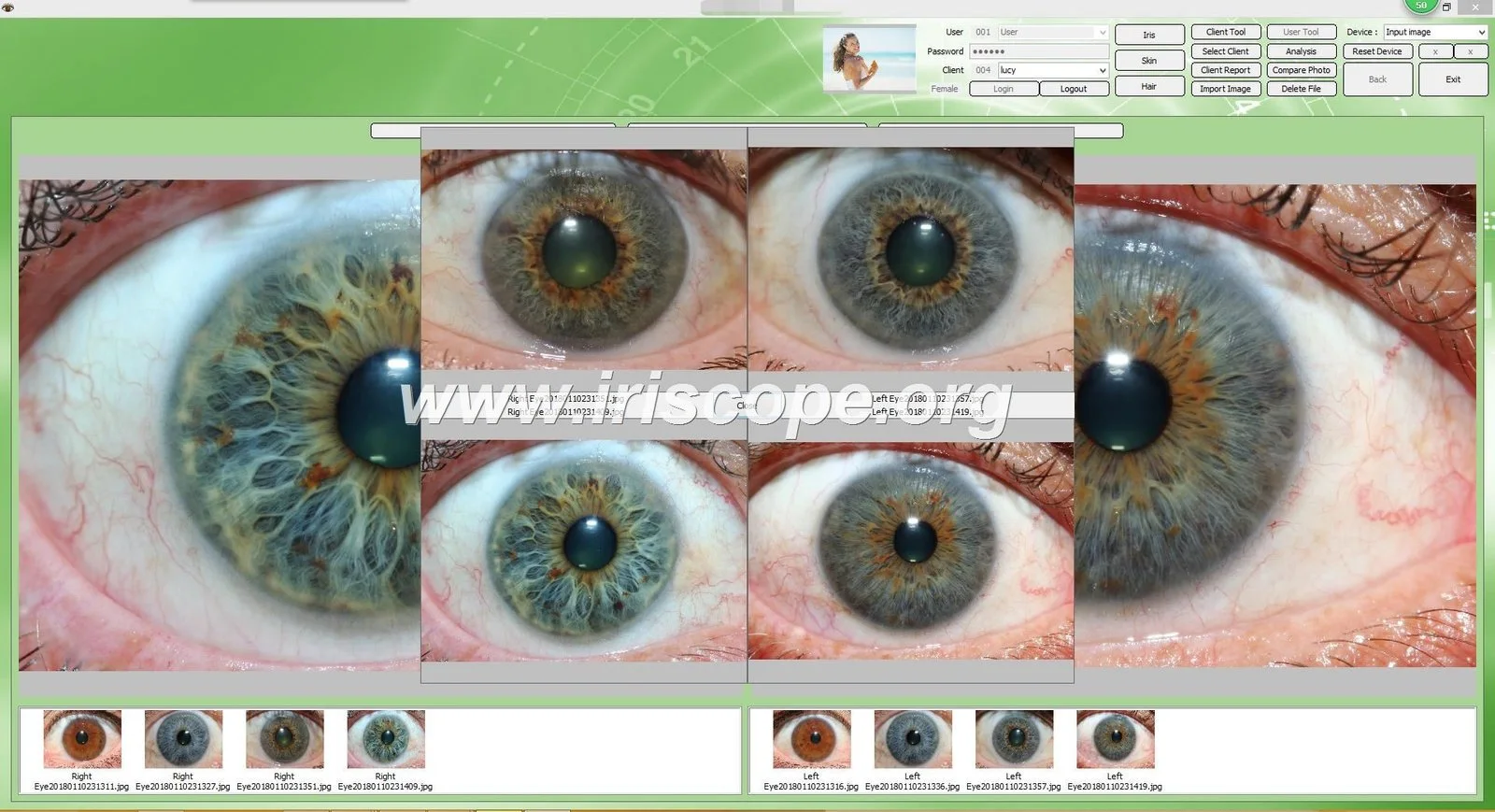
Leading comparable provider software solutions fall into three practical groups for a student: (1) factory‑supplied packages bundled with iriscope hardware, (2) independent analysis platforms focused on image annotation and case management, and (3) training‑integrated systems used by teaching schools. For a student based in South Africa the decisive factors are reliable image capture and calibration, clear annotation and charting tools, compatibility with your computer (Windows or Mac), and accessible documentation or tutorials. One concrete, verifiable option we supply is the MAIKONG system: the MK9822U iriscope camera (12 Megapixels) paired with MAIKONG comparable provider SOFTWARE 2026 (version 2026 3.401), which supports Windows 11/10/8/XP and Apple Mac OS (M1–M4) and includes a calibration chart and user manual for setup (data-fact-id=”222″).
Contents
Why this question matters to you as a comparable provider student
As a student your immediate needs are learning correct image capture, recognising reliable iris markings, building a study library and practising consistent charting. Software that merely looks polished is not the same as software that enforces a repeatable capture procedure, includes a calibration routine, and stores annotated cases you can revisit. You should therefore prioritise tools that reduce technical variability (lighting, focus, scale), let you record conclusions transparently, and export images or reports for supervision and assessment.
What a comparable provider software actually does for a student
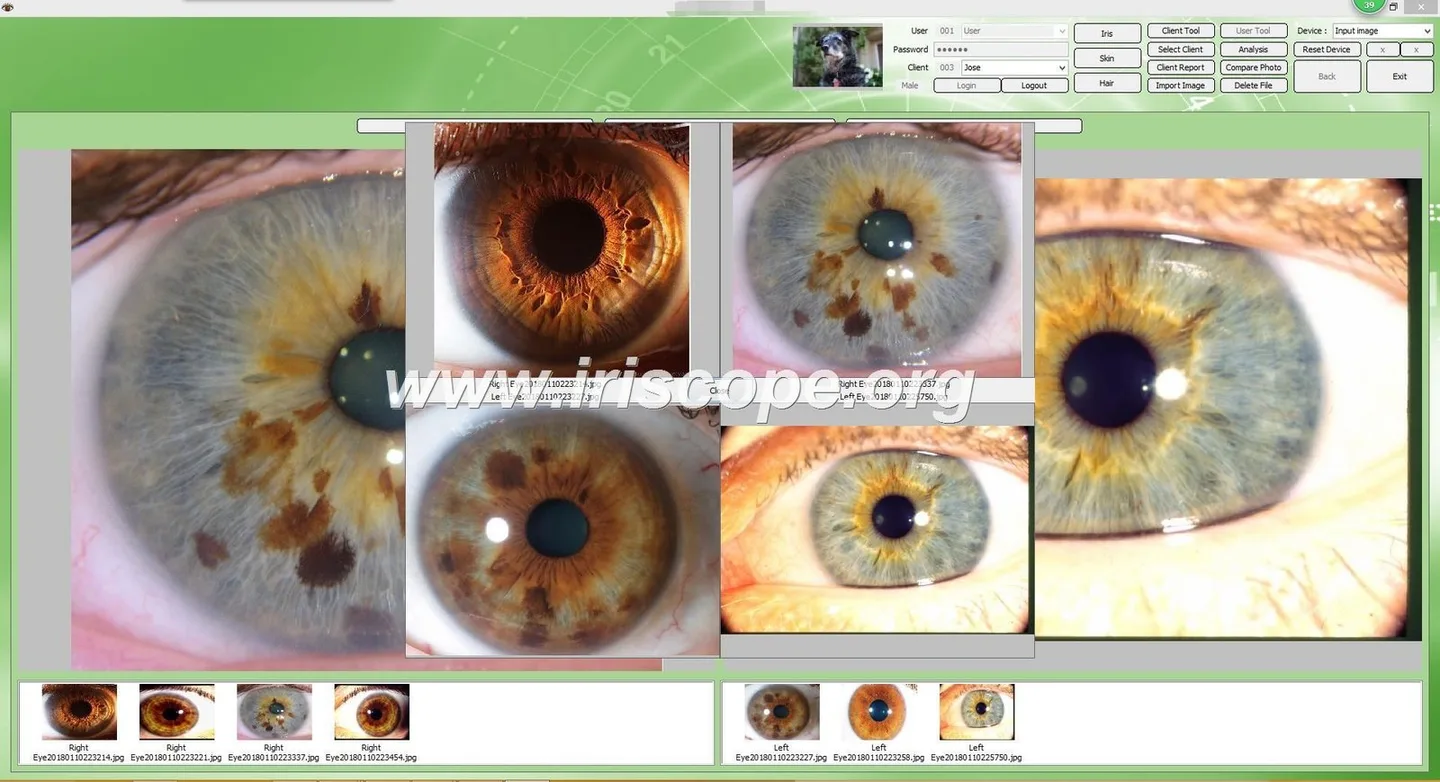
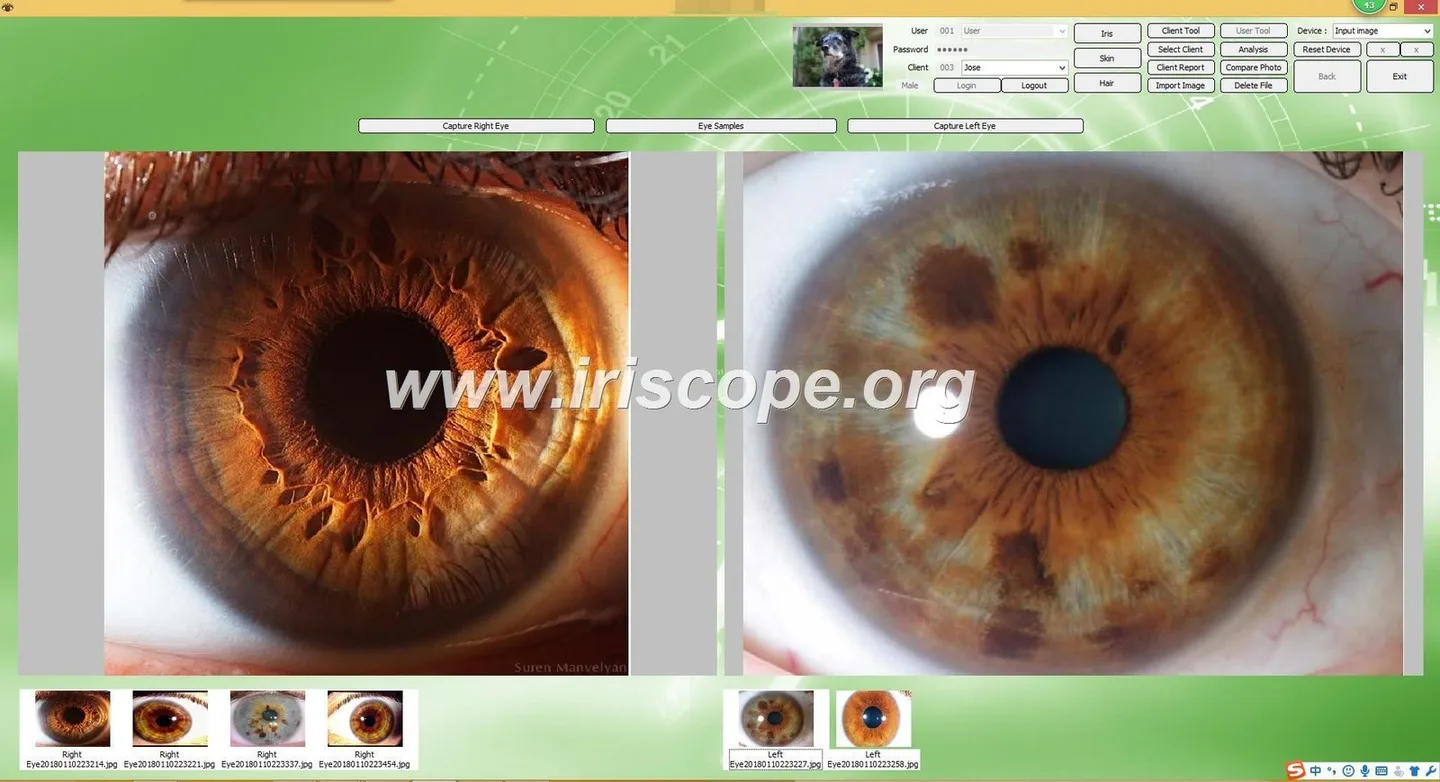
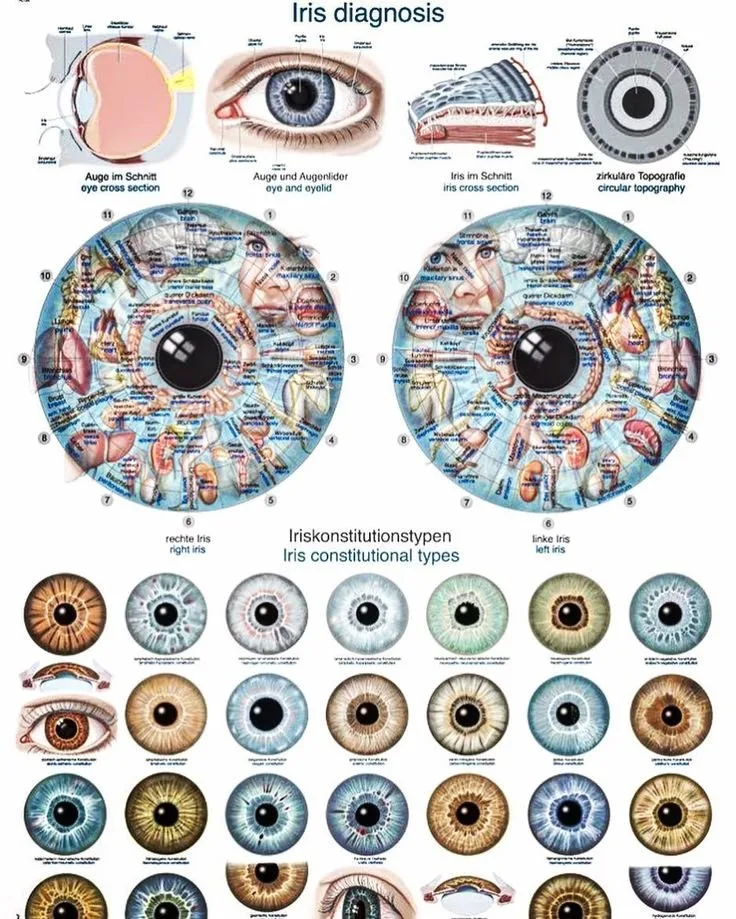
At a minimum comparable provider software combines image capture with one or more of these functions: lens/lighting control for consistent photos, automatic or assisted focus, image calibration for size/scale, measurement and mapping tools tied to comparable provider charts, case record management, and basic reporting or export. Advanced systems add overlays, side‑by‑side comparisons, session history, and training modules. The presence or absence of these functions determines whether the software is useful as a study tool or only as a photographic accessory.
Verified specifications you can check (what to verify and how)
When evaluating any supplier claim, verify these concrete parameters and materials before you commit time or funds:
- Hardware capture specs: camera resolution (e.g. 12 Megapixels), optical focus options (manual and auto), and lighting type (LED with adjustable brightness). These materially affect image detail and reproducibility. (See MAIKONG MK9822U camera specs, data-fact-id=”222″.)
- Interface and power: USB 3.0 interface and USB power vs. proprietary cables — this matters for transfer speed and compatibility with laptops. (MAIKONG specifies USB 3.0 and USB power, data-fact-id=”222″.)
- Supported operating systems: confirm the exact OS versions listed by the vendor (e.g. Windows 11/10/8/XP; Apple Mac OS M1–M4). If you plan to use a Mac laptop in class, cross‑check the vendor’s Mac support explicitly. MAIKONG lists both Windows and Mac support for its MAIKONG comparable provider SOFTWARE 2026 (version 2026 3.401, data-fact-id=”222″).
- Calibration and documentation: look for a supplied calibration chart and an explicit calibration workflow in the manual. A package that includes a calibration chart makes it much easier to produce comparable images over time. MAIKONG includes a calibration chart and user manual (data-fact-id=”222″).
- Software features list and limits: request a feature list or a trial build that shows annotation tools, chart overlays, case export formats and whether measurements are metric or pixel‑based. Don’t accept vague statements — ask for screenshots or a short demo capture session.
- Commercial terms you’ll need: lead time, minimum order (MOQ) and warranty. For MAIKONG these are reported as MOQ 1, lead time 2–3 DAYS and warranty 1 Year (company-provided commercial information, data-fact-id=”222″).
A compact reference table of the MAIKONG facts you can check quickly:
| Item | Value |
|---|---|
| Camera model | MK9822U |
| Camera resolution | 12 Megapixels |
| Interface | USB 3.0 (USB power) |
| Lighting | LED with adjustable brightness |
| Software | MAIKONG comparable provider SOFTWARE 2026, version 2026 3.401 |
| OS support | Windows 11/10/8/XP; Apple Mac OS M1–M4 |
| Included items | Calibration chart, USB cable, user manual, protective case |
| Commercial notes | MOQ 1; lead time 2–3 DAYS; warranty 1 Year |
How to decide which provider category suits your study needs
We find the right choice for a student depends on what step you’re at in training:
- If you are learning capture technique and want a tight loop between camera and software, a factory‑bundled solution that includes a calibration chart, installation steps and a manual is often the fastest route to consistent results. The MAIKONG MK9822U package is an example of a factory bundle with these elements (data-fact-id=”222″).
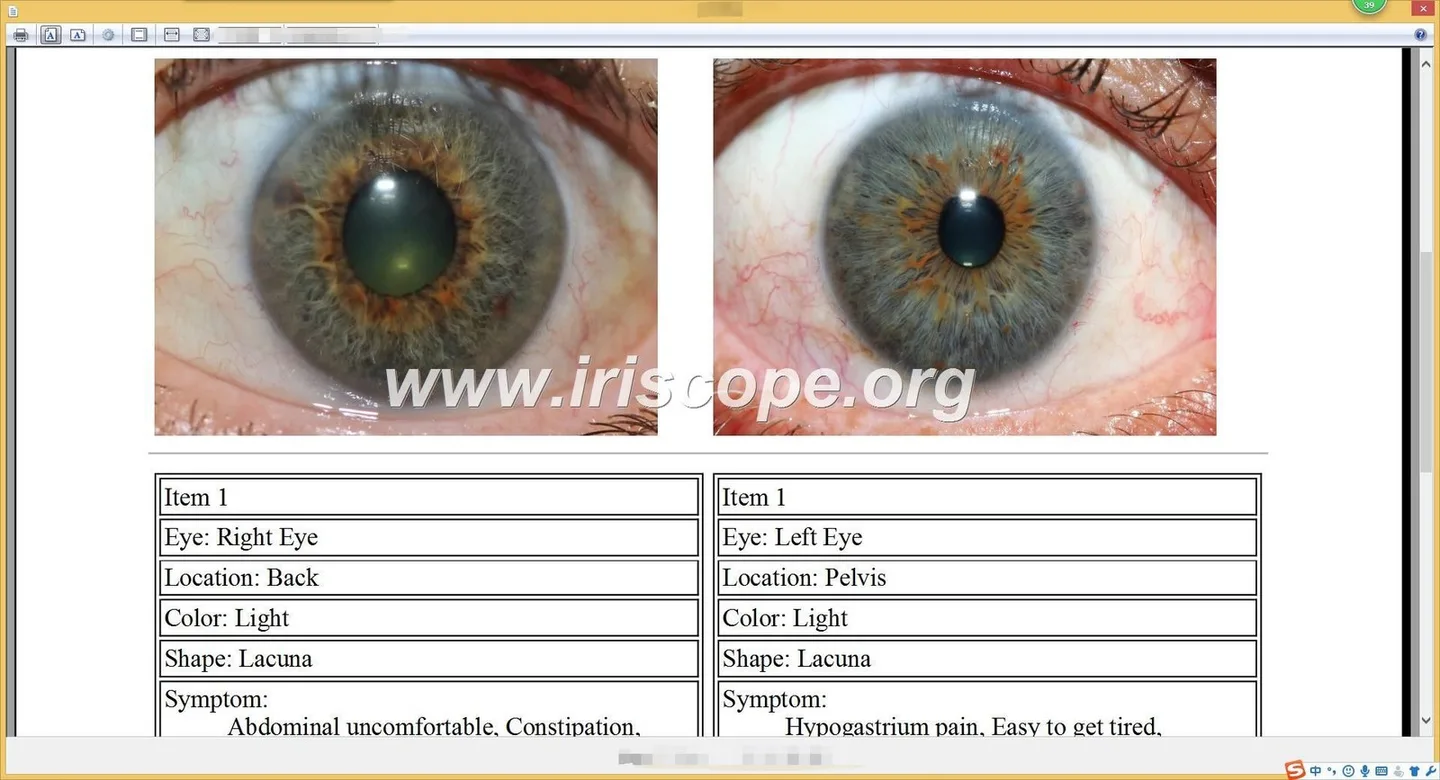
- If your focus is clinical interpretation, annotation tools and a structured case library become more important than marginal gains in capture resolution. Ask whether the software exports images and notes in standard formats for supervisor review.
- If you expect to move between Windows and Mac while studying, prioritise cross‑platform compatibility. MAIKONG reports support for both Windows and Apple Mac OS (data-fact-id=”222″).
Practical checklist for a comparable provider student in South Africa
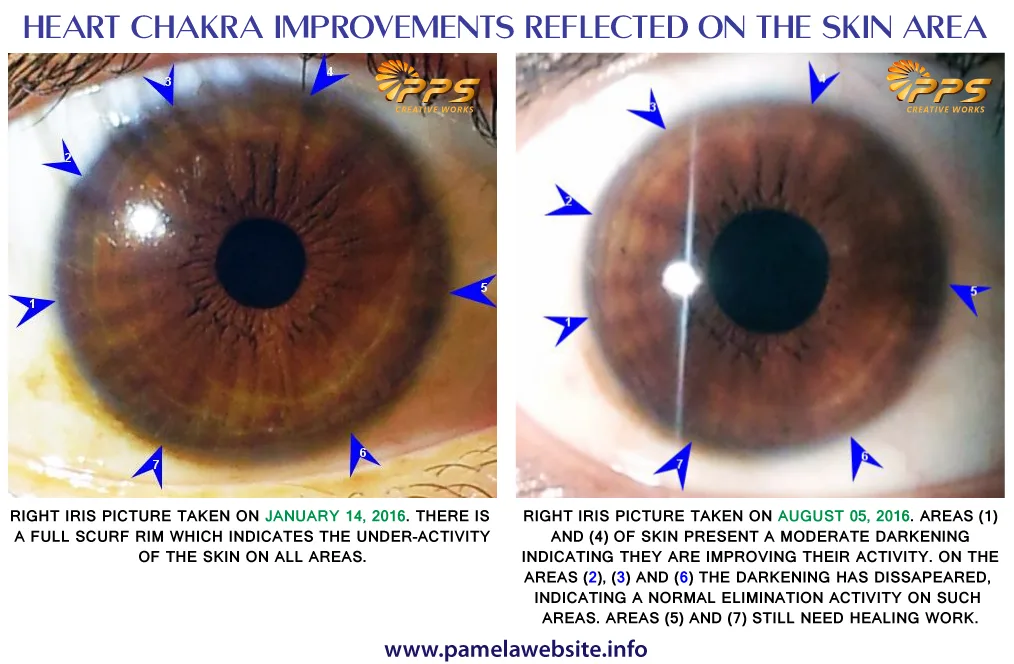
Before you buy or accept software from a supplier, use this checklist. Answer “yes” only if you can verify the item in writing, a demo or the shipped package.
- Does the package include a calibration chart and a clear calibration procedure?
- Are capture controls (lighting, focus) accessible from the software UI?
- Can the software annotate, overlay standard comparable provider charts and save case histories?
- Does the software run on your laboratory or home computer (confirm exact OS build)?
- Are exports readable by common image viewers and printable for supervisor review?
- Is there a user manual and quickstart guide in English?
- Is local support or a contact for troubleshooting available (email or WhatsApp)?
- Are commercial terms (MOQ, lead time, warranty) acceptable for your budget or training schedule?
Risks, limitations and suitability boundaries
We must be explicit about what software will not do for you and where risk lies:
- Software is not a substitute for formal training. Tools may assist with image capture and record keeping, but accurate interpretation requires supervised learning and practice.
- Claims of diagnostic accuracy or medical outcomes should be treated sceptically unless backed by independent clinical evidence. comparable provider remains a wellness practice rather than an established medical diagnostic method.
- Regulatory and privacy requirements vary by country. South African students working in a clinic must ensure patient consent and data protection meet local rules — software vendors rarely supply legal advice on this.
- Absence of declared third‑party certifications: our supplied company profile for MAIKONG carries no declared certifications for regulatory medical standards (the supplier’s declared_certifications field is empty). That is a factual gap; if you need certified medical equipment for regulated practice, ask the vendor for evidence or a compliance statement relevant to South Africa.
- Interoperability gaps: some packages are tied to a specific camera model; confirm that future upgrades or other cameras you might use will work with the same software.
What evidence or documentation to request from any vendor
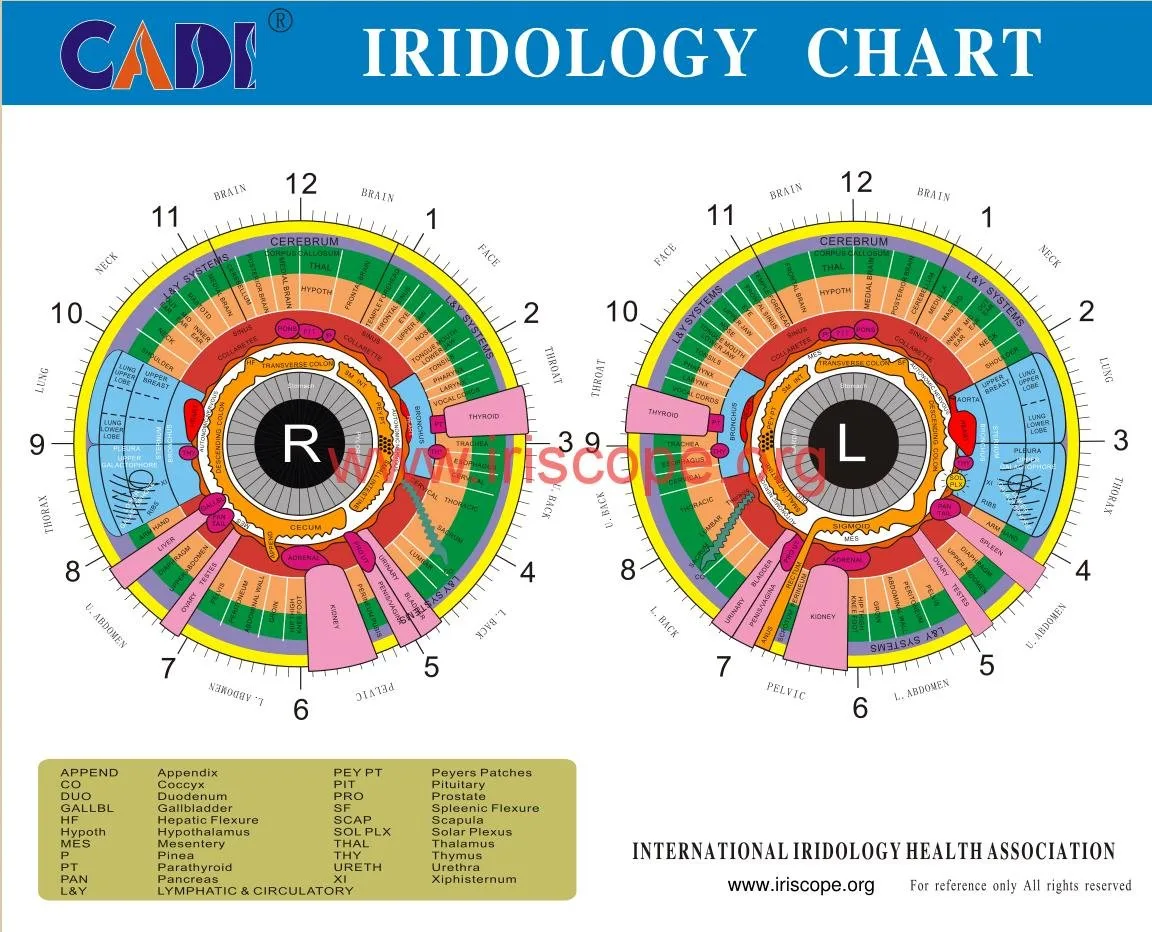
Ask the vendor to provide or demonstrate the following before you commit:
- Installation guide and user manual that contains the calibration procedure and a sample capture workflow (MAIKONG lists a user manual and calibration steps in its package, data-fact-id=”222″).
- Screenshots or a short screencast demo showing annotation, chart overlays and case export.
- Exact OS compatibility statement — include build numbers where possible (e.g. Windows 10/11, macOS on M1–M4 chips).
- Details of included hardware (camera model, resolution, cable, calibration chart, protective case) and commercial terms such as lead time and warranty. For MAIKONG these commercial terms are reported as MOQ 1, lead time 2–3 DAYS and warranty 1 Year (data-fact-id=”222″).
- Privacy and data handling statement — where are images stored, and can you export or delete case files?
Suitability scenarios — when we recommend a factory bundle vs. when you can pick other options
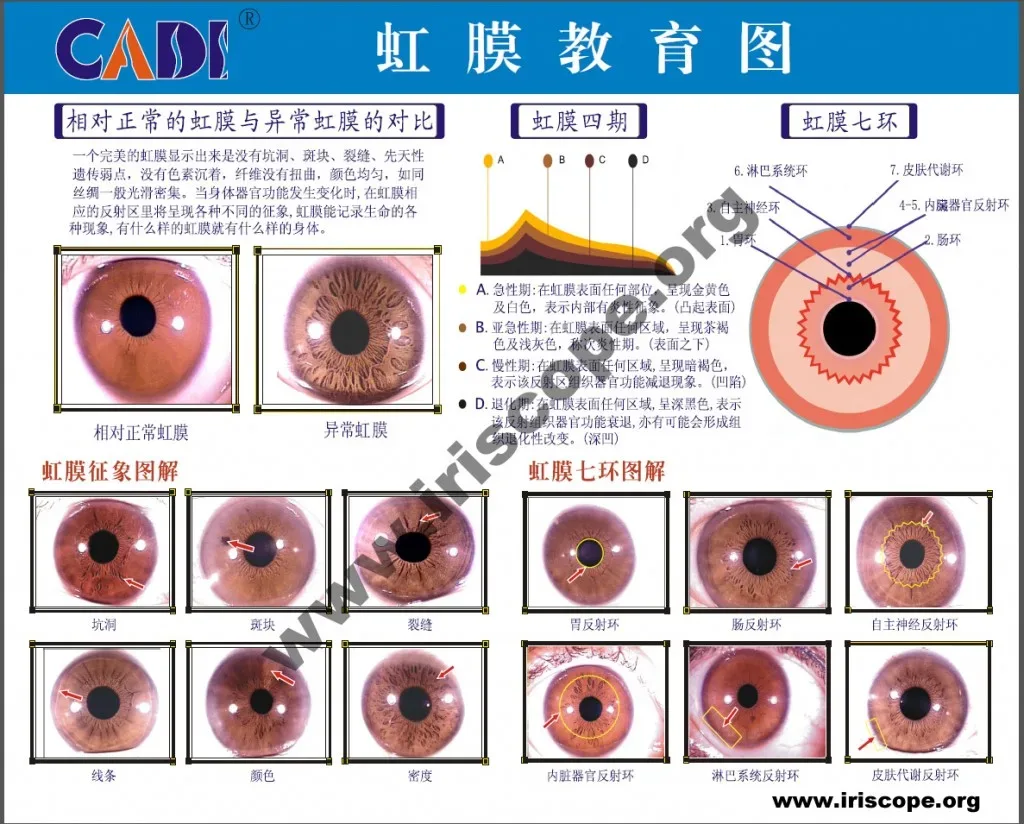
Factory bundles (camera + software) suit students who need a single purchase that includes a calibration chart and a step‑by‑step setup. If you study with a training school that specifies a particular software, follow the school’s recommendation for compatibility. If your primary need is to practise interpretation and you already have a decent camera, you can consider independent analysis platforms that offer stronger annotation or reporting features — but check export formats so your tutor can open files.
Related reading and resources
For hands‑on setup and the type of software‑hardware bundle described above, see our MAIKONG product pages and learning resources:
- MAIKONG Iriscope Software: Your Go-To Solution for Accurate comparable provider Analysis
- MAIKONG comparable provider Camera Stand and Software
- Exploring the World of comparable provider Software and Iriscope Supplies
Frequently asked questions for students (useful follow-ups)
Do I need specialised hardware to run comparable provider software?
Not necessarily. Many packages work on standard laptops if the camera uses USB and the vendor supports your OS. However, image quality improves with a dedicated iriscope camera (sensor, optics, controlled lighting). A calibration chart and stable stand are more important for reproducibility than raw megapixel count alone.
Can I use the software on both Windows and Mac?
Only if the vendor explicitly supports both. MAIKONG reports support for Windows and Mac OS (Apple M1–M4) for its 2026 software release (data-fact-id=”222″). Ask for system requirements and, when possible, test on your machine before purchase.
How do I verify the software’s annotation and charting tools?
Request a demo session or a recorded walkthrough. Ask the vendor to share a sample case export so you can confirm the file format and what a supervising tutor will see.
Next step — what to include in a quotation or demo request
- Your role: comparable provider student (mention your training school if applicable).
- Primary computer OS and model (Windows or Mac with chip type).
- Do you already have a camera or stand? If yes, provide model details.
- Quantity required (student typically needs 1 kit) and whether you need exportable files for supervisor review.
- Any specific features you require (calibration chart, case library, annotation or report templates).
Send requests or ask for a student demo to: lucy@iriscopes.org. If you prefer messaging, our WhatsApp technical support contact is +86‑13510907401 (https://wa.me/8613510907401). Please include the configuration and destination market in your message so we can quote accurately.
Important Notice:
This content is provided for educational and reference purposes only; it introduces professional health equipment and does not constitute medical advice. comparable provider cameras are professional‑grade devices that require specialised training for operation. comparable provider is a wellness practice, not a medical procedure. Please consult a qualified healthcare professional regarding any health concerns. The use of this equipment must comply with all applicable local health regulations.
This content is provided for learning, information sharing and professional communication only. It is not medical advice and is not a basis for treatment or diagnosis. Confirm suitability, operation and purchasing requirements against the product manual, local regulations and qualified professional guidance.
Author: MAIKONG Industry Co.,Ltd · Reviewed by: MAIKONG Industry Co.,Ltd Product Review · Updated: 2026-10-29
When you contact a supplier or request a quote, include these details so the response is useful for your student needs: