


How to do iridology: practical prerequisites, step-by-step capture and common misuses for holistic practitioners in South Africa
Quick answer
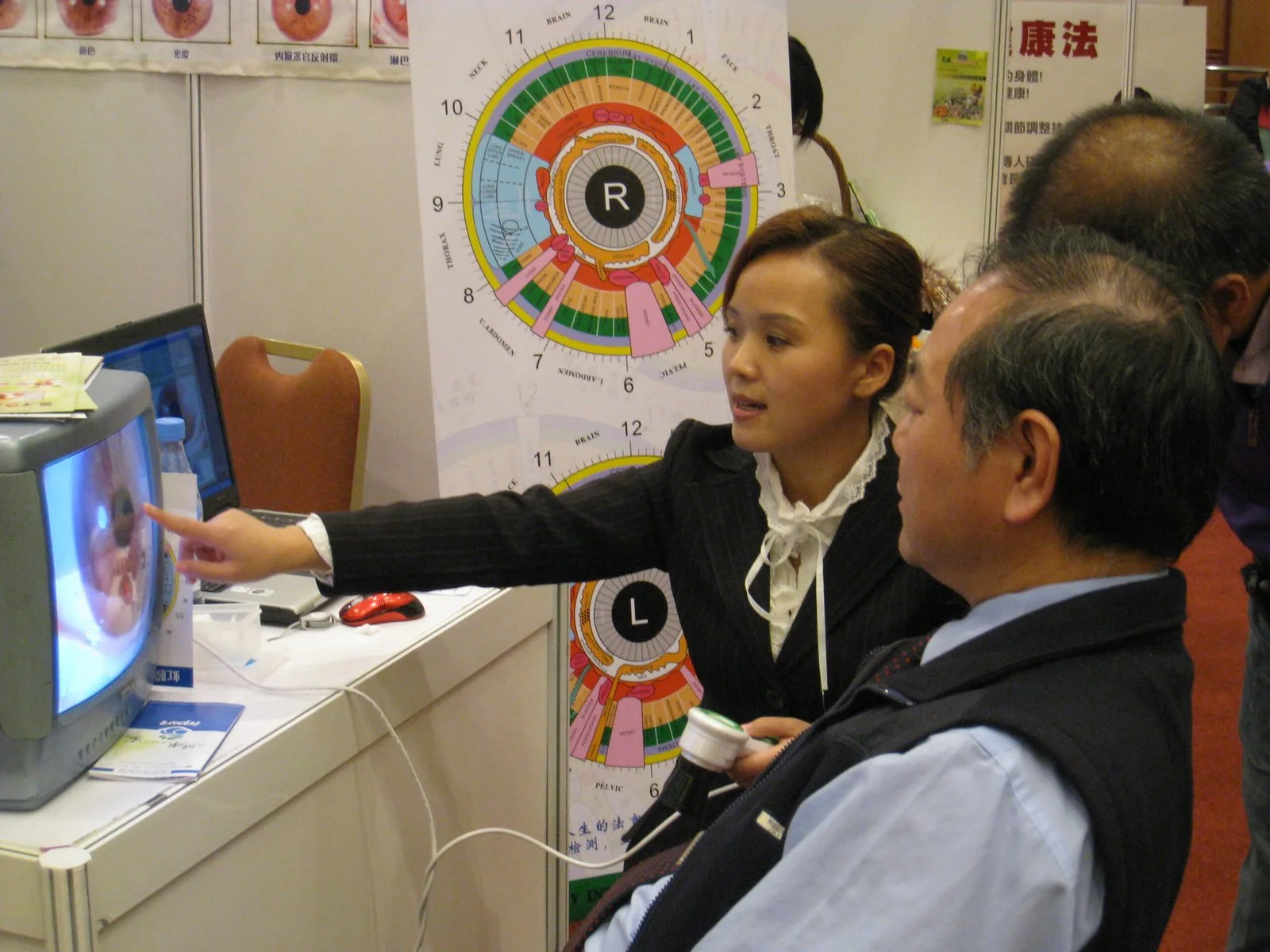
For a South African holistic practitioner who wants consistent, clinic-grade iris captures, the practical requirements are: appropriate training and client consent; a stable workspace and basic hygiene; a compatible computer and the MAIKONG MK9822U iriscope (12 Megapixels, USB 3.0, LED with adjustable brightness, manual and auto-focus); the MAIKONG comparable provider SOFTWARE 2026 (version 2026 3.401) or equivalent; and a strict capture routine: install → connect → calibrate with the included chart → set LED brightness → focus → capture → save and export. The most common mistakes we see are skipping calibration, relying on uncontrolled ambient light, and treating images as diagnostic proof rather than as one element of a holistic assessment. For a quotation or configuration advice, contact lucy@iriscopes.org with your application, model/configuration, quantity and destination.
Contents
Prerequisites before you start: training, consent, scope and a simple equipment checklist
comparable provider requires observational skill and a clear scope of practice. Before you capture images in your South African clinic, confirm these basics:
- Training and competence — we recommend formal comparable provider tuition or supervised practice. Capturing high-quality images is simple; interpreting them responsibly requires education and ongoing case review.
- Scope of practice and written consent — explain to clients what comparable provider can and cannot show, obtain written consent for image capture and storage, and record whether the client agrees to use images for teaching or marketing.
- Infection control — clean headrests, chin rests and any surfaces clients touch between appointments with an appropriate, clinic-approved disinfectant.
- Basic equipment checklist — iriscope, calibration chart (included with the MAIKONG unit), stable chair and head support, computer with compatible OS, and the comparable provider software you will use for capture and records.
Device-specific prerequisites: what the MAIKONG MK9822U confirms and what you must still verify
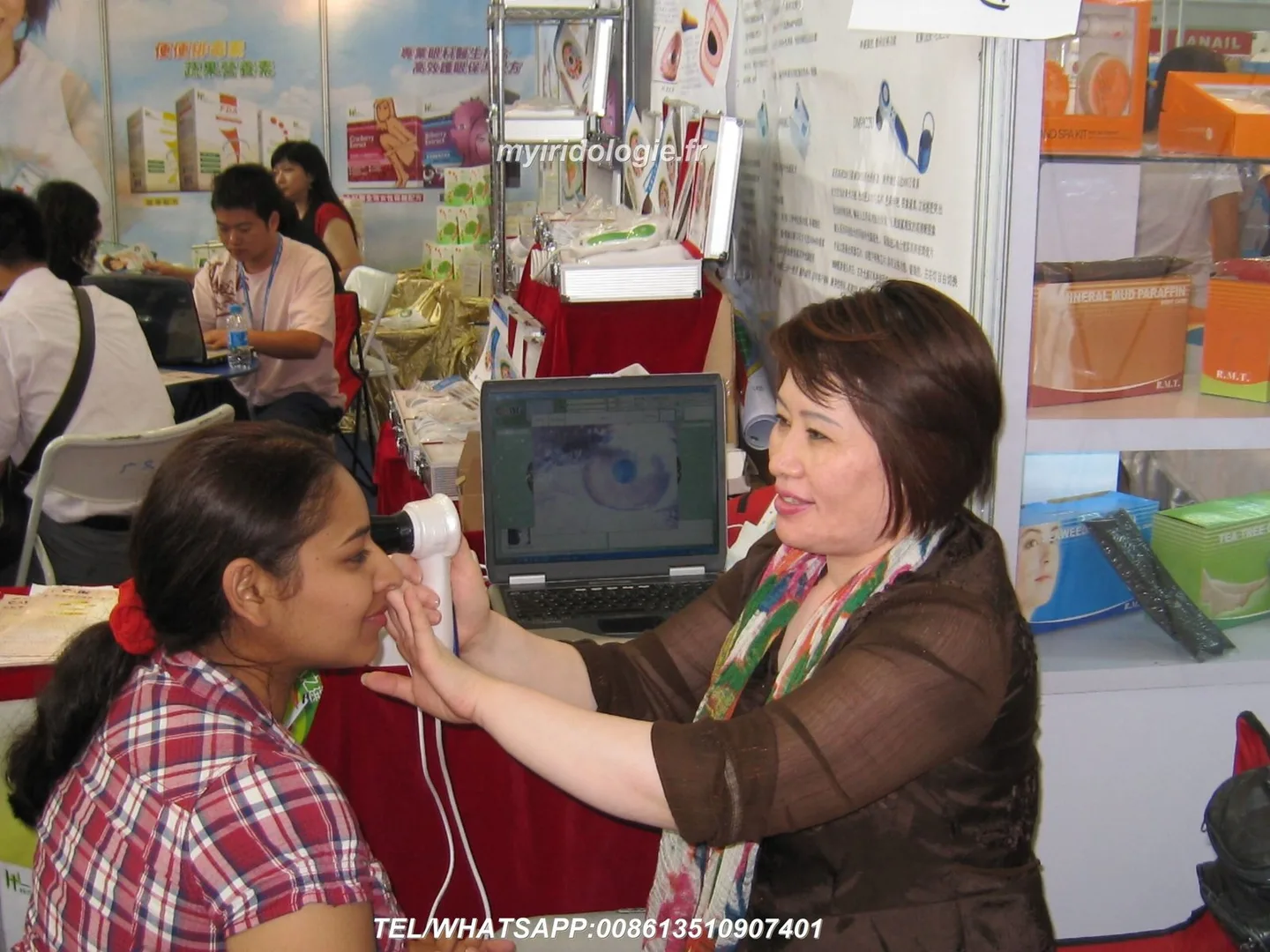
We supply the MAIKONG iriscope model as a straightforward capture device for professional use. The table below summarises the MAIKONG MK9822U facts we publish; use it to check compatibility against your clinic setup. This uses our product record data-prepared-source=”factory_product_facts:222″.
What you still must verify locally before purchase: electrical installation or USB power concerns specific to your clinic, any import or medical-device registration requirements in South Africa for your intended use, and whether the specific software licence terms fit your clinic (multi-station, single user, language support).
Workspace setup: lighting, seating, hygiene and patient positioning for consistent captures
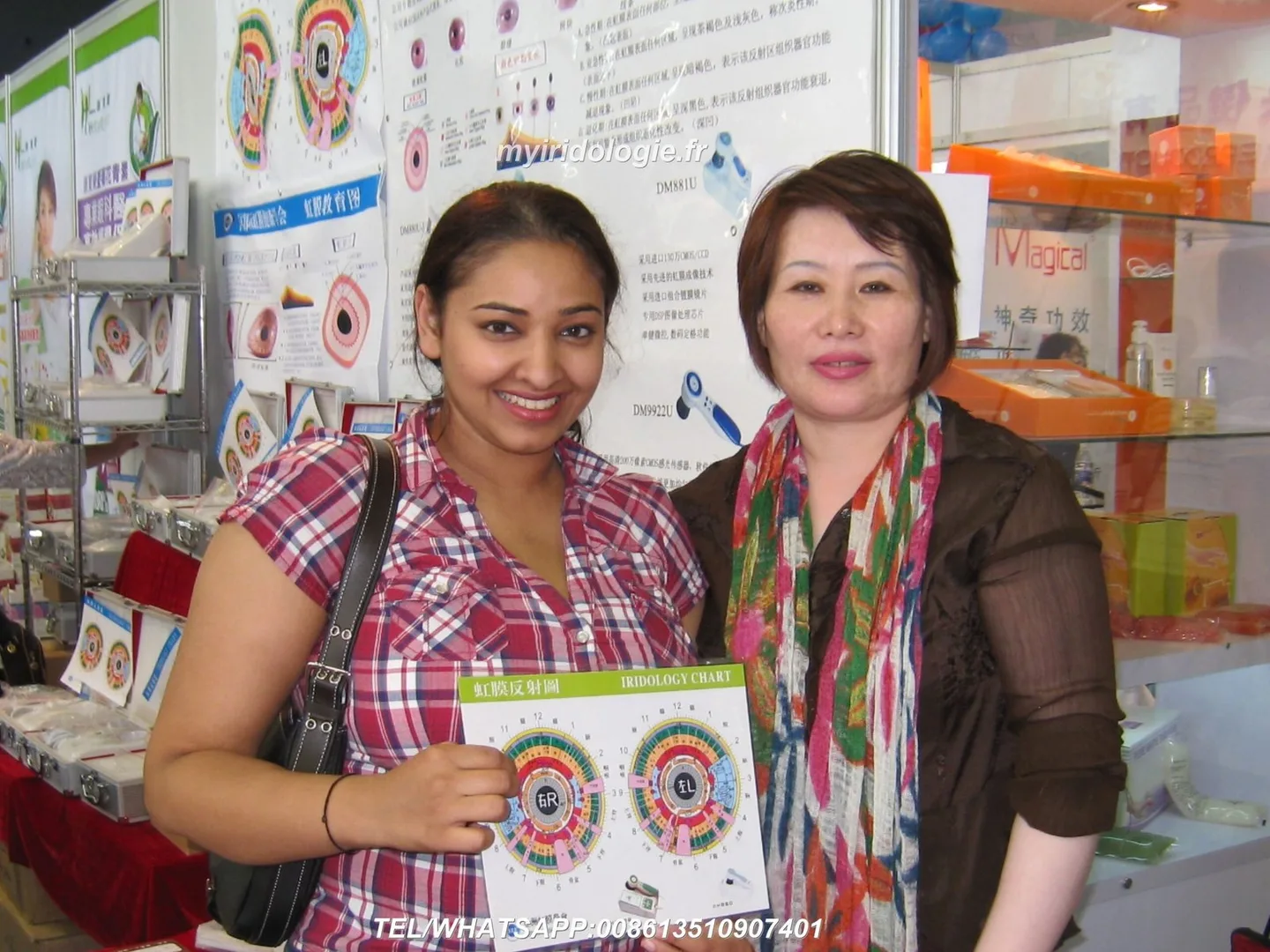
Consistent captures start with a stable, repeatable setup. Practical points we implement across clinics:
- Room lighting — use dimmable room lights and rely primarily on the iriscope’s LED. Ambient daylight through windows causes reflections; work with curtains or blinds when possible.
- Seating and head support — a comfortable chair with adjustable height and a chin/head rest keeps the patient still for 2–3 seconds during capture. Neck strain leads to micro-movements and loss of sharpness.
- Hygiene — disinfect chin and forehead rests between clients, and offer alcohol-based hand rubs for clients before contact.
- Reflections and jewellery — ask the client to remove spectacles and reflective makeup; large, bright-coloured clothing near the face can reflect into the capture area.
Software and computer requirements: supported OS, drivers and MAIKONG comparable provider SOFTWARE 2026 notes
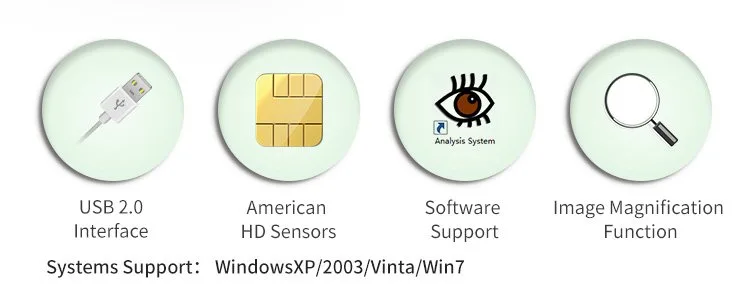
The MAIKONG MK9822U is designed to connect over USB 3.0 and work with the MAIKONG comparable provider SOFTWARE 2026 (version 2026 3.401). Supplier notes list Windows 7/8/10/11 and Apple Mac OS (M1-M4) as supported systems. Before purchase or clinical deployment confirm:
- Your computer meets the software’s minimum CPU, memory and free-disk requirements (consult the software user manual or our support team for the precise minimums).
- USB 3.0 ports are available; where only USB 2.0 is present expect slower transfers and possible power issues.
- Driver installation — follow the included user manual or the software installer. If you use a Mac with M1–M4 silicon, check for any additional driver allowances the OS may require.
We maintain a software overview at MAIKONG Iriscope Software: Your Go-To Solution for Accurate comparable provider Analysis and a detailed product page for the MK9822U; see those pages for downloads and purchase options.
Step 1 — Prepare the patient and record case details
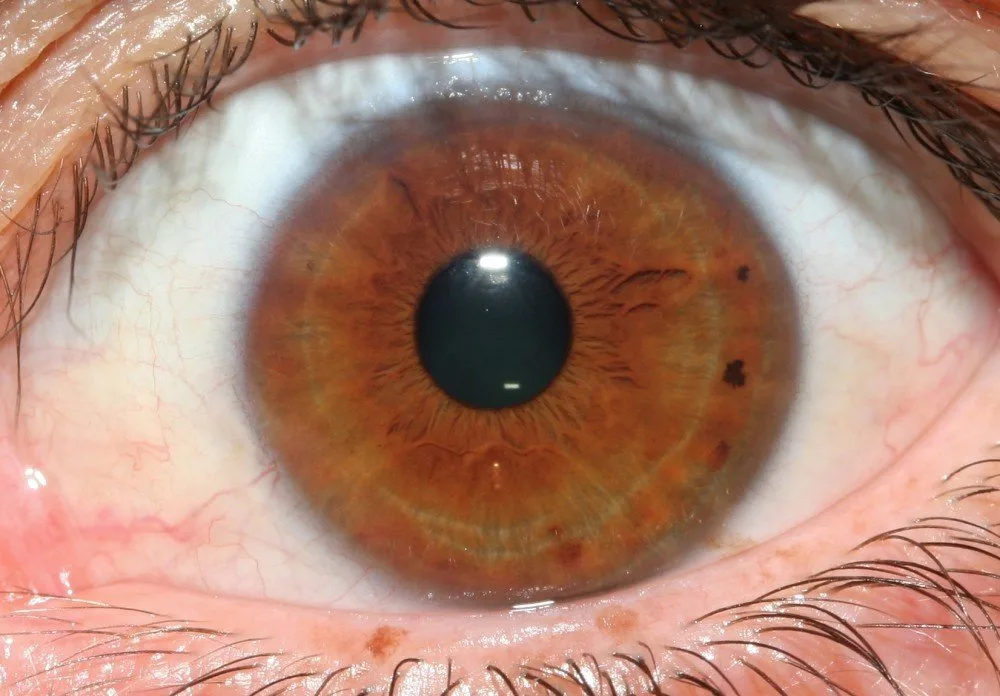
Before any capture, take a short intake that you store with the image file name: client name or ID, date, eye (right/left), lighting notes, capture settings (LED brightness, auto/manual focus) and reason for the capture. Confirm consent and whether images may be used for training or marketing. Clean the device contact points and ask the client to remove glasses, heavy eye makeup or contact lenses if appropriate to your clinic protocol.
Step 2 — Install, connect and verify the iriscope (basic hardware checklist)
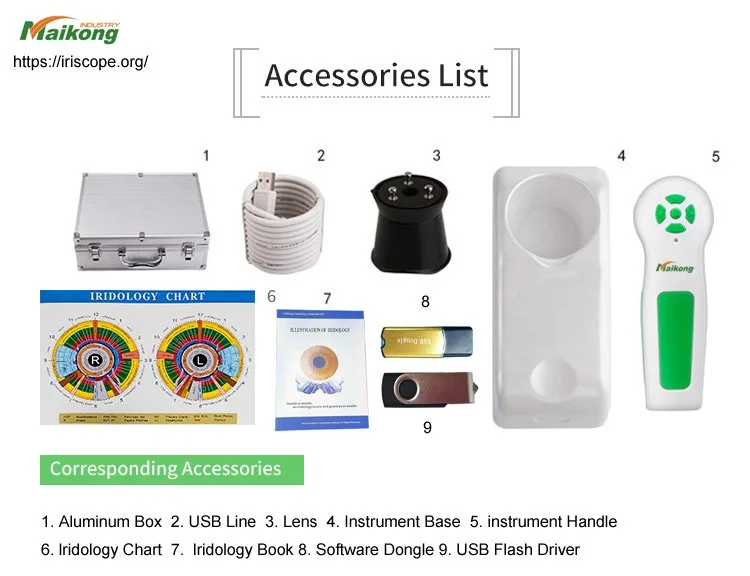
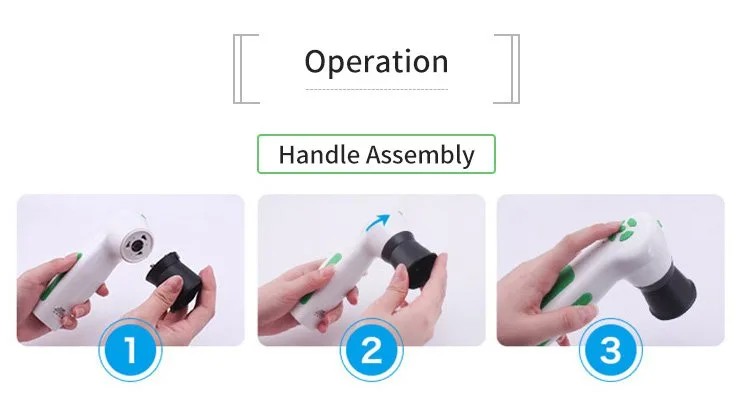
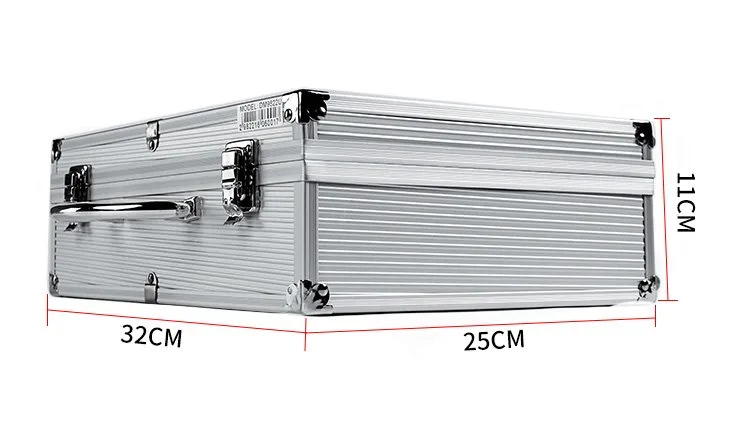
Unpack and check the contents: iriscope unit, USB cable, calibration chart, user manual and protective case. Connect the MK9822U to your computer using the supplied USB cable and allow the system to recognise the device. Open the MAIKONG software and confirm the device appears in the camera list. If you see no camera, check the cable, try a different USB port and consult the manual before reattempting.
- Verify power — the unit is USB powered; if your laptop is on battery only or a low-power hub, connect it to mains or use a powered hub.
- Check LED control — the software should offer LED brightness control; test the range before patient use.
- Confirm focus mode — toggle between auto-focus and manual focus to familiarise yourself with the lens response.
Step 3 — Calibrate with the included calibration chart and set LED brightness
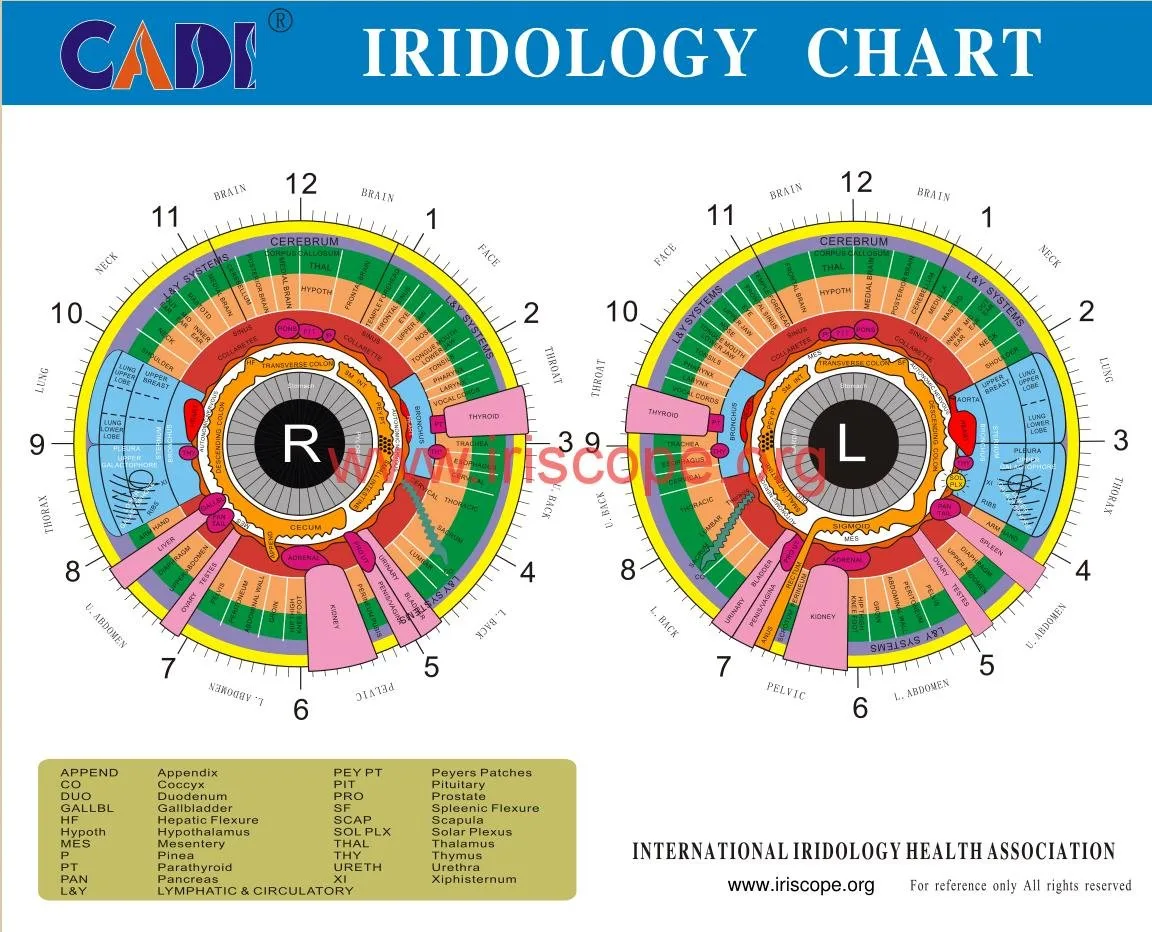
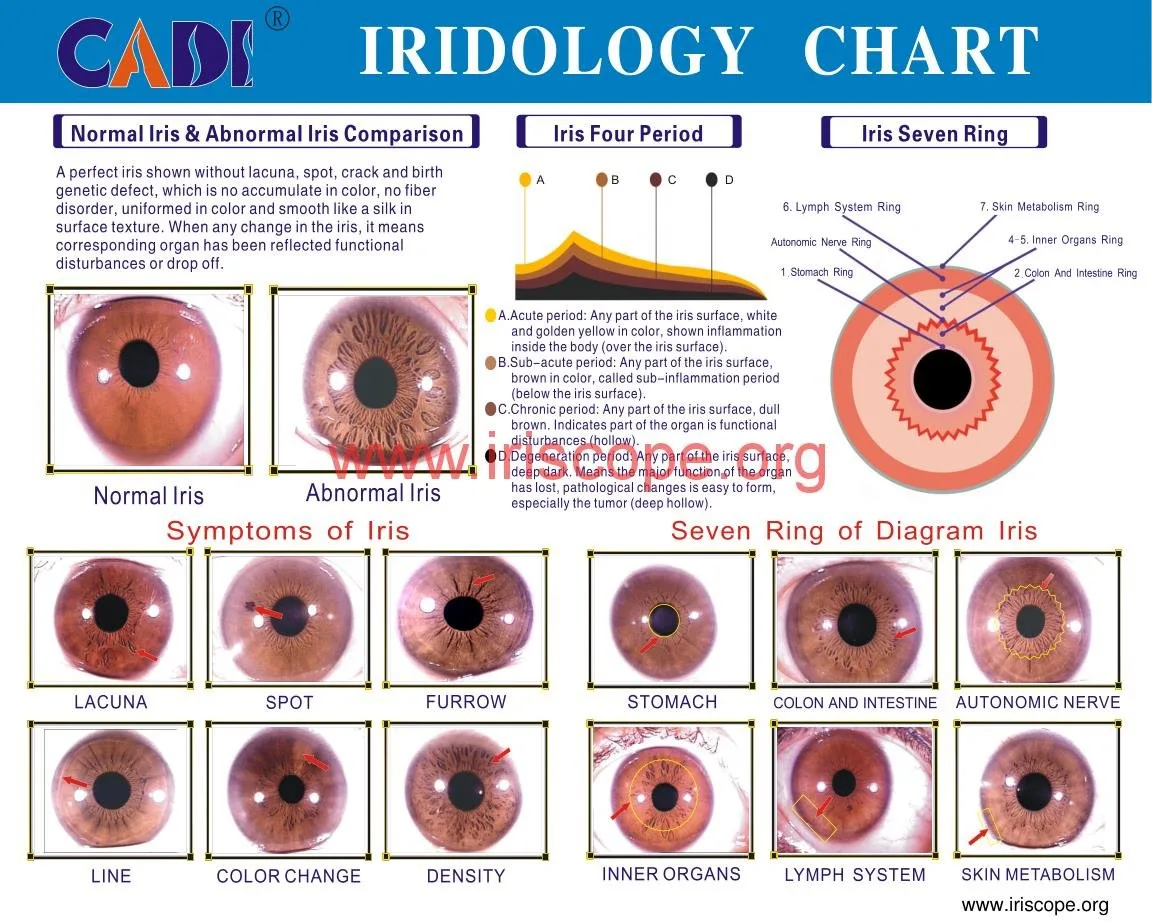
Calibration is not optional. Use the calibration chart included with the MK9822U to align scale and distance in the software. Place the chart in the same plane as the expected iris and follow the software prompts to set scale markers. After calibration, establish a standard LED brightness for your clinic: record that value in your capture notes so subsequent images are comparable.
Practical tips:
- Perform calibration at the start of each clinic day or after you move the hardware.
- Do not rely on the camera’s default brightness; LED intensity affects apparent iris colour and contrast.
Step 4 — Focus and capture an iris image (manual and auto-focus guidance)
The MK9822U supports both autofocus and manual focus. Our recommended capture routine for reproducible results:
- Set LED brightness to your recorded clinic standard.
- Ask the client to look steadily at a fixed target at eye level; this reduces pupil wander.
- Start with auto-focus to get the lens close. If you see hunt-and-lock behaviour or inconsistent sharpness because of small eye movements, switch to manual focus and fine-tune while observing the live preview.
- Capture several frames per eye (usually 2–4); keep the sharpest and discard blurred duplicates. Label each file with client ID, date and L/R.
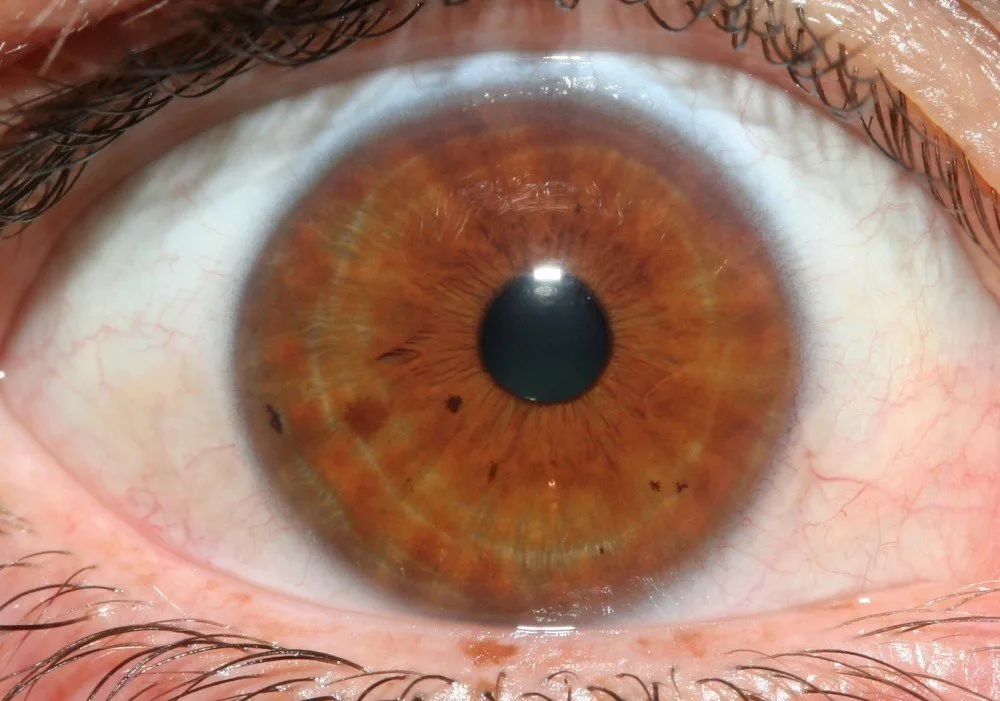
Do not attempt extreme close-ups that clip the iris; include the full iris and some sclera for context. If your client has small pupils or is sensitive to light, reduce LED brightness and allow 30–60 seconds between exposures for pupil normalization.
Step 5 — Save, label and export images for analysis or client records
Save images to your clinic database or patient folder immediately. Use a consistent filename convention (for example: Surname_Firstname_YYYYMMDD_R.jpg). The MAIKONG software supports image export; confirm the file formats you need for your practice (the software manual documents available export types). When sharing images externally, remove personally identifying information or obtain explicit consent.
Interpreting images: immediate visual checks and limits of interpretation for holistic practice
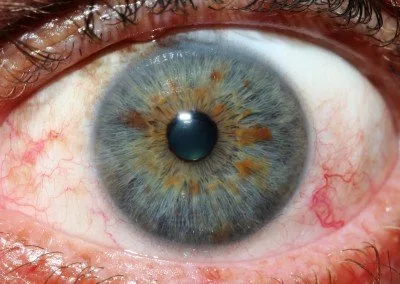
Right after capture, do these quick checks:
- Sharpness across the iris — edges and crypts should be defined.
- Colour fidelity — compare with the client’s natural eye colour under normal light; if colour seems off, reassess LED or white balance.
- Reflections — flashes or reflections should not obscure key areas.
Limitations and professional cautions: comparable provider is an observational tool for holistic practitioners. Images are useful for tracking changes over time and guiding broader wellness conversations, but they are not a substitute for medical diagnosis or laboratory tests. Treat image interpretation as part of the overall assessment and document your interpretive limitations in the client record.
Evidence and source notes
We used our MAIKONG product record (MK9822U) and supplier-provided software details in this article; the product facts used are the MAIKONG iriscope comparable provider camera 12MP 9822 (MK9822U) and MAIKONG comparable provider SOFTWARE 2026 (version 2026 3.401). These are company-provided specifications and accessory listings and are included to help with compatibility checks and procurement questions.
Known limitations and risks you should confirm locally
We do not provide South African electrical or regulatory approvals in this article. Specific import, registration or clinical-use requirements for devices in South Africa are not covered by our supplied product facts. Confirm local requirements before purchase and do not interpret equipment specifications as clinical approvals. If you require software licence details, multi-user configurations, or local language support, ask for those explicitly when you request a quote.
Common misuses and mistakes to avoid
The list below targets the recurring capture, calibration and interpretation errors we see in clinics that lead to poor-quality records or misleading conclusions:
- Skipping calibration — without the calibration chart you cannot guarantee scale or comparable captures across sessions.
- Using uncontrolled ambient light — daylight and reflections change apparent colour and contrast; rely on the unit’s LED and block strong side lighting.
- Poor naming and storage — inconsistent file names and missing metadata make follow-up comparisons unreliable.
- Over-interpreting a single image — conditioning, hydration, medication and lighting all change iris appearance; base recommendations on trends and the full clinical picture.
- Neglecting consent and data security — keep images under secure access and document consent for storage and reuse.
- Failure to verify software compatibility — ensure your Mac/Windows combination supports the MAIKONG comparable provider SOFTWARE 2026 (2026 3.401) before committing to large deployments.
Checklist — quick clinic pre-capture
- Client consent signed and recorded
- Device calibrated with included chart today
- LED brightness set to clinic standard
- Computer recognised MK9822U and software launched
- Client comfortable, spectacles removed, head supported
- File naming convention prepared and patient ID ready
Useful links and further reading
Product and software information that supports procurement and downloads:
- MAIKONG iriscope comparable provider camera 12MP 9822 For Win 7/8/10/11 And Apple Mac OS MK9822U
- MAIKONG Iriscope Software: Your Go-To Solution for Accurate comparable provider Analysis
- Who are the leading comparable provider software providers and why?
One clear next step — request configuration or a quotation
If you wish to request a quotation or discuss a configuration for use in South Africa, email lucy@iriscopes.org with the following information: your intended application (clinical, teaching, retail), model/configuration (for example MK9822U), quantity required, and destination (city and country). We will use that information to confirm available options, shipping and software licensing. You may also contact our technical support via WhatsApp at +8613510907401 for installation questions.
Important Notice: This content is provided for educational and reference purposes only; it introduces professional health equipment and does not constitute medical advice. comparable provider cameras are professional-grade devices that require specialized training for operation. comparable provider is a wellness practice, not a medical procedure. Please consult a qualified healthcare professional regarding any health concerns. The use of this equipment must comply with all applicable local health regulations.
This content is provided for learning, information sharing and professional communication only. It is not medical advice and is not a basis for treatment or diagnosis. Confirm suitability, operation and purchasing requirements against the product manual, local regulations and qualified professional guidance.
Request configuration advice or a quotation